54200
Users Manual
4-60
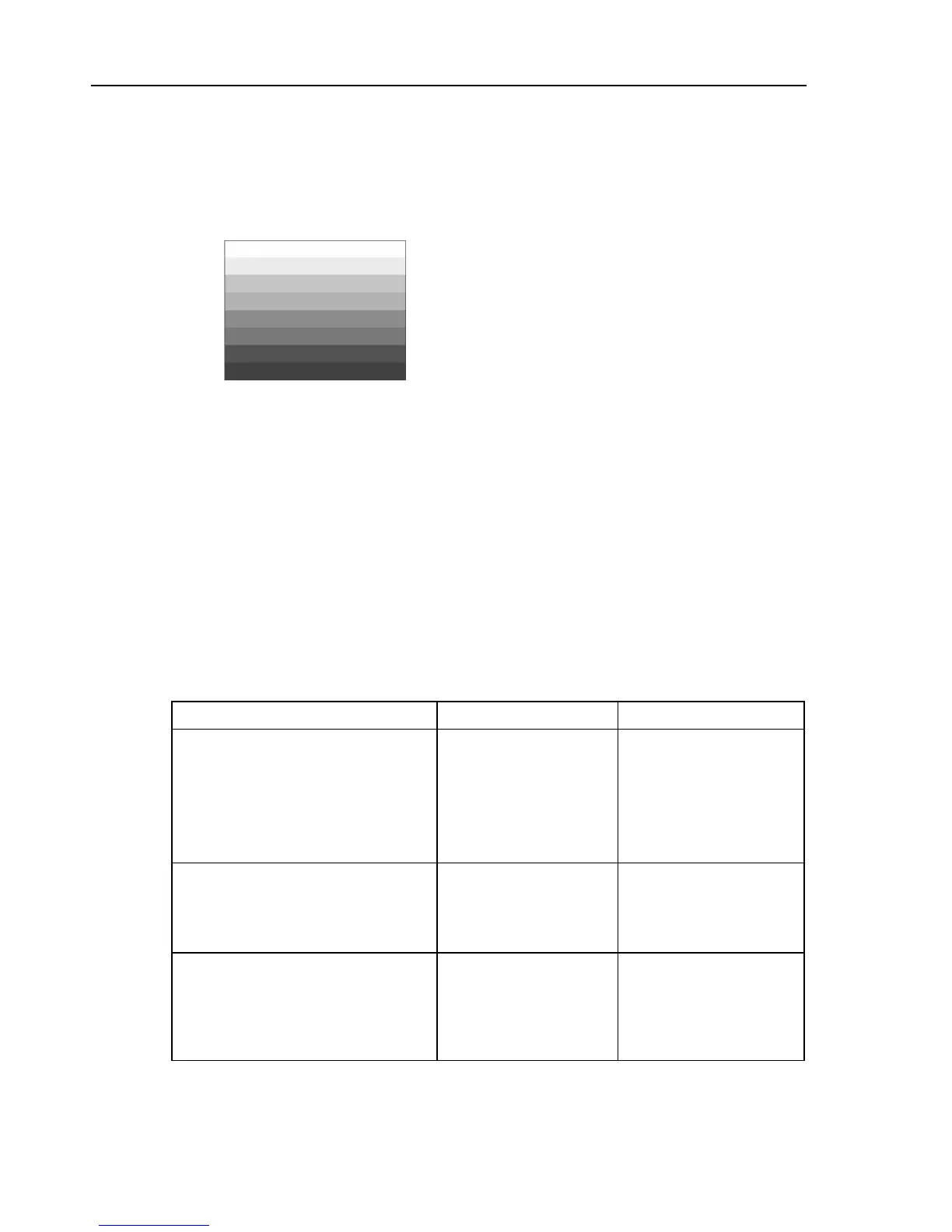
Horizontal Color Bar
This pattern shows eight horizontal bars of the color bar signal with primary color signal
levels 75/0/75/0 for 625 line systems and 75/7.5/75/7.5 for 525 line systems,
(respectively). Beginning from the top:
White, Yellow, Cyan, Green, Magenta, Red, Blue, and Black.
Figure 4-91. Horizontal Color Bar
Applications:
This pattern serves for a quick check of color monitors.
For further applications, see ‘Full Field Color Bar’ earlier in this chapter.
Color Temperature Adjustment
Color Temperature Adjustment is a full field B/W pattern and has a white window with
black borders. Three different windows are selectable to meet the size of the tube for the
color sensor used in the measuring equipment. Window size
Small
covers 21% of the
active picture area while windows
Medium
and
Large
cover 17% with different
dimensions. The luminance level of the window and the black border are selectable. For
further details, see table below and next page.
Table 4-7. Color Temperature Adjustment
Color Temperature Adjustment 625 Line System 525 Line System
Luminance level
•
Border part
Default setting
Y
B
= 0%
Y
B
= 50%
Y
B
= 100%
Y
B
= 0%
Y
B
= 7.5 IRE
Y
B
= 53.75 IRE
Y
B
= 100 IRE
Y
B
= 7.5 IRE
•
Center part
Default setting
Y
C
= 0%, 5%,
Y
C
= 15% to 100%
in 5% steps
Y
C
= 100%
Y
C
= 7.5 IRE,
Y
C
= 15 IRE to 100 IRE
in 5 IRE steps
Y
C
= 100 IRE
CTA_Size Small (for 14" picture tubes)
•
Width
•
Height per frame
21%
of active picture area
20.74 µs
304 lines
21%
of active picture area
21.04 µs
258 lines



 To Next Page