54200
Users Manual
8-12
NICAM, Conventional Analog FM Sound
Procedure:
•
Same settings as above.
•
Select with the
é
or
ê
softkey (F1 or F2) the label
Off
below
FM Mono Int
.
•
Press the
edit
softkey (F3) and select
0.5 kHz
in the popup menu.
•
Press the
enter
softkey (F5) to confirm the setting.
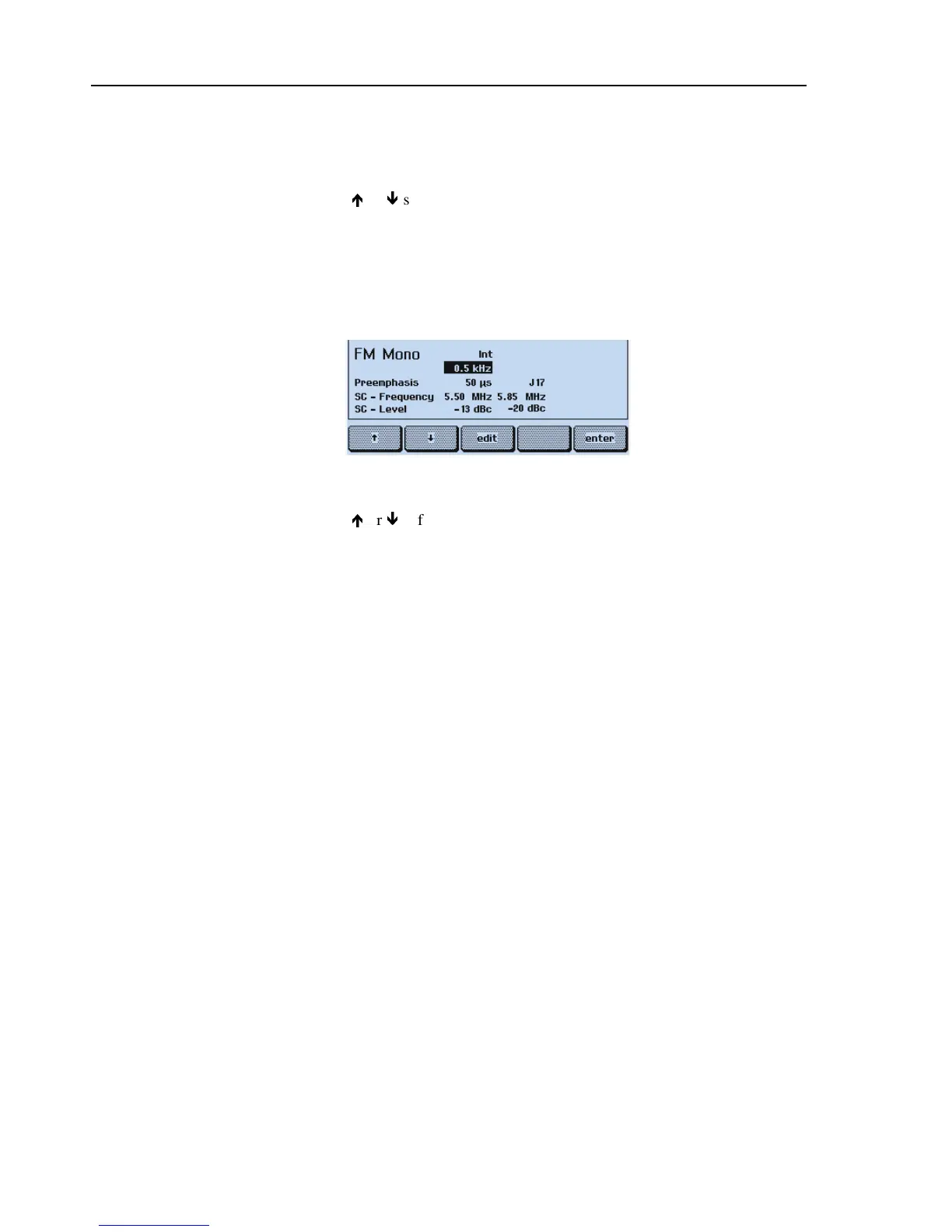
The display shows:
Figure 8-7. NICAM, Analog FM Sound
•
Select with the
é
or
ê
softkey (F1 or F2) the label
-20 dBc
in the lower row (sound
carrier level of channel 2).
•
Press the
edit
softkey (F3) and select
Off
in the popup menu.
•
Press the
enter
softkey (F5) to confirm your setting.
Test Result Requirement:
The digital NICAM sound is not available (sound carrier level CH 2 off).
The TV does not show a NICAM sound indication.
The TV reproduces a conventional sound with 0.5 kHz modulation in both channels.
Teletext, VPS, PDC, and WSS (Digital Services)
Teletext and Program Delivery Data (PDC)
Procedure:
•
Load the default settings of the generator with
RECALL 0
.
•
Press the
enter
softkey (F5) to return to the
main
menu.
•
Select the
digital
submenu.
•
Press the
edit
softkey (F3) and select
Teletext B TOP 1
in the popup menu.
•
Press the
enter
softkey (F5) and select 8 lines in the popup menu.



 To Next Page