54200
Users Manual
6-6
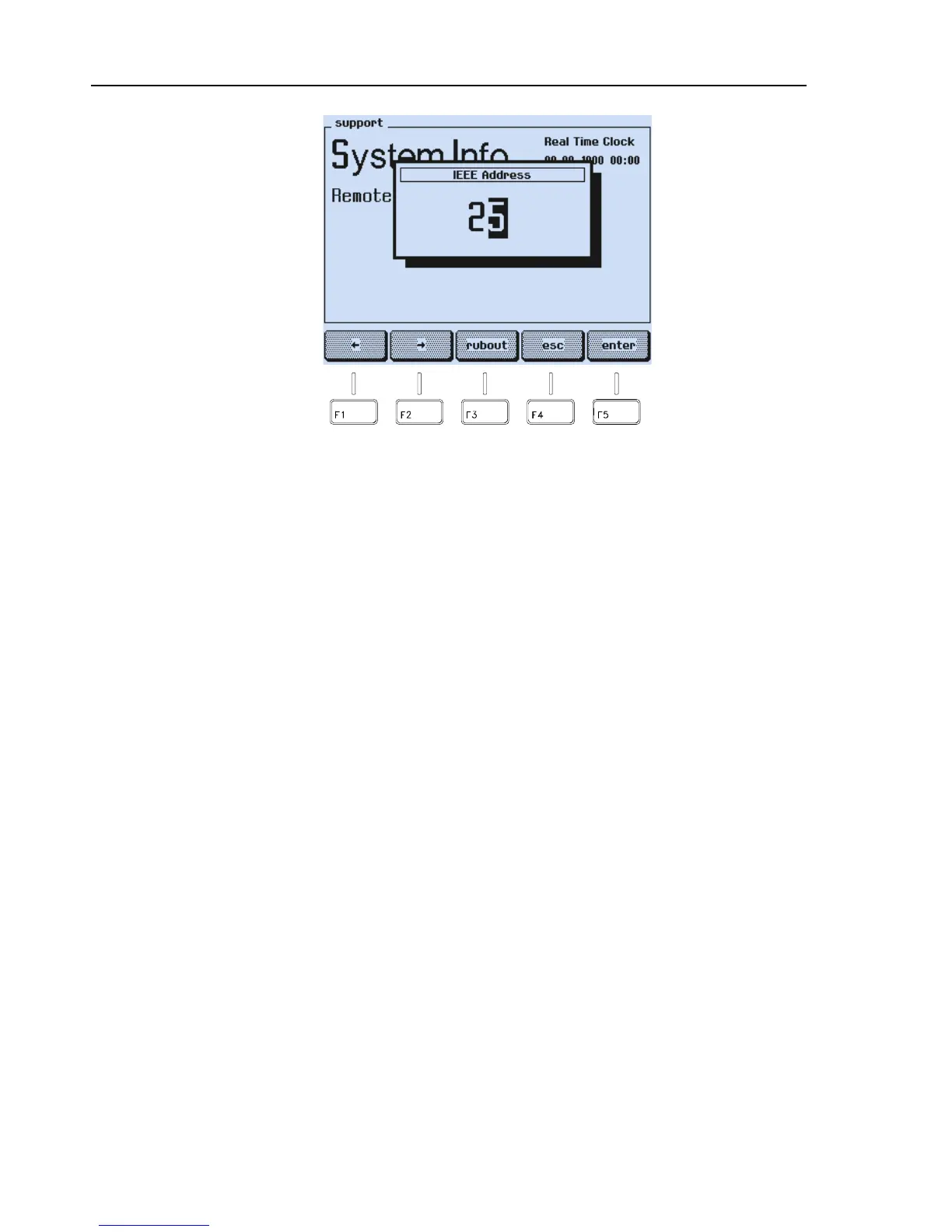
Figure 6-5. Input of the IEEE Instrument Address
•
Press the
enter
softkey (F5) to confirm your entry .
•
Press the
enter
softkey (F5) to return to the
main
screen.
The instrument address is stored in a memory and is retained even after power off of the
instrument.
On power up the instrument is in 'local' mode (input using keyboard). When addressed as
listener by a controller, the text
REMOTE
appears in the display field. All keys except
the
local
softkey are locked and you can now operate the instrument in remote control.
To return to local operation, use the addressed command GTL (go to local) or press the
local
softkey. To avoid unintended local control, you can disable the
local
softkey by
using the universal command LLO (local lock out).
Interface Functions
The following interface functions are implemented:
AH1: acceptor handshake SR1: service request SRQ
SH1: source handshake DC1: device clear function
L4: listener function DT0: no device trigger function
T6: talker function PP0: no parallel poll
RL1: local/remote with local lock out C0: no controller function
E2: tri-state drivers
Hardware, connections, and the handshake procedure are in accordance with
IEEE-488.1.



 To Next Page