Getting Started
Operation and Application
3
3-13
Operation and Application
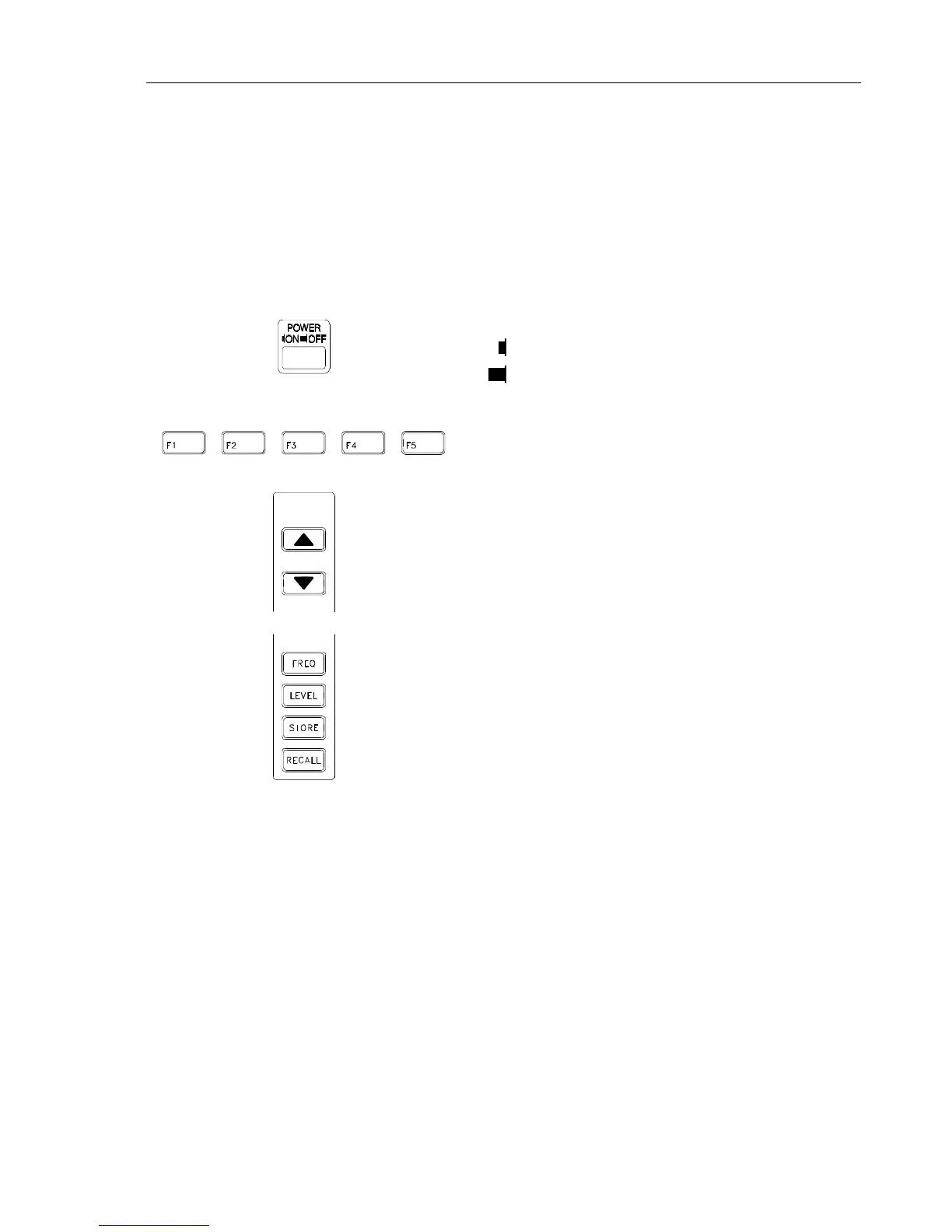
Control Elements, Display and Connectors
The controls and connectors are listed according to their functional sections, and a brief
description of each is given.
Front Panel
Control/connector Function
Power switch
ON
OFF
Five softkeys used to change or select functions
or parameters. Depending on the mode of the
instrument the functionality changes. The
current function of the keys is shown on the
display above the keypad.
Step keys up and down for changing parameter
settings incrementally. A step key indicator in
the display points to the current parameter
which can be changed.
FREQ:
Key used to display the RF frequency. The
pop-up window serves to select:
- RF carrier frequency (vision carrier)
- Stepping function
LEVEL:
Key used to display the RF level. The popup
window serves to select:
- RF level setting
- Level units mV or dBµV
- Level range low (10 mV) or high (100 mV)
- Stepping function
STORE:
Key used to store instrument settings
(99 memory registers).
RECALL:
Key used to recall stored instrument settings
(99 memory registers and 1 default setting).



 To Next Page