54200
Users Manual
4-10
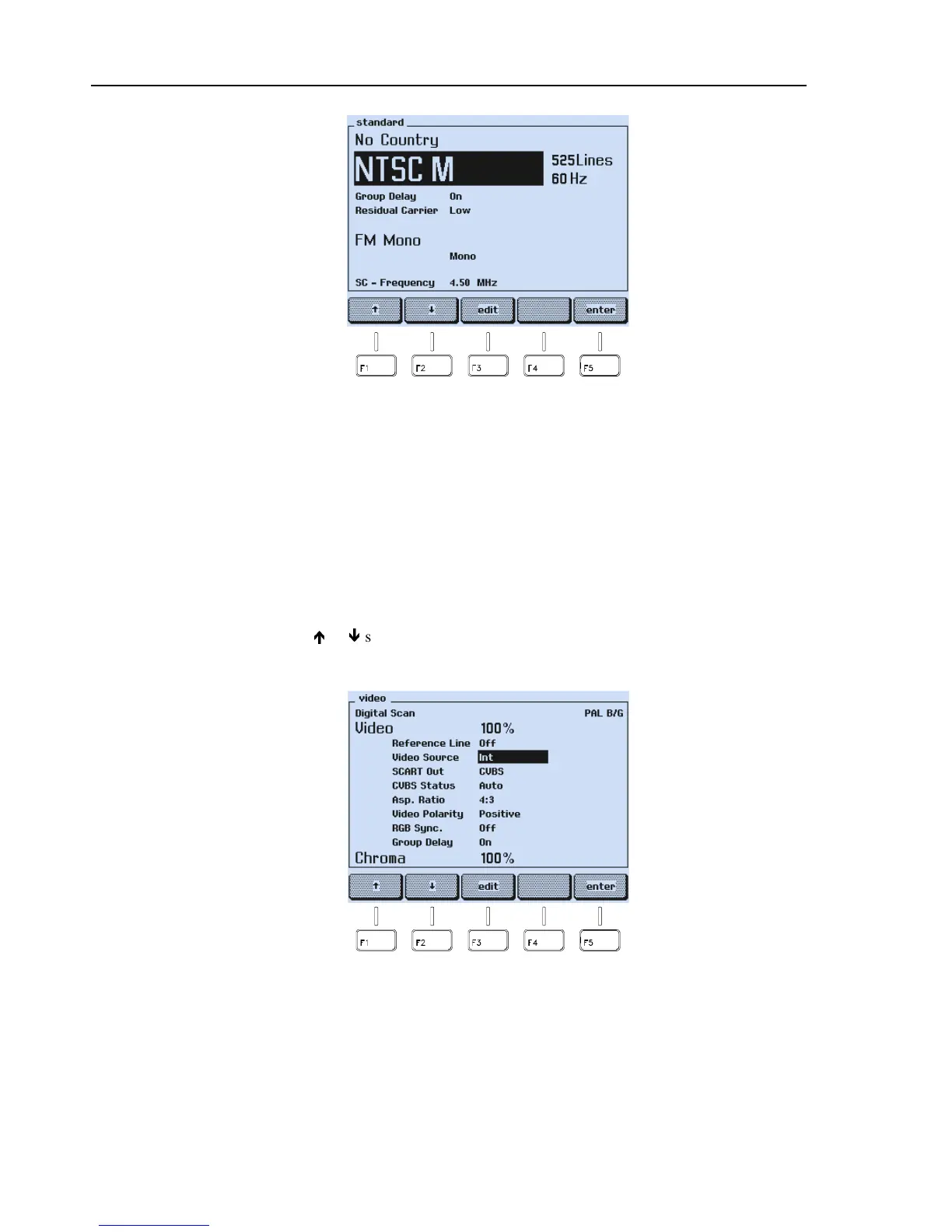
Figure 4-12. Selected TV System
The display shows the selected TV system and the main default settings. Further default
settings, for example, the pre-emphasis, are shown in the assigned submenus. For details,
see Appendix C, ‘Default Settings for Countries’.
You can also select the TV system directly with the
STANDARD
keys
PAL
,
NTSC
, and
SECAM
. Pressing one of these keys calls up the TV standard with the last selected TV
system, for example, PAL B/G, NTSC M, or SECAM L.
Video Settings
•
Select the
video
submenu.
•
Press the
é
or
ê
softkey (F1 or F2) in the
video
submenu to select the setting you
want to change, for example, the
Video
Source
.
Figure 4-13. Video Settings
•
Press the
edit
softkey (F3).



 To Next Page