54200
Users Manual
4-42
Circle
Description:
White Circle on a black background in the screen center.
In the 16:9 format small circles are shown in the corners.
The white circle changes automatically to black when
used with the white pattern. The circle can be added with
all patterns and combined patterns except Progressive
Scan Check 3.
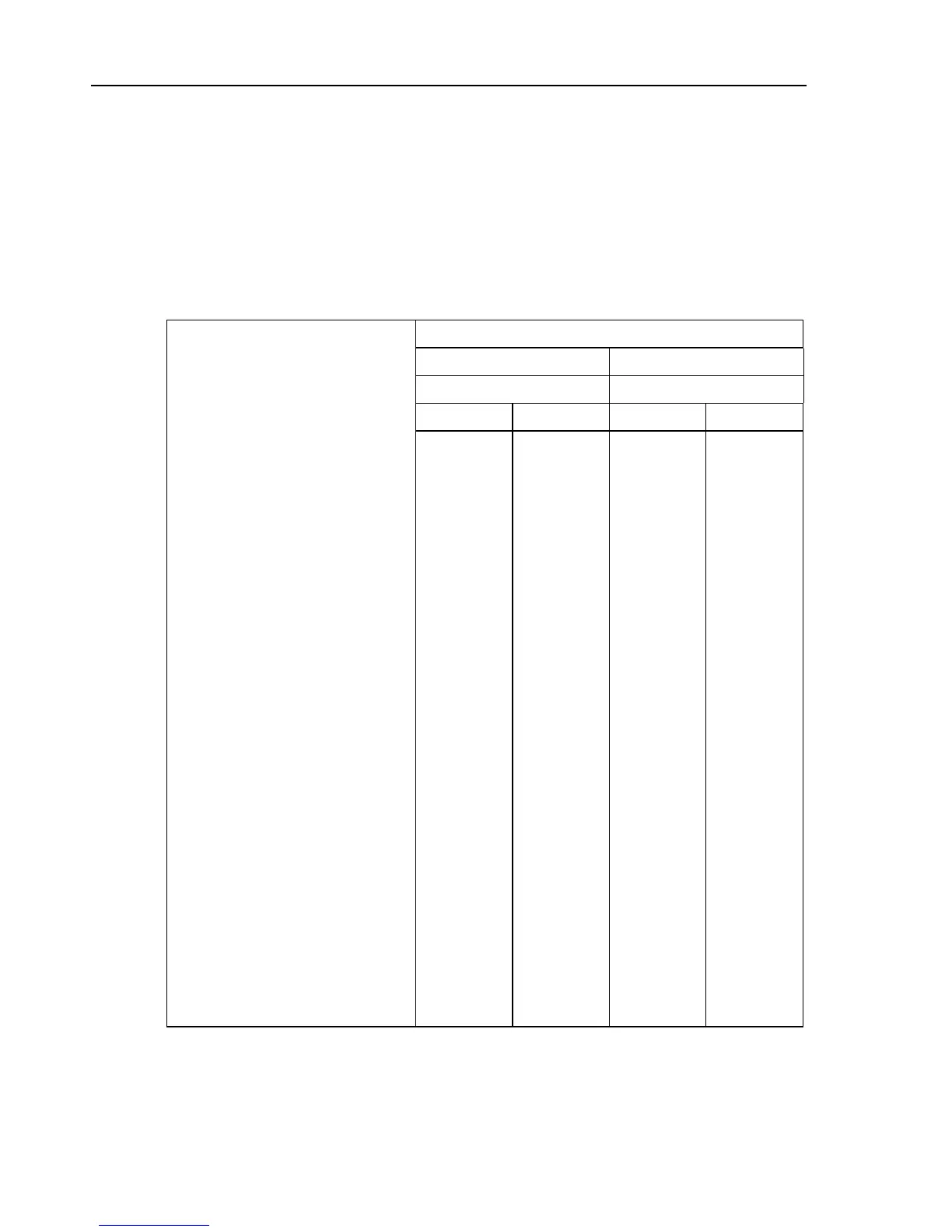
Table 4-1. Circle
Aspect Ratio
4 : 3 16 : 9
Line System Line System
625 525 625 525
Level Y
•
White
•
Black
100%
0%
100 IRE
7.5 IRE
100%
0%
100 IRE
7.5 IRE
Diameter of central circle
•
Horizontal 34.23
µ
s 34.52
µ
s 25.33
µ
s 25.63
µ
s
•
Vertical, field 1/ field 2 line 42/355 to
line 291/603
line 34/297* to
line 249/511*
line 42/355 to
line 291/603
line 34/297* to
line 249/511*
Position of center of circle
•
Horizontal, after start of line sync
•
Vertical, field 1/ field 2
36.52 µs
line 167/479
35.63 µs
line 142/404*
36.52 µs
line 167/479
35.63 µs
line 142/404*
Diameter of corner circles
•
Horizontal
•
Vertical, field 1/ field 2:
Upper circles
Lower circles
--
6.15
µ
s
line 42/354 to
line 102/415
line 231/543
to
line 291/604
6.15
µ
s
line 35/297 to
line 86/349
line 197/459
to
line 248/511
Position of center of corner circles
•
Horizontal, after start of line sync,
left circles
•
Horizontal, after start of line sync,
right circles
Vertical, upper circles, field 1/ field 2
Vertical, lower circles, field 1/ field 2
- - 16.10 µs
56.90 µs
line 72/385
line 261/574
15.26 µs
56.07 µs
line 61/323*
line 223/485*
*subtract 3 lines for PAL M



 To Next Page