Remote Control
RS-232 Interface
6
6-7
RS-232 Interface
Instrument Configuration
The following sections describe the functions of the RS-232 Interface. The Sections
‘Remote Control Commands’ contains information about commands, queries, syntax,
and terminators.
Remote control of the instrument requires an interface communication configuration that
matches that of your PC. Select the appropriate settings using the
support
submenu
(F5 softkey).
•
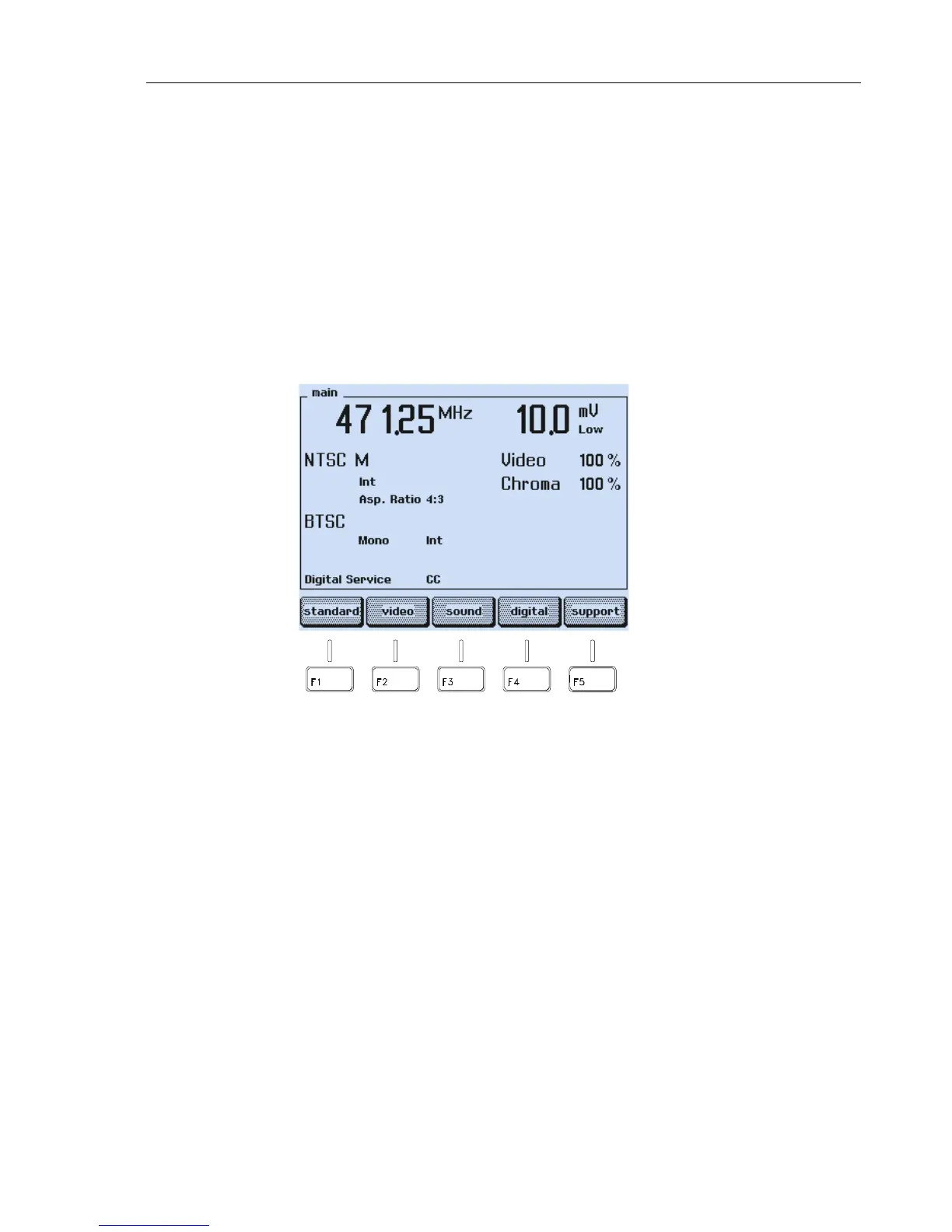
Set the instrument to the
main
screen.
Figure 6-6. Main Screen
•
Press the
support
softkey (F5).



 To Next Page