Function Reference
External Modulation
5
5-61
Operating
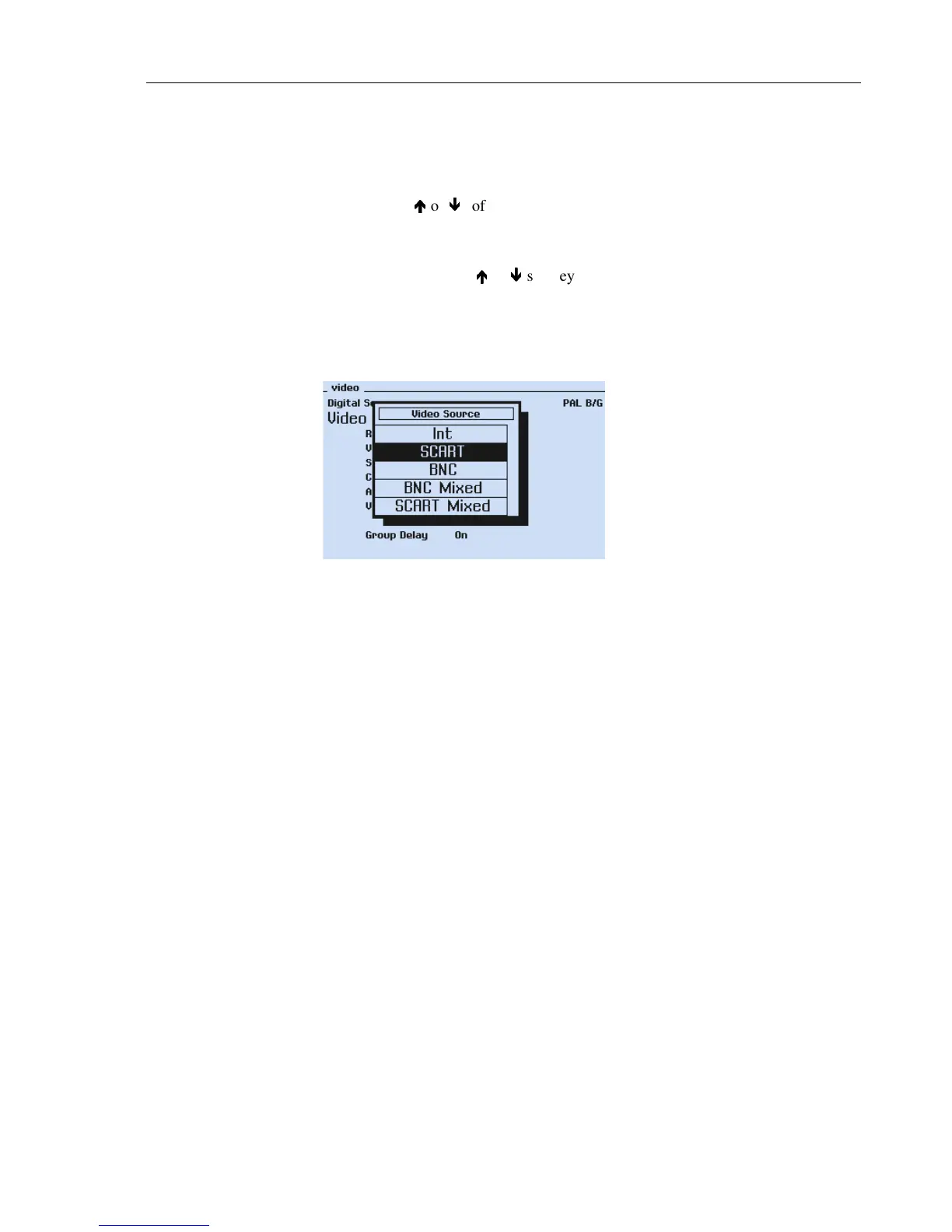
Selecting external video modulation:
•
Select the
video
submenu.
•
Select
Video Source
by the
é
é
or
ê
ê
softkeys (F1 or F2).
•
Press the
edit
softkey (F3).
The
Video Source
popup appears.
•
Select the wanted video source by the
é
é
or
ê
ê
softkeys (F1 or F2), e.g.,
SCART.
•
Apply the external video signal to the
EURO AV IN
connector.
For connector pins, see Chapter 3, Table 3-1.
•
Press the
enter
softkey (F5) to confirm your selection.
Figure 5-39. Video Source Selection
External Sound Modulation
In the External Sound mode the sound carrier or both carriers can be modulated by exter-
nal audio signals. Applied audio signals have to be matched to the selected sound system
and sound mode. Different audio inputs are selectable at the rear panel. For NICAM
sound only the sound carrier 1, the analog FM/AM sound, can be modulated.
For BTSC sound the external BTSC composite signal is applied to the
MTS IN
connec-
tor.
For further details, see Table 5-19 on the next page.



 To Next Page