54200
Users Manual
4-46
Crosshatch
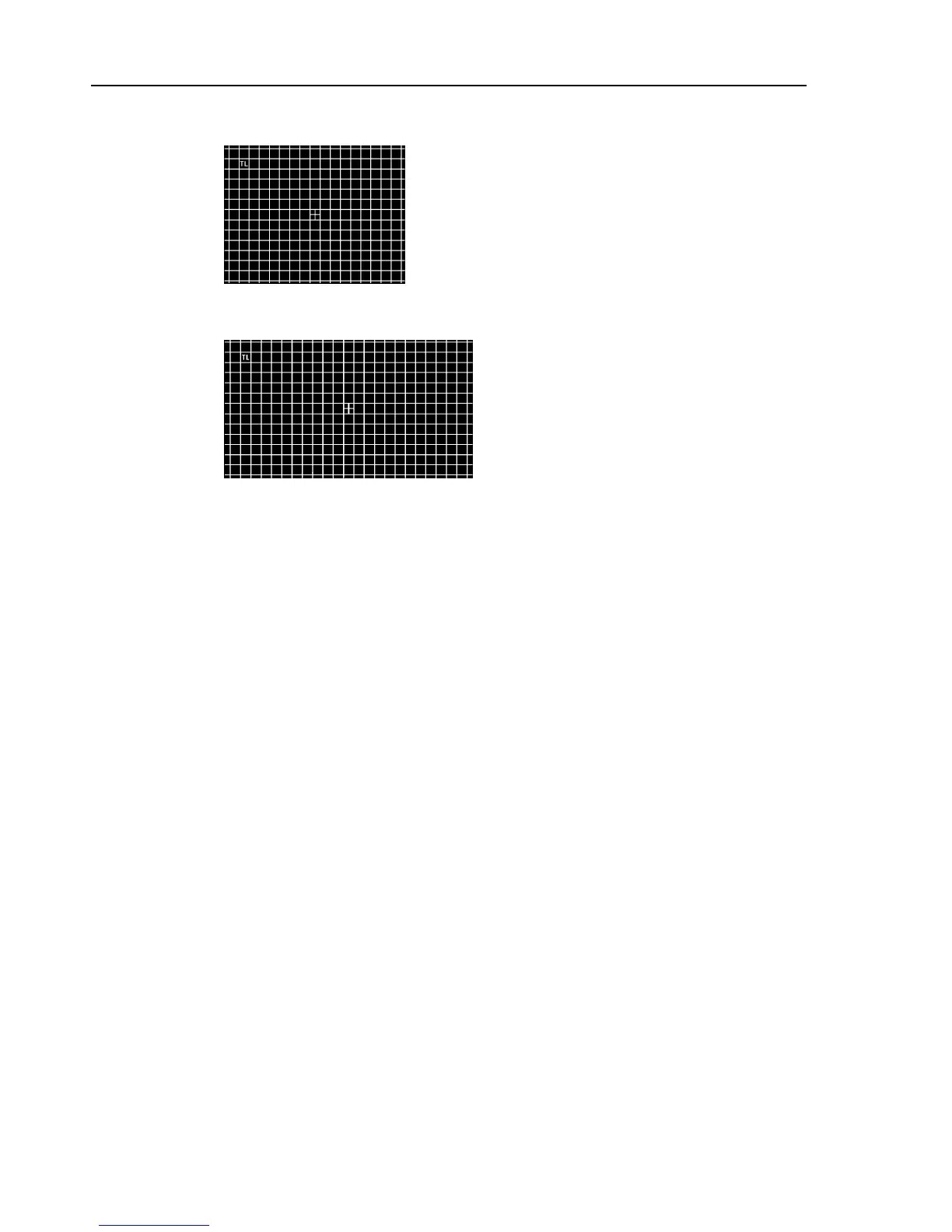
Figure 4-70. Crosshatch, Aspect Ratio 4:3
Figure 4-71. Crosshatch, Aspect Ratio 16:9
Description:
Crosshatch is a full field B/W pattern with either 18 (4:3) or 24 (16:9) vertical and 14
horizontal lines. The pattern has a center indication and a selectable top-left (TL)
indication. The color burst can be switched off. The background can be changed to white
with black crosshatch by selecting
CH_Black
in the Crosshatch popup menu.
Applications:
This pattern is mainly used for checking and aligning dynamic and corner convergence
of TVs or monitors. In case of convergence faults the lines are not shown in white but
breaking up in the three primary colors RGB. If pincushion correction is needed E/W and
N/S adjustments have to be made. Geometric distortions are visible on the screen if the
squares of the crosshatch do not have the same size over the whole screen and are not
quadratic (linearity). Furthermore the stability of the EHT voltage of a TV can be
checked. For details, see Pattern EHT Test, Figures 4-104 and 4-105.
The Crosshatch pattern can be used for the following picture geometry adjustments or
settings:
•
Horizontal and vertical picture centering
•
Horizontal and vertical linearity (S correction)
•
Barrel distortion
•
Trapezium distortion (keystone distortion)
•
Pincushion distortion
Blurred vertical lines point to a bad frequency response. Multiple lines may be the result
of reflections or undue tendency to oscillate.
Differences in the brightness of the vertical and horizontal lines point to amplitude faults
in the Y channel of a TV. In case mains hum interference in the synchronization occurs
this test pattern reveals it.



 To Next Page