54200
Users Manual
4-38
•
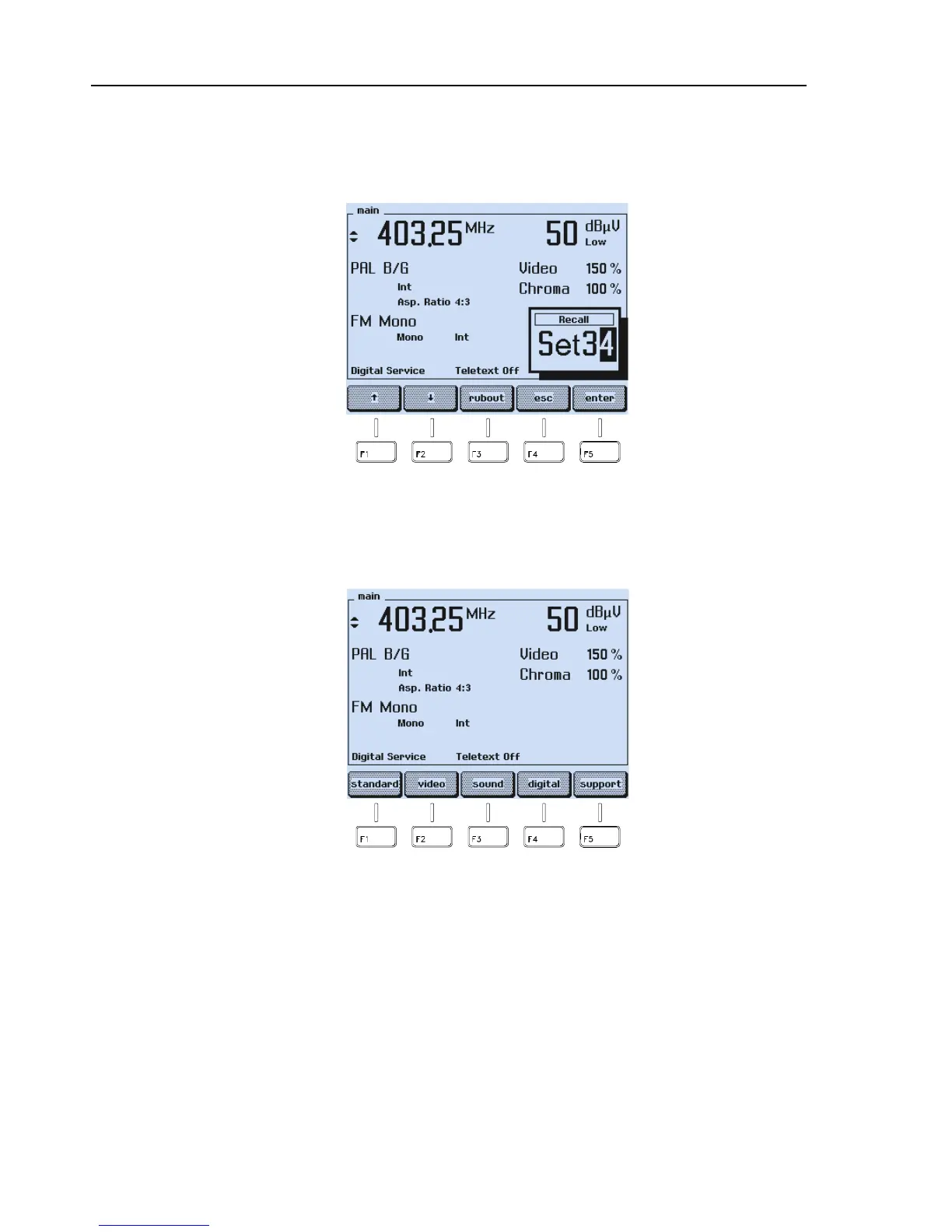
You can also key in the requested memory location number using the numerical
keypad, for example
,
3 4
.
•
Keyed in digits can be erased with the
rubout
softkey (F3).
Figure 4-62. Numerical Input of Memory Register Number
•
If you want to skip your input, press the
esc
softkey (F4).
•
Press the
enter
softkey (F5) to confirm your input.
Figure 4-63. Recalled Instrument Settings
The instrument executes the displayed recalled settings.
In addition to the 99 settings individually stored, you can call up register number 0.
Register 0 contains default settings, listed in Chapter 6, Section ‘*RST Reset
Command’.



 To Next Page