How to Use the Instrument
Operating via Keyboard
4
4-31
Pattern Combinations
•
Select the first pattern, for example the
CHECKERBOARD
, as described before.
•
Press the
CIRCLE
key to select the second pattern.
•
The LED above the
CIRCLE
key lights up.
•
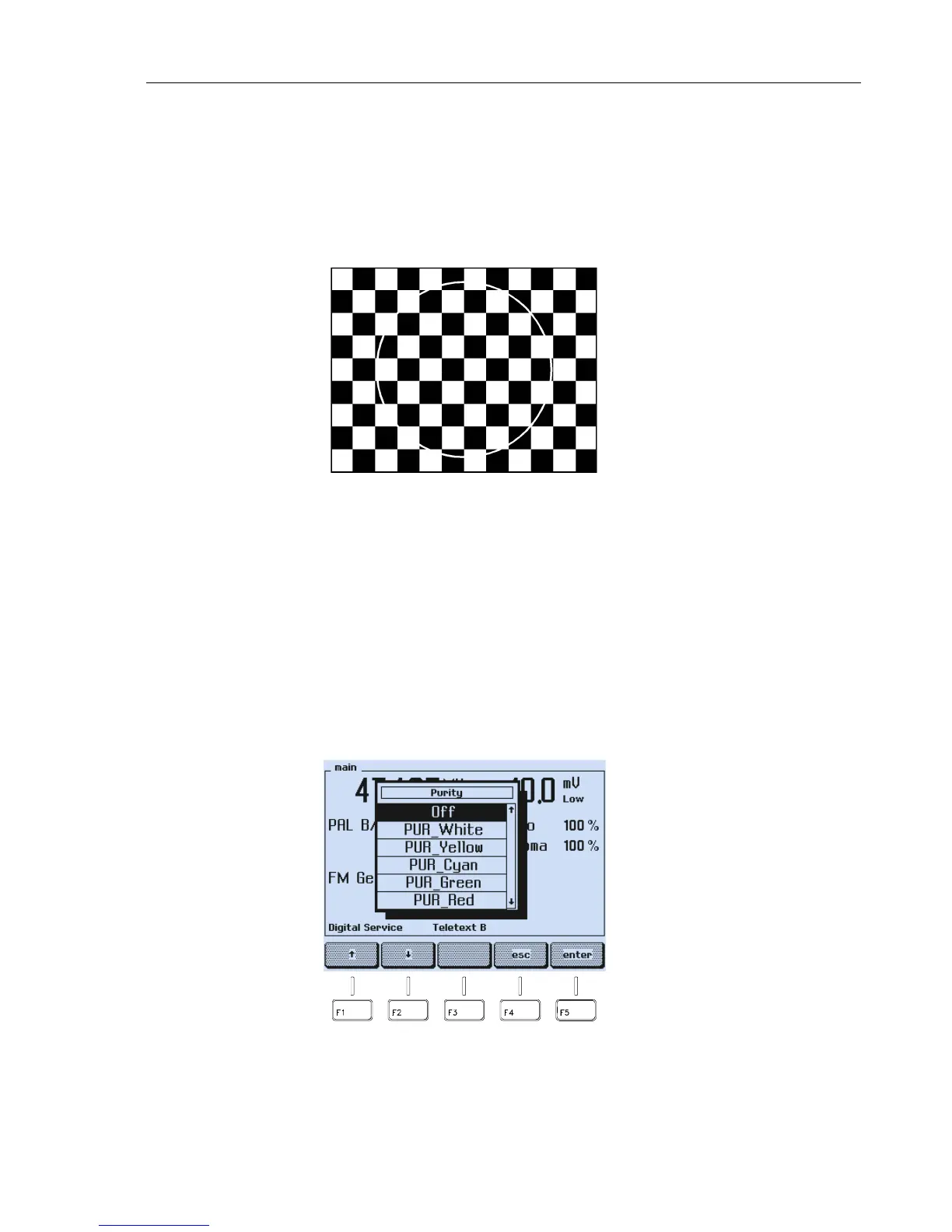
The TV shows the checkerboard and in addition the circle.
Figure 4-52. Combined Test Pattern
•
Press the
CIRCLE
key to switch the circle pattern off.
•
Press the
CHECKERBOARD
key to switch the checkerboard pattern off.
For possible combinations, see Section ‘Combined Test Patterns’ in this chapter.
Pattern Parameter Selection
•
Press a
PATTERN
key (except the keys
CIRCLE
,
CHECKERBOARD
,
MULTIBURST
,
GREYSCALE
,
or
PLUGE
)
longer than one second, for example, the
PURITY
key.
•
A popup with the selectable purities appears.
Figure 4-53. Purity Selection



 To Next Page