How to Use the Instrument
Operating via Keyboard
4
4-29
•
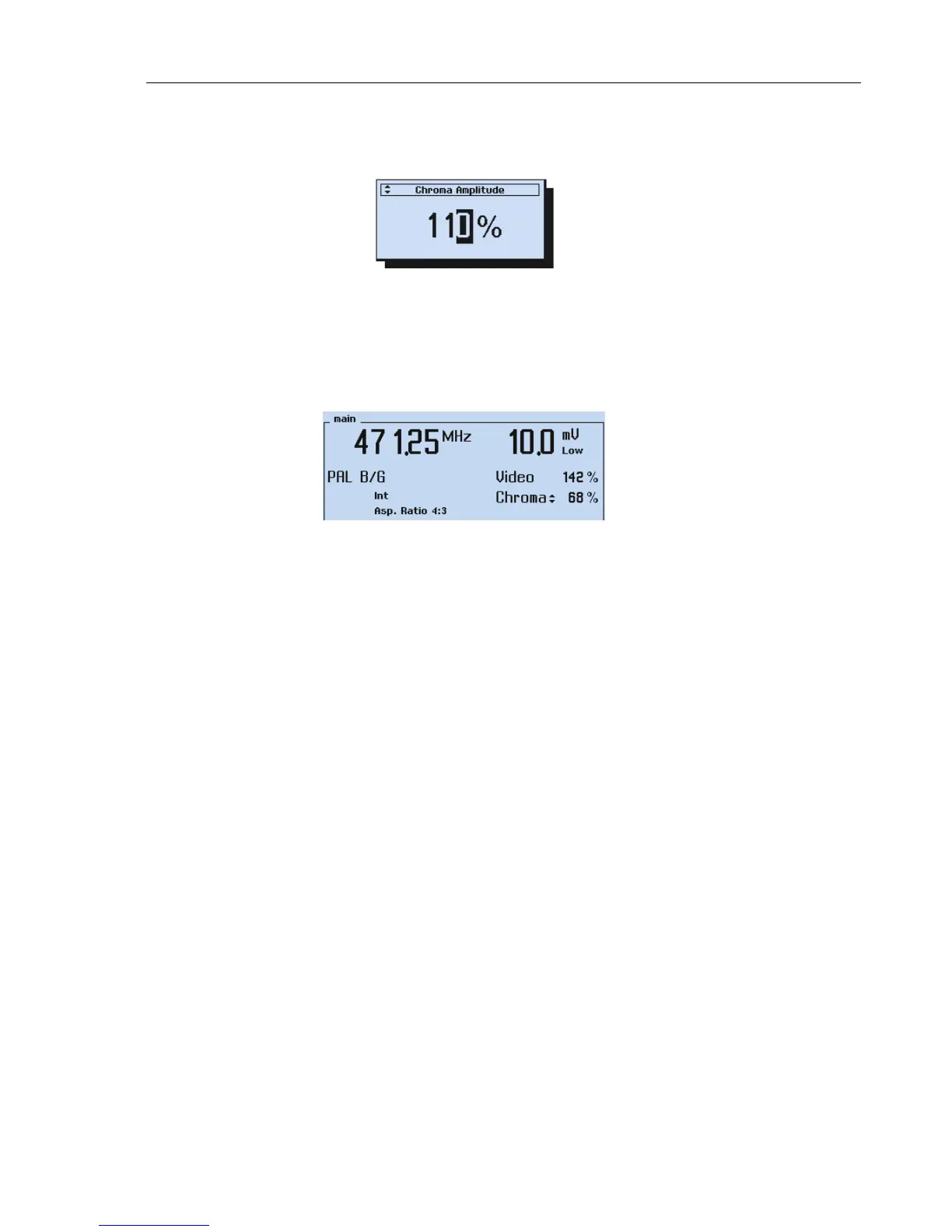
The symbol for the stepping function appears in front of the
Chroma Amplitude
label.
Figure 4-48. Chroma Amplitude Stepping Function Indicator
•
Press the
enter
softkey (F5) to confirm and to return to the
main
screen.
•
Press the
▲
or
▼
key to increase or decrease the amplitude in 1% increments.
Keeping a key pressed, effects continuous stepping with increasing stepwidth.
Figure 4-49. Chroma Amplitude Stepping
The stepping function indicator right next to the
Chroma
sign shows that the stepping
function is selected for the chroma amplitude.
You can select the stepping function for the:
−
Vision carrier frequency
−
Vision carrier level / amplitude
−
Video amplitude
−
Chroma amplitude
You cannot select more than one parameter for the stepping function at the same time.



 To Next Page