54200
Users Manual
5-52
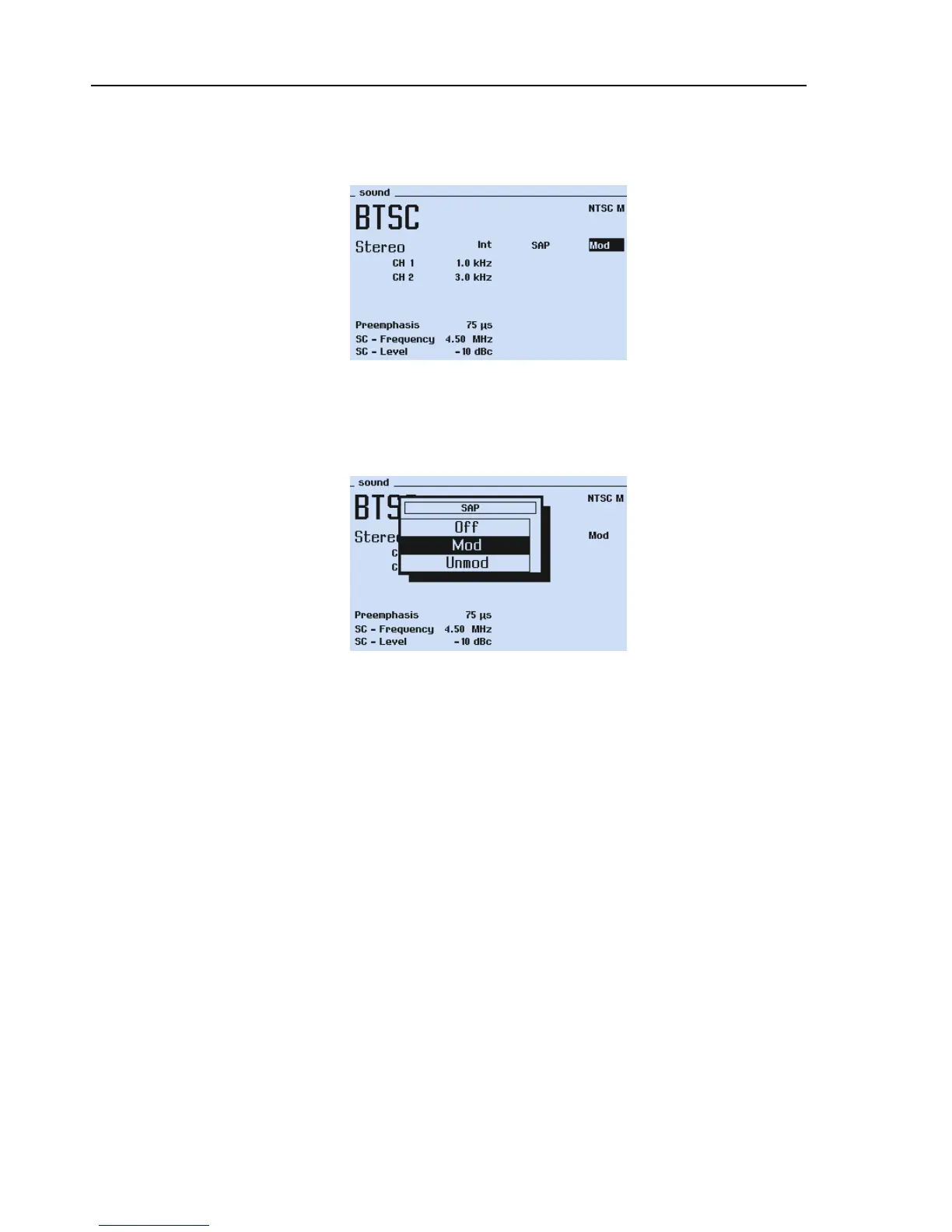
The different BTSC sound parameters are selected or changed:
•
using the
sound
submenu, followed by popups.
Figure 5-37. BTSC Sound Parameters
•
Select the
SAP
popup menu to switch off, modulate internal with 5 kHz or to get an
unmodulated Second Audio Program.
Figure 5-38. BTSC Sound with SAP Popup
•
Press the
enter
softkey (F5) to confirm your settings.
The different 54200 operating modes for the BTSC Sound are shown in Table 5-17.
The instrument allows external modulation with a BTSC composite signal which is
applied to the MTS input on the rear so Fluke 54200 is used as an RF modulator.



 To Next Page