Installation and Safety Instructions
GB
Available built-in options Fluke 54200
1
1-7
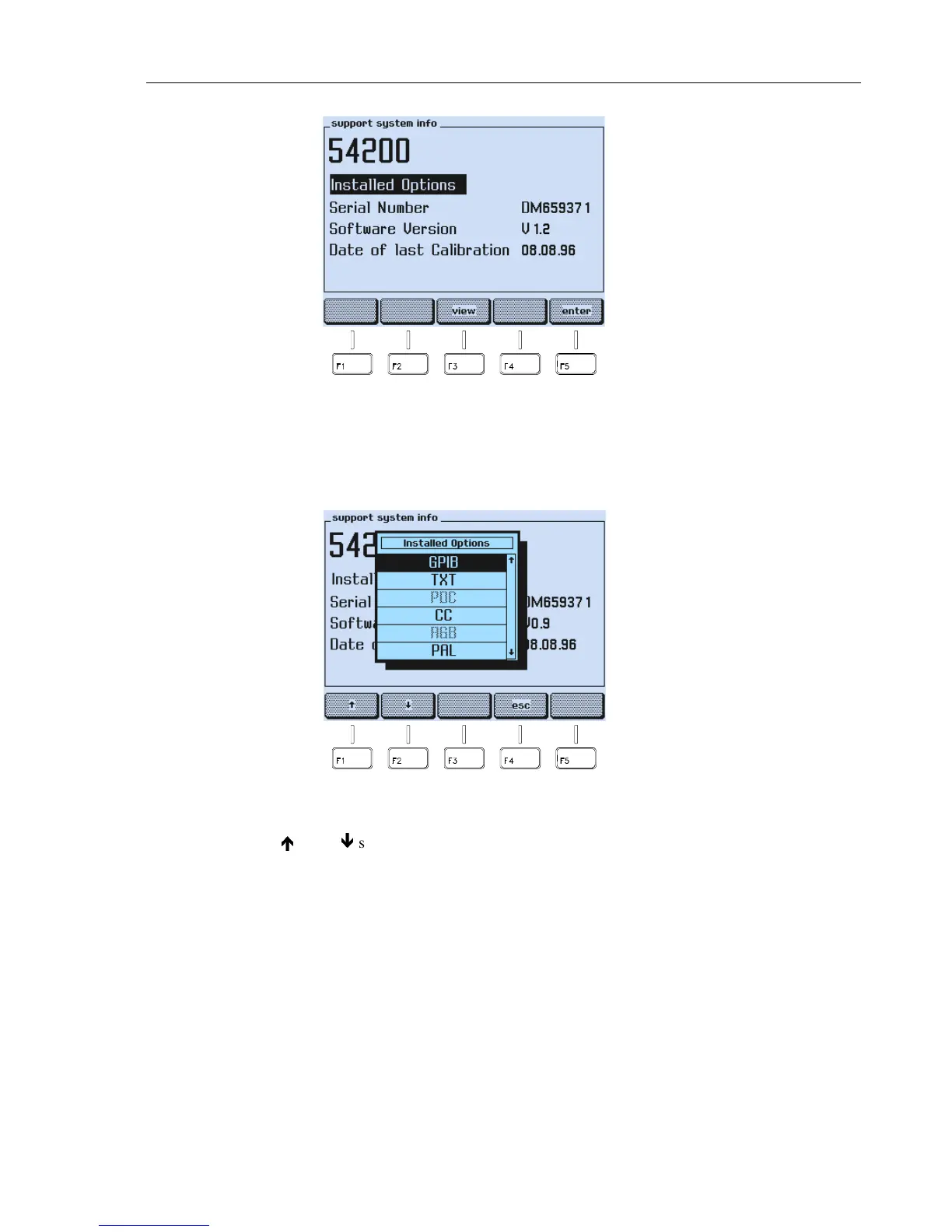
Figure 1-5. Support System Info Submenu
•
Press the
view
softkey (F3).
•
A popup menu appears, showing the options.
Figure 1-6. Popup Menu showing installed Options
•
Use the
é
or the
ê
softkey (F1 or F2) to scroll through the table.
Installed option
are displayed in
black letters
,
not installed
options are display
in grey
letters.



 To Next Page