54200
Users Manual
8-10
NICAM Sound
NICAM Mono
Procedure:
•
Load the default settings of the generator with
RECALL 0
.
•
Press the
enter
softkey (F5) to return to the
main
menu.
•
Depending on the sound system you want to check, select the appropriate sound
settings using the Pre-defined Country List in the
standard
submenu:
Sweden
for
NICAM B/G
for PAL B/G
United Kingdom
for
NICAM I
for PAL I
China
for
NICAM DK
for PAL D/K
•
Press the
enter
softkey (F5) to confirm your setting and to returm to the
main
menu.
•
Select the
sound
submenu with the
sound
softkey (F3).
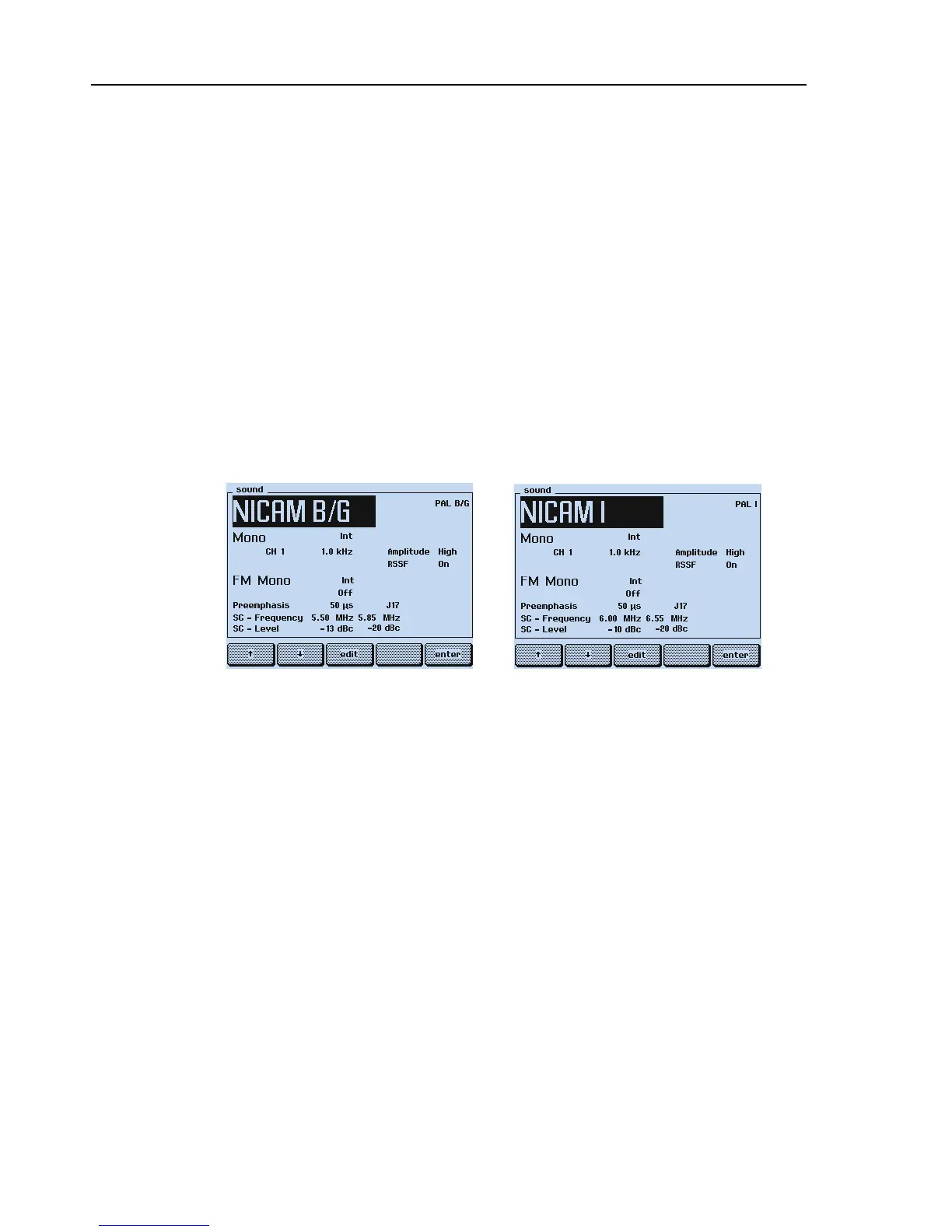
The display shows, for example, for NICAM B/G or NICAM I:
or
Figure 8-6. NICAM Sound Settings
Test Result Requirement:
The TV shows a 'Digital Sound' indication (depends on used TV) and reproduces a sound
with 1 kHz modulation in both channels.
•
Press the
CH1
key longer than one second and select
3.0 kHz
in the popup menu.
•
Press the
enter
softkey (F5) to confirm the setting.
The TV reproduces a sound with 3 kHz modulation in both channels.



 To Next Page