54200
Users Manual
8-22
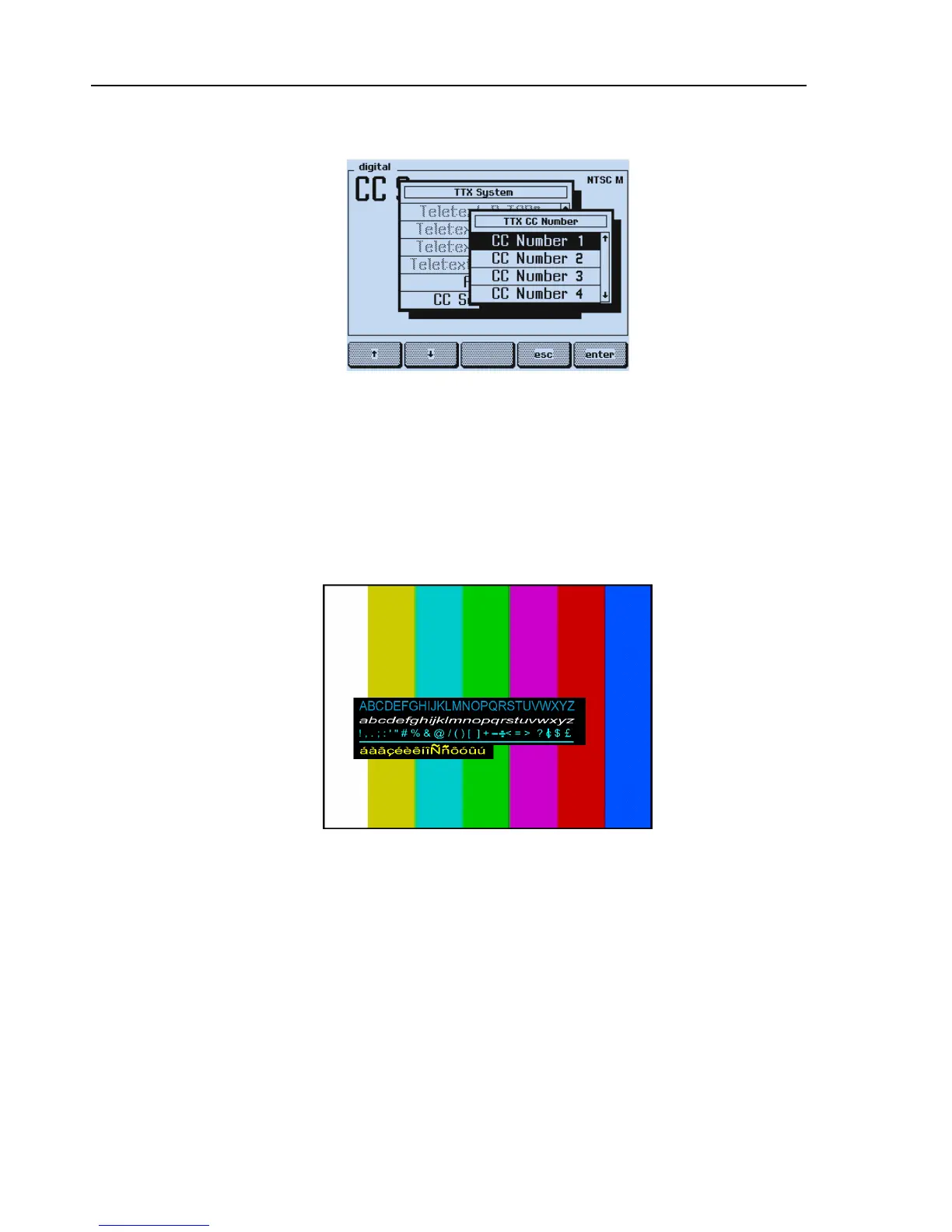
The display shows:
Figure 8-19. Closed Caption Settings
•
Press the
enter
softkey (F5) to confirm your setting.
•
Set your TV to Closed Caption Number 1.
Test Result Requirement:
The TV shows the standard character set, transmitted in field 1, data channel 1, in a roll-
up style.
Figure 8-20. Displayed Characters in Closed Caption Mode
The displayed character style and the correct display of the extended characters, for
example, À, É, Û, etc., depends on the decoder of your TV.



 To Next Page