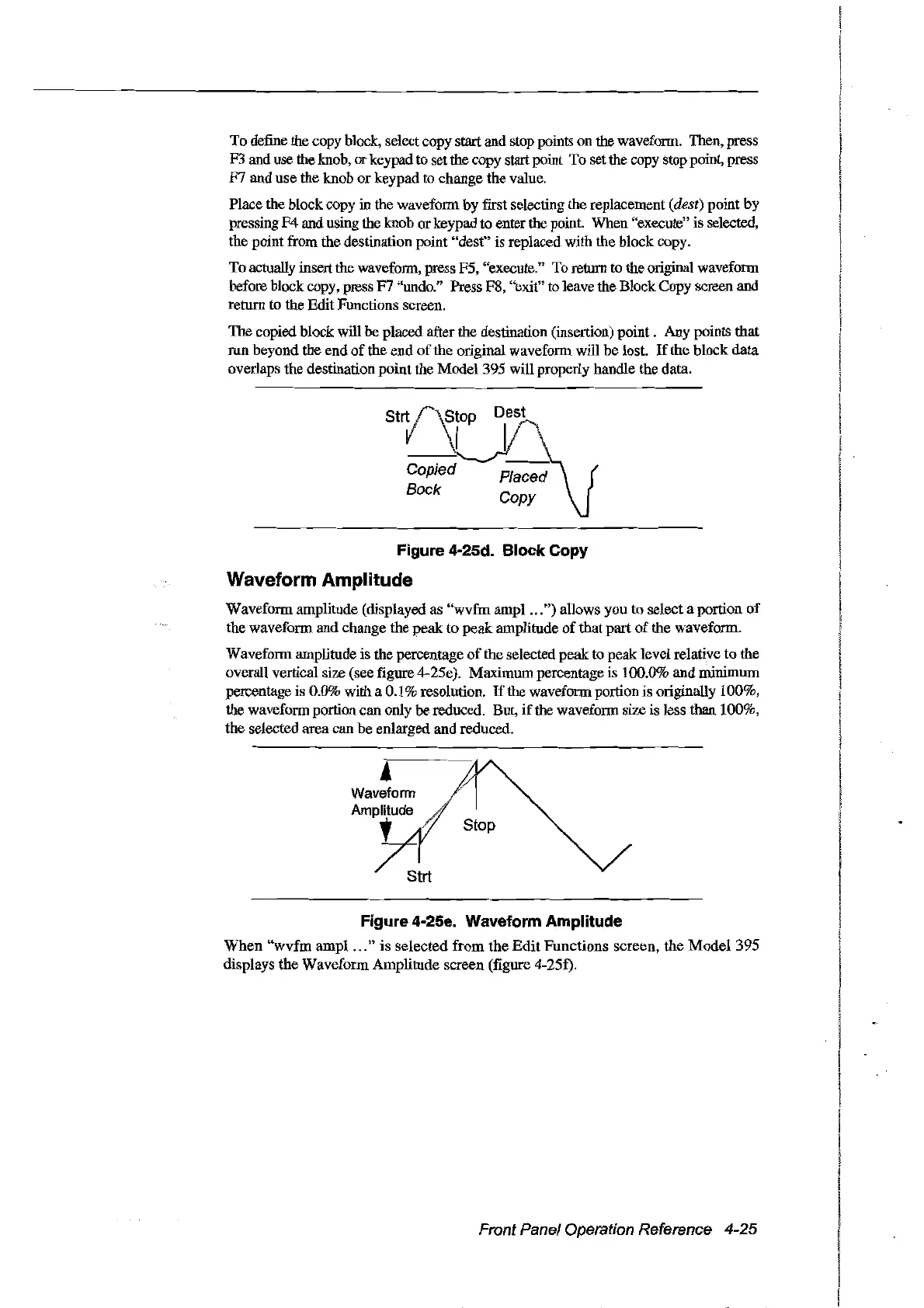
To
define the copy block, selectcopy startand stop points on the waveform. Then, press
F3 and use the knob, orkeypad to set the copy start point To set the copy stop point, press
F7
and use the knob
or
keypad
ta
change the value.
Place the blockcopy in the wavefonn by frrst selecting the replacement
(dest) point
by
pressing
F4
and using the knob or keypad to enter the point. When "execute" is selected,
the point from the destination point "dest" is replaced with the block copy.
To actually insert the wavefonn, press F5, "execute."
To
return to the original wavefonn
before block copy, press
F7
"undo." Press F8, "exit" to leave the Block Copy screen and
retum to the Edit Functions screen.
The copied block will
he
placed after the destination (insertion)
point.
Any points that
run beyond the end
of
the end
of
the original wavefonn will be lost.
If
the block
data
overlaps the destination point the Model 395 will properly handle the data.
Figure 4-25d. Block Copy
Waveform Amplitude
Wavefonn amplitude (displayed as
"wvfm
ampl
...
")
allows
you
to select a portion
of
the wavefonn and change the
peak
to
peak
amplitude
of
that part
of
the wavefonn.
Waveform amplitude is the percentage
of
the selected peakto peaklevel relative to the
overall vertical size (see figure 4-25e). Maximum percentage is 100.0% and minimum
percentage is 0.0%
with a 0.1 % resolution.
If
the wavefonn portion is originally 100%,
the waveform portion can only
he
reduced. But,
if
the wavefonn size is less than 100%,
the selected area can be enlarged and reduced.
Figure 4-25e. Waveform Amplitude
When
"wvfm
ampl
...
"
is
selected
from
the
Edit
Functions
screen,
the
Model395
displays the
Wavefonn
Amplitude scrcen (figure 4-25f).
Front Panel Operation Reference 4-25
Artisan Technology Group - Quality Instrumentation ... Guaranteed | (888) 88-SOURCE | www.artisantg.com



 To Next Page