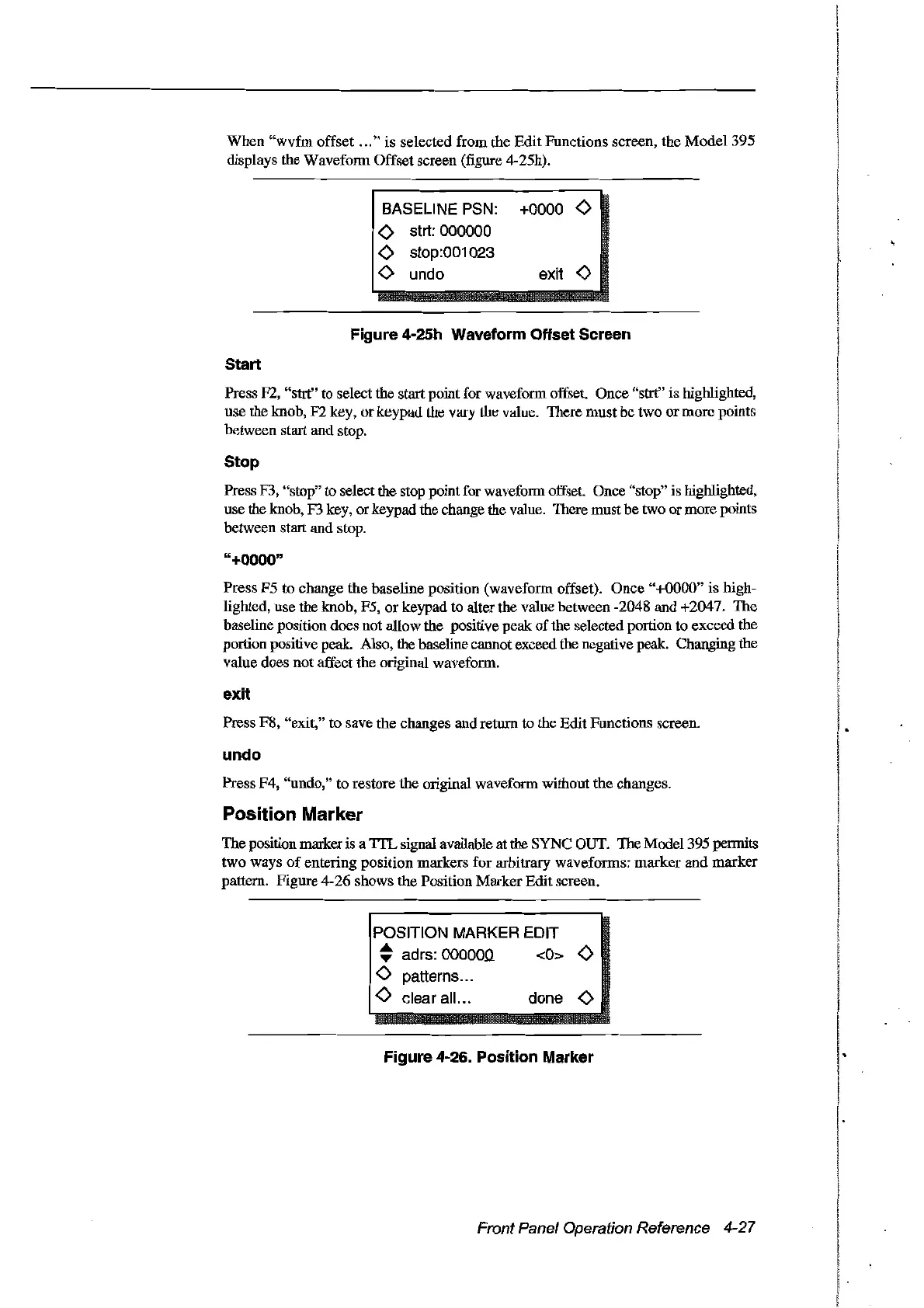
When
"wvfm
offset
...
"
is
selected from the Edit Functions screen, the Model 395
displays the Wavefonn Offset screen (figure 4-25h).
BASELINE
PSN:
+0000
<>
<>
strt: 000000
<>
stop:001023
<>
undo exit
<>
Figure 4-25h Waveform Offset Sereen
Start
Press F2, "strt" to select the start point for wavefonn offset. Once "strt" is highlighted,
use the knob,
F2
key, or keypaù
Lhe
vary
LIte
value. TIlere
111ust
be two or morc points
bctween start and stop.
Stop
Press F3, "stop" to selectthe stop point for waveform offset. Once "stop" is highlighted,
use the knob, F3 key, or keypad the change the value. There mustbe two or more points
between start and stop.
"+0000"
Press F5 to change the baseline position (wavefonn offset).
Once
"+0000"
is high-
lighted, use the knob, F5,
or
keypad to alter the value between -2048 and +2047. The
baseline position does not allow the positive peak
of
the selected portion to exceed the
portion positive peak. Also, the baseline cannotexceed the negative peak. Changing the
value does
not
affect the original wavefonn.
exit
Press F8, "exit," to save the changes and return to the Edit Functions screen.
undo
Press F4, "undo," to restore the original waveform without the changes.
Position Marker
The position marker is a
TIL
signal available at the SYNC OUT. The Model 395 permits
two ways
of
entering position markers for arbitrary wavefonns: marker
and
marker
pattern. Figure 4-26 shows the Position Marker Edit screen.
POSITION MARKER EDIT
~
adrs: 000000 <0>
<>
<>
patterns...
<>
clear ail... done
<>
Figure 4-26. Position Marker
Front Panel Operation Reference 4-27
Artisan Technology Group - Quality Instrumentation ... Guaranteed | (888) 88-SOURCE | www.artisantg.com



 To Next Page