Cockpit Reference Guide for the Cirrus SR2x with Perspective Touch+ by Garmin
190-02954-01 Rev. A
194
Flight
InstrumentsEAS
Audio and
CNS
Flight
Management
Hazard
AvoidanceAFCS
Additional
Features
Abnormal
OperationAnnun/AlertsAppendixIndex
Abnormal Operation
» If a failure still exists, the following messages may provide insight as to the possible
problem:
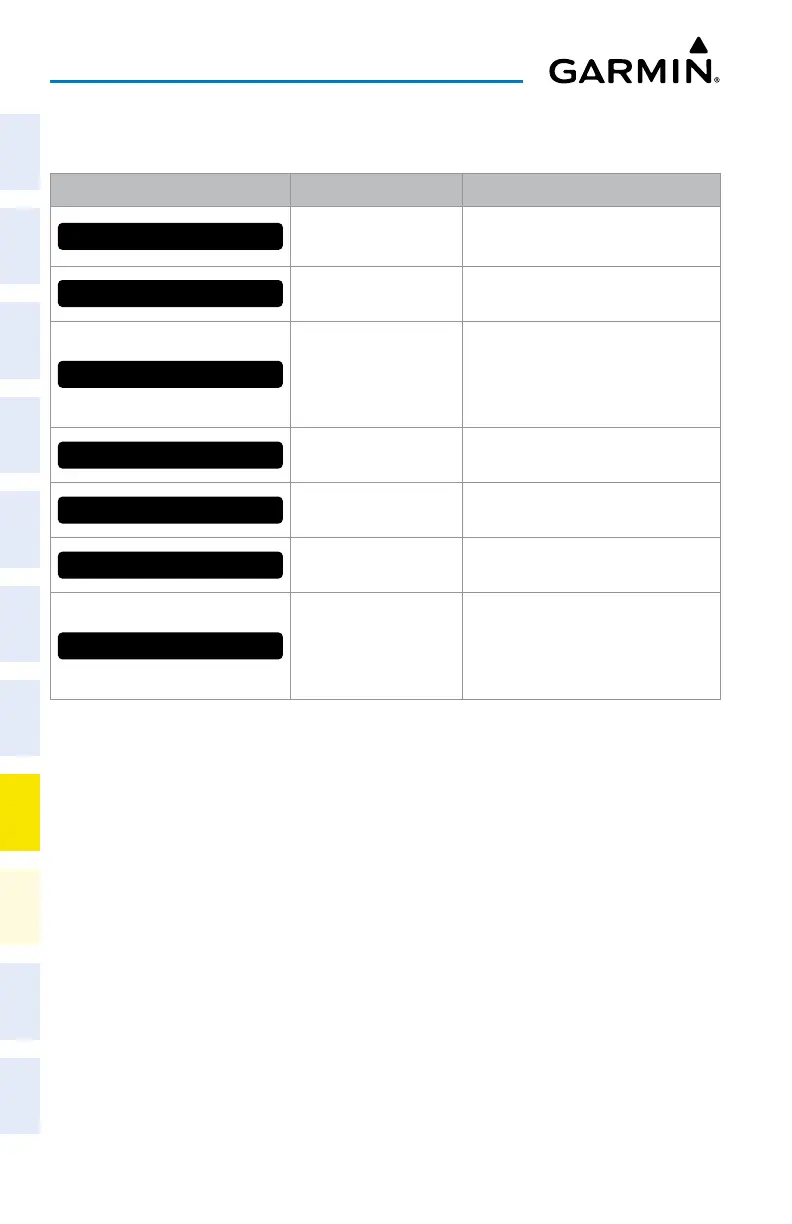
Message Message Location Description
CHECK ANTENNA
‘XM Information’ Screen
(Touchscreen Controller)
Datalink Receiver antenna error;
service required
UPDATING
‘XM Information’ Screen
(Touchscreen Controller)
Datalink Receiver updating encryption
code
NO SIGNAL
‘XM Information’ Screen
(Touchscreen Controller)
Weather Datalink Display
(selected display pane)
Loss of signal; signal strength too low
for receiver
LOADING
‘Music’ Screen
(Touchscreen Controller)
Acquiring channel audio or information
OFF AIR
‘Music’ Screen
(Touchscreen Controller)
Channel not in service
---
‘Music’ Screen
(Touchscreen Controller)
Missing channel information
ACTIVATION REQUIRED
‘XM Information’ Screen
(Touchscreen Controller)
Weather Datalink Display
(selected display pane)
SiriusXM subscription is not activated
SiriusXM Datalink Receiver Messages












 To Next Page