Cockpit Reference Guide for the Cirrus SR2x with Perspective Touch+ by Garmin
190-02954-01 Rev. A
88
Flight Management
Flight
InstrumentsEIS
Nav/Com/
XPDR/Audio
Flight
Management
Hazard
AvoidanceAFCS
Additional
FeaturesAnnun/AlertsAppendixIndex
Flight
InstrumentsEAS
Audio and
CNS
Flight
Management
Hazard
AvoidanceAFCS
Additional
Features
Abnormal
OperationAnnun/AlertsAppendixIndex
a) Touch the Runway Waypoint Button to display the 'Waypoint Options' Window.
b) Touch the Edit RWY Button to display the 'Select Runway' Screen.
3) Touch an arrival runway option.
If an approach was previously loaded that is not compatible with the arrival, the 'Arrival
does not service loaded Approach. Edit Approach?' message will be displayed. Touch the
Yes Button to change the approach. Otherwise, touch the No Button.
APPROACHES
Instrument Approaches
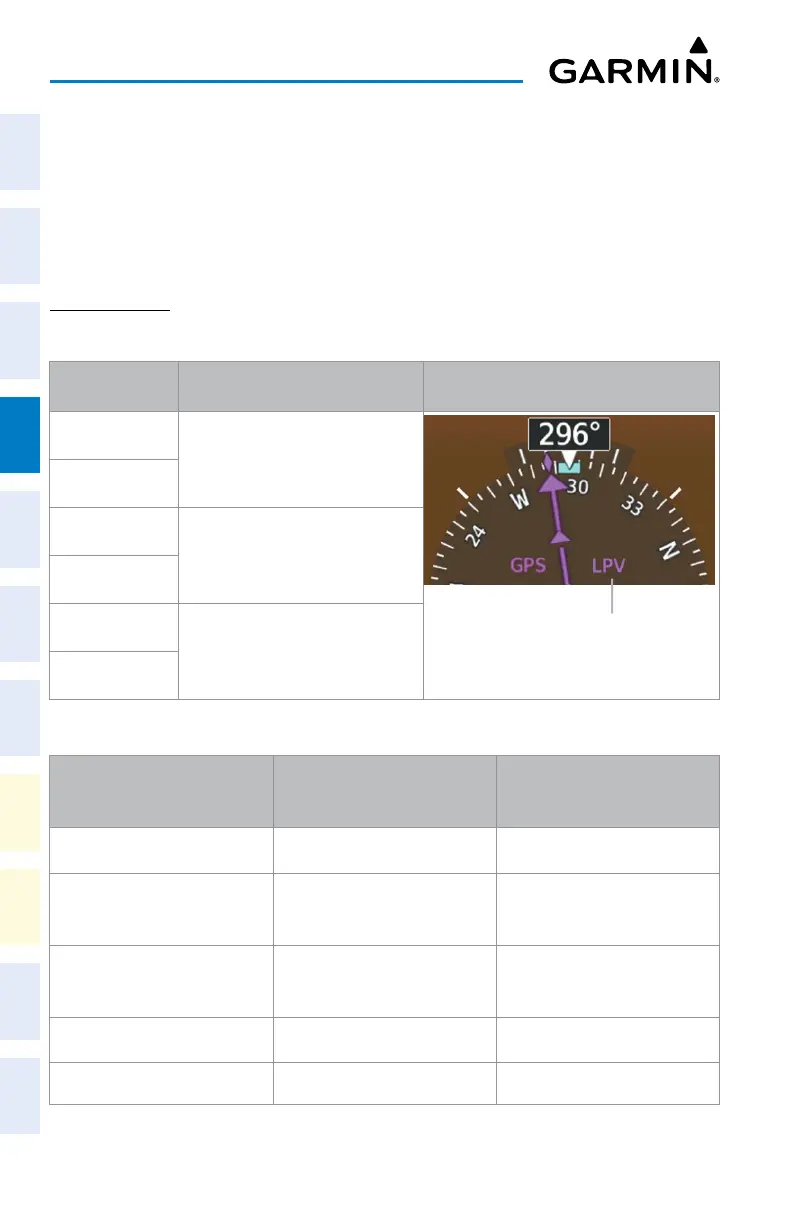
HSI
Annunciation
Description Example on HSI
LNAV
Approach to the published MDA
Approach Service Level
– LNAV, LNAV+V, L/VNAV, LP, LP+V, LPV
LP
LNAV+V
Approach with advisory vertical
guidance to the published MDA
LP+V
L/VNAV
Approach with approved vertical
guidance to the published DA
LPV
Approach Service Levels
Approach Service Level Lateral Navigation Source Vertical Navigation Source
LNAV GPS N/A
LNAV+V GPS
GPS
(advisory only)
LNAV/VNAV GPS
GPS
1
or Baro VNAV
2
LP GPS
1
N/A
LP+V GPS
1
GPS
1
(advisory only)












 To Next Page