Cockpit Reference Guide for the Cirrus SR2x with Perspective Touch+ by Garmin
190-02954-01 Rev. A
Appendix
252
Flight
InstrumentsEIS
Nav/Com/
XPDR/Audio
Flight
Management
Hazard
AvoidanceAFCS
Additional
FeaturesAnnun/AlertsAppendixIndex
Flight
InstrumentsEAS
Audio and
CNS
Flight
Management
Hazard
AvoidanceAFCS
Additional
Features
Abnormal
OperationAnnun/AlertsAppendixIndex
AHRS. In this case, the system will prompt for an update. This prompt is displayed on the
Touchscreen Controller (GTC), Note, in this example, GRS1 is the first AHRS to indicate an
update is available. In actuality, this is dependent on which AHRS is the first to report status
to the system. GRS2 may be displayed before GRS1. The order is not important, only that
both AHRS be updated.
Loading the Magnetic Field Variation Database update:
1) With the MV DB prompt displayed, touch the OK Button. A progress monitor is
displayed
2) When the upload is complete, the prompt for the next GRS upload is displayed. A
database mismatch message indicates the second GRS has not yet been updated.
3) Touch the OK Button. A progress monitor for the next GRS is displayed. When the
upload is complete, the system is ready for use.
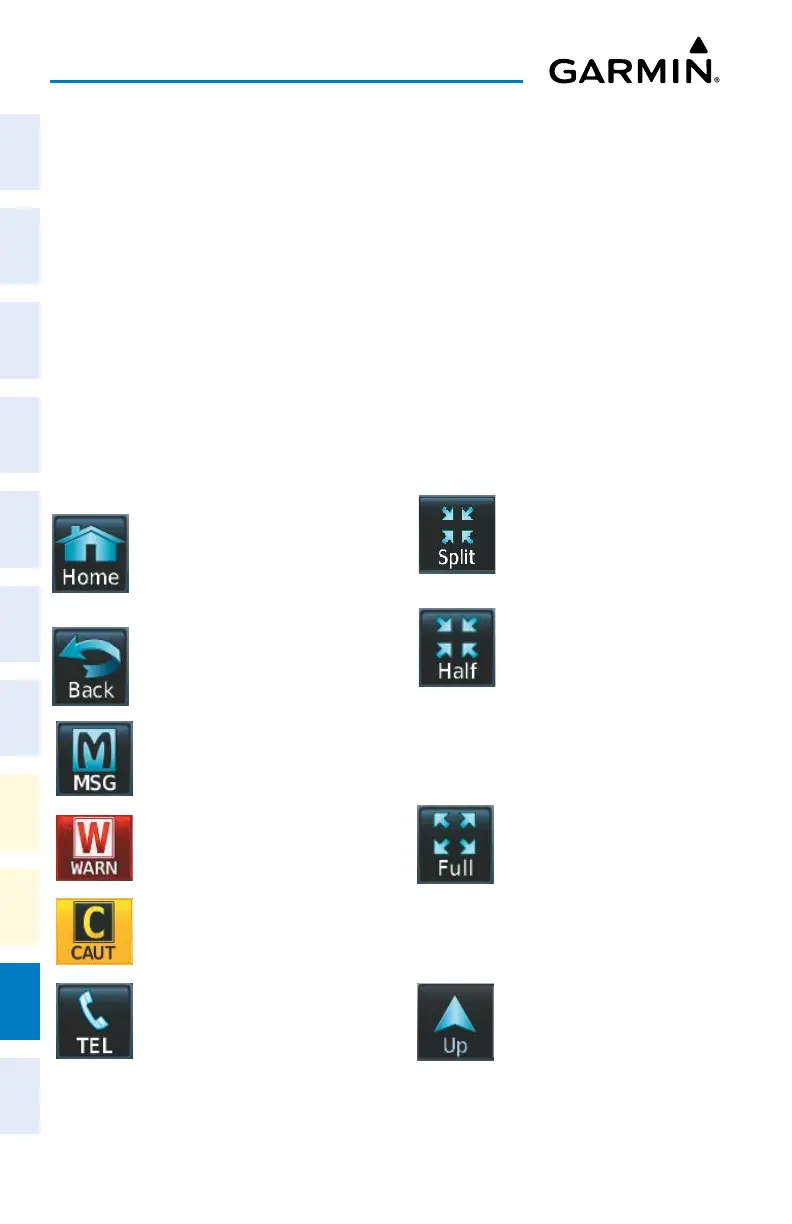
TOUCHSCREEN CONTROLLER SCREENS
Returns to the Home Screen
Selects split display mode
on the PFD.
Returns to the previous screen
Selects half-display mode
on the MFD.
Displays the ‘Notifications’ Screen
on Touchscreen Controller. Flashes
when a new system message is
issued. The button will display as
‘WARN’ or ‘CAUT’ in red or amber
respectively to alert of warning
and caution messages. Refer to
the Appendices Section for more
information about the alerting
system.
Selects full-display mode
when controlling the MFD.
Selects full display mode
when controlling the PFD.
Displays the Telephone ‘Notifications’
Screen on Touchscreen Controller.
Flashes when a new telephone call
is received.
Scrolls up in a list












 To Next Page