IP8820/IP8830/IP8840
Installer Guide
98
Jan 17 4:32
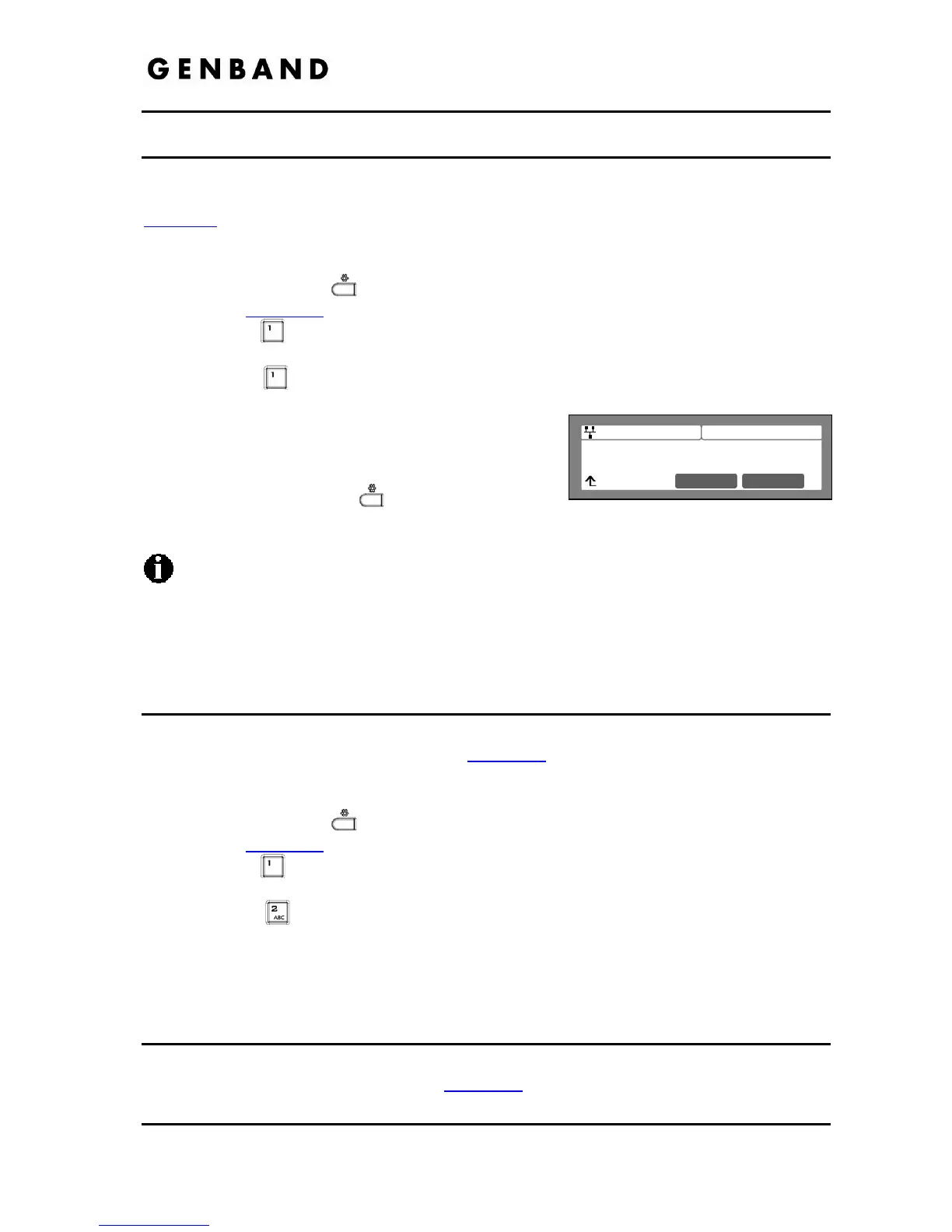
Network Type
Wired Network
Next OK
5.1 Network Type
When the WiFi Module is installed, Network Type selects the wired or wireless network interface
and, based on the type, the appropriate Network Configuration menu is provide as shown in
Figure 5-1
.
To change the Network Type,
Press the Settings (
) button. If the LCD Menu is locked, use the unlock procedure.
Refer to section 3.3
.
Press the
digit, or move the cursor to 1.Network Configuration using the [Next]-
[Previous] softkeys and press the [OK] softkey.
Press the
digit, or move the cursor to 1.Network Type using [Next]-[Previous]
softkeys and press the [OK] softkey.
Select the Network Type using the [Next]-softkey
and press the [OK] softkey. Selections available
are Wired Network and Wireless Network.
Press the Settings (
) button to exit the
configuration session and agree to the reboot to save the Network Type setting.
Changing the Network Type requires an immediate reboot of the IP phone; when you
exit the LCD Configuration Menu, you will receive a reboot notice. The IP phone must
reboot to utilize the new value entered and select the appropriate Network Configuration
menu.
5.2 Wired Network Configuration w/WiFi Module
When the WiFi Module is installed and the Wired Network type is selected, Network
Configuration is accomplished as outlined in section 3.4
with an additional step. Use the steps
below in place of the first two (2) steps shown in section 3.4.
Press the Settings (
) button. If the LCD Menu is locked, use the unlock procedure.
Refer to section 3.3
.
Press the
digit, or move the cursor to 1.Network Configuration using the [Next]-
[Previous] softkeys and press the [OK] softkey.
Press the
digit, or move the cursor to 2.Network Configuration using [Next]-
[Previous] softkeys and press the [OK] softkey.
Follow the procedures described in section 3.4 from the third step.
5.3 WiFi Configuration
The WiFi Configuration Menu is presented when the WiFi Module is installed and the Wireless
Network Type is selected as described in section 5.1
. Note you must reboot the IP Phone after
changing the Network Type to display the appropriate menus. Under WiFi Configuration, the



 To Next Page