IP8820/IP8830/IP8840
Installer Guide
100
WPA2-PSK,
Both of the WPA security modes support TKIP and AES encryption methods of the IEEE 802.11
standard.
To set the Security Mode
Press the Settings (
) button. If the LCD Menu is locked, use the unlock procedure.
Refer to section 3.3
.
Press the
digit, or move the cursor to 1.Network Configuration using the [Next]-
[Previous] softkeys and press the [OK] softkey.
Press the
digit, or move the cursor to 2.WIFI Configuration using [Next]-[Previous]
softkeys and press the [OK] softkey.
Press the
digit, or move the cursor to 1.Profile using [Next]-[Previous] softkeys and
press the [OK] softkey.
Press the
digit, or move the cursor to 2.Security Mode using [Next]-[Previous]
softkeys and press the [OK] softkey.
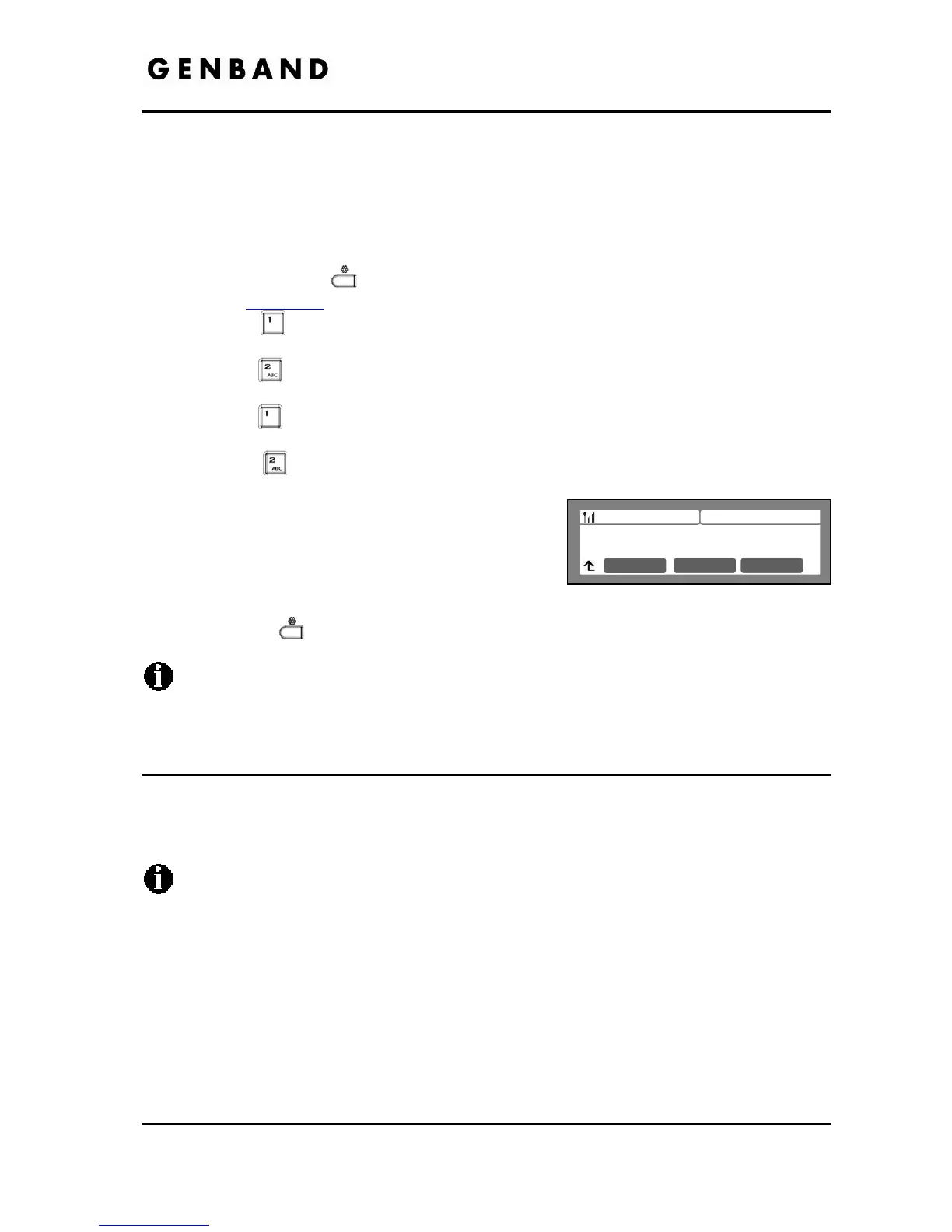
Dial the digit for the appropriate Security Mode or
move the cursor to 1.None, 2.WEP 64, 3.WEP 128,
4.WPA-PSK or 5.WPA2-PSK using [Next]-softkeys
and press the [OK] softkey.
Move to another parameter with the navigation buttons and continue the session or press
the Settings (
) button to exit the configuration session
Changing the Security Mode requires a reboot of the IP phone; when you exit the LCD
Configuration Menu, you will receive a reboot notice. The IP phone must reboot to
utilize the new values entered.
5.3.1.3 Security Key Setting
The Security Key Setting defines the key employed with the security mode protocol assigned
(WPA or WEP). The Key available when selecting the Security Key menu, automatically selects
the correct key protocol based on the Security Mode selected in section 5.3.1.2.
Changing the Security Key Setting requires a reboot of the IP phone; when you exit the
LCD Configuration Menu, you will receive a reboot notice. The IP phone must reboot to
utilize the new values entered.
5.3.1.3.1 WPA Security Key
The LIP8800 series IP Phones sup
port both the TKIP (Temporal Key Integrity Protocol) and
AES (Advanced Encryption Standard) encryption methods defined in IEEE 802.11i standard for
WPA security.
To set WPA-PSK and WPA2-PSK
Jan 17 4:32
Security Mode
None
Mode OK
Previous



 To Next Page