IP8820/IP8830/IP8840
Installer Guide
41
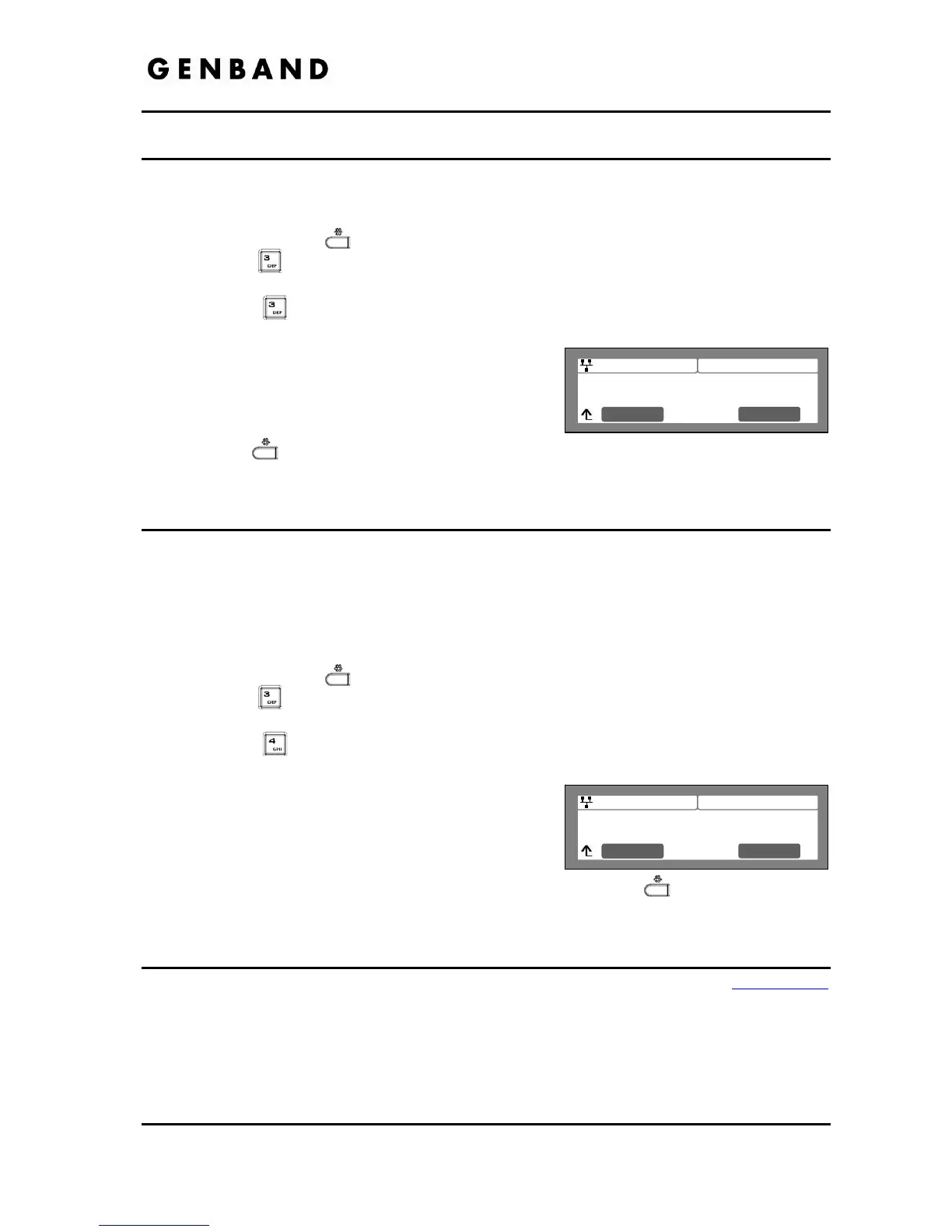
Jan 17 4:32
Ringer Off
Current value is ‘No’
Clear No
Yes
Jan 17 4:32
Headset Auto Mode
Current value is ‘No’
Clear No
Yes
3.6.3 Ringer Off
The IP Phones can be programmed not to ring when an incoming call is received.
To set the Ringer Off parameter:
Press the Settings (
) button.
Press the
digit, or move the cursor to 3.Phone Settings using the [Next]-[Previous]
softkeys and press the [OK] softkey.
Press the
digit, or move the cursor to 3.Ringer Off using the [Next]-[Previous]
softkeys and press the [OK] softkey.
Press the [Yes] softkey to enable Ringer Off, or
press the [No] softkey to disable Ringer Off.
Move to another parameter with the navigation
buttons and continue the session or press the
Settings (
) button to exit the configuration session.
3.6.4 Headset Auto Mode
IP8820, IP8830 and IP8840 phones support use of a headset that has a standard 2.5 mm plug.
With Headset Auto Mode enabled, pressing a line button automatically connects audio to the
headset. Also, redial, Speed dial, Speed number dialing and click-to-call places calls with audio
through the headset.
To enable Headset Auto Mode:
Press the Settings (
) button.
Press the
digit, or move the cursor to 3.Phone Settings using the [Next]-[Previous]
softkeys and press the [OK] softkey.
Press the
digit, or move the cursor to 4.Headset Auto Mode using the [Next]-
[Previous] softkeys and press the [OK] softkey.
Press the [Yes] softkey to enable the Headset Auto
Mode or press the [No] softkey to disable the
Headset Auto Mode.
Move to another parameter with the navigation
buttons and continue the session or press the Settings (
) button to exit the
configuration session.
3.6.5 Flexible Button Setting
The flexible buttons not assigned as line buttons can access various functions. Table 3.6.5-1
indicates the available functions with a description of each.



 To Next Page