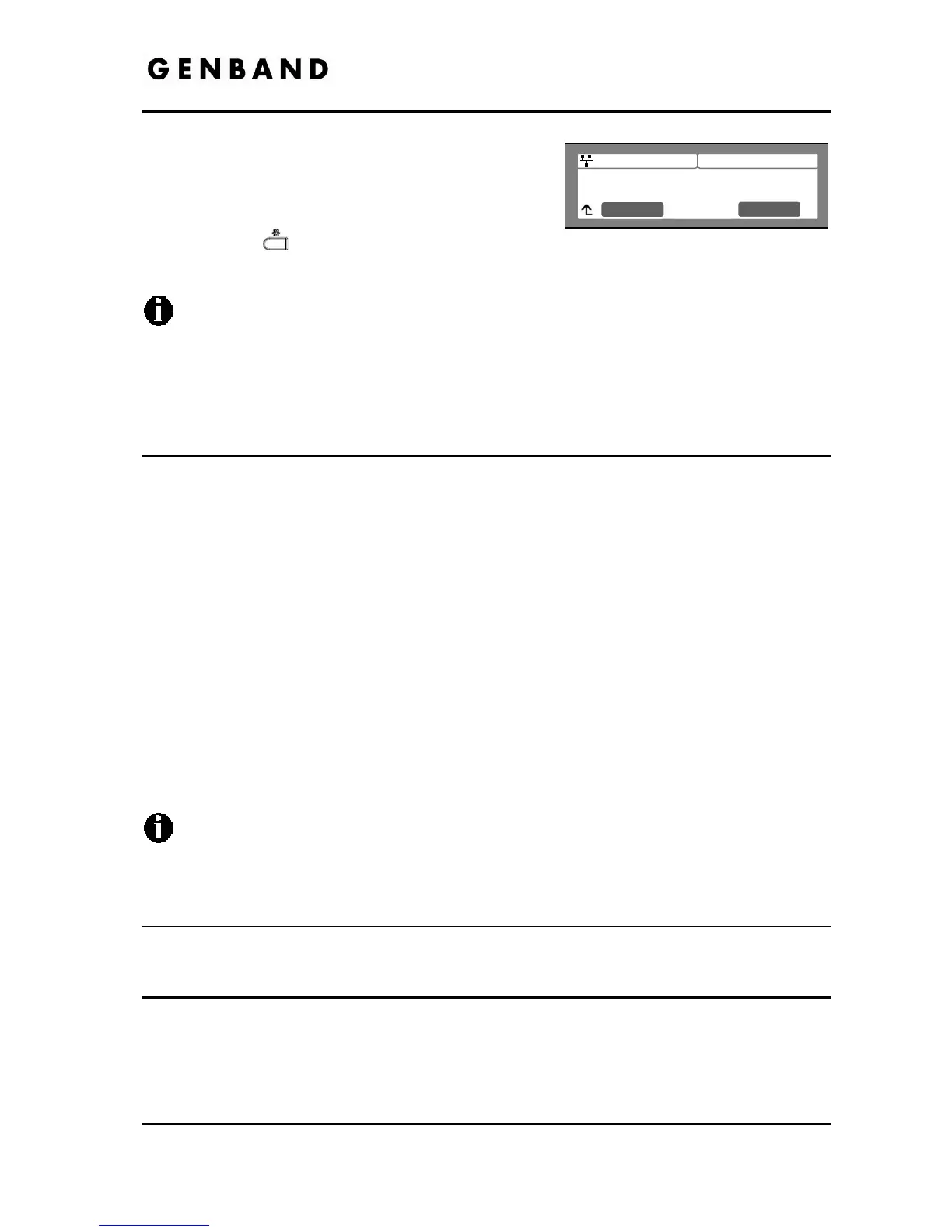
es
Select the desired softkey ([Yes] or [No]) to enable
or disable CDP.
Move to another parameter with the navigation
buttons and continue the session or press the
Settings (
) button to exit the configuration
session.
Changing the CDP status requires a reboot of the IP Phone; when you leave the menu,
you will receive a reboot notice. The IP Phone must reboot to utilize the new values
entered.
When CDP is enabled, VLAN settings are overwritten.
3.5 SIP Configuration
The SIP Configuration selection establishes parameters for each line appearance (SIP User
Id) allowing the IP Phone to register and, if required, subscribe for the line appearance with the
appropriate call server. Additionally, general Voice over IP (VoIP) characteristics are assigned,
which affect characteristics associated with all lines.
Lines are assigned to the IP Phone flexible buttons in consecutive order from the first button.
For each line, the following parameters are available:
- call server IP address
- authorization Id and password
- line type
- special line attributes
As a default, the maximum number of lines is two and only the first two line appearances are
available using the LCD Menu. When the IP Phone requires more than two (2) lines, use the
Web Manager or configuration file to change the number of lines and line parameters.
For proper operation, assign the first line button as an appearance of the user’s line.
For features where the IP Phone uses one-button line access such as Speed Dial, the
IP Phone employs the first line button.
3.5.1 SIP Configuration, Line Parameters
Assign parameters in this section for each SIP line appearance.
3.5.1.1 Call Server Address
The Call Server Address is the IP address or FQDN of the IP Phone host call server. Different
call servers can be defined for each line.
To assign the Call Server address:



 To Next Page