IP8820/IP8830/IP8840
Installer Guide
66
4. Using Web Manager for Configuration
The Web Manager is a web-based tool for configuring the IP Phone parameters. The Web
Manager has access to parameters not available through the LCD Configuration Menu.
Appendix A
includes information on parameter availability. In addition to remote access to the
IP Phone configuration, Web Manager is a more convenient tool when configuring a number of
IP Phones or parameters of a single IP Phone.
Pointing your Web browser at the IP Phone IP address and port number 8000 will access Web
Manager. Thus, an IP address in the IP Phone is necessary prior to attempting access to Web
Manager. In addition, the IP address must be available to the Web browser host. The IP
address of the IP8800 series phones is available through the LCD, see section 5.1
.
Section 4.1 below describes the login procedure and site map structure. Sections 4.2 to 4.15
describe the
parameters on each Web page in the order shown in the page link area of the site
map.
4.1 Login & Site Map
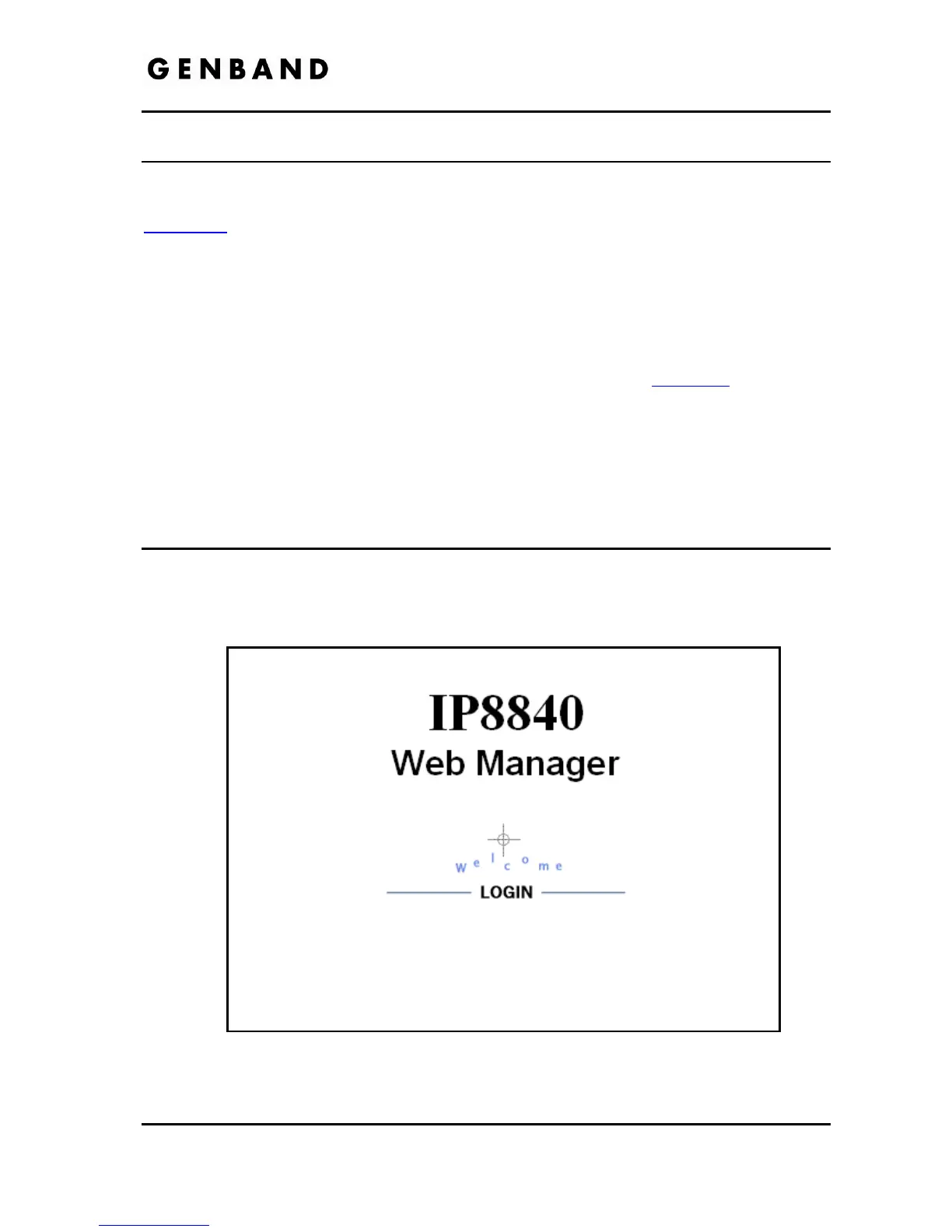
Point your browser at the IP8800 series phone IP address and port 8000,
<http://150.150.255.251:8000>, which returns the IP Phone Login page as below.



 To Next Page