IP8820/IP8830/IP8840
Installer Guide
101
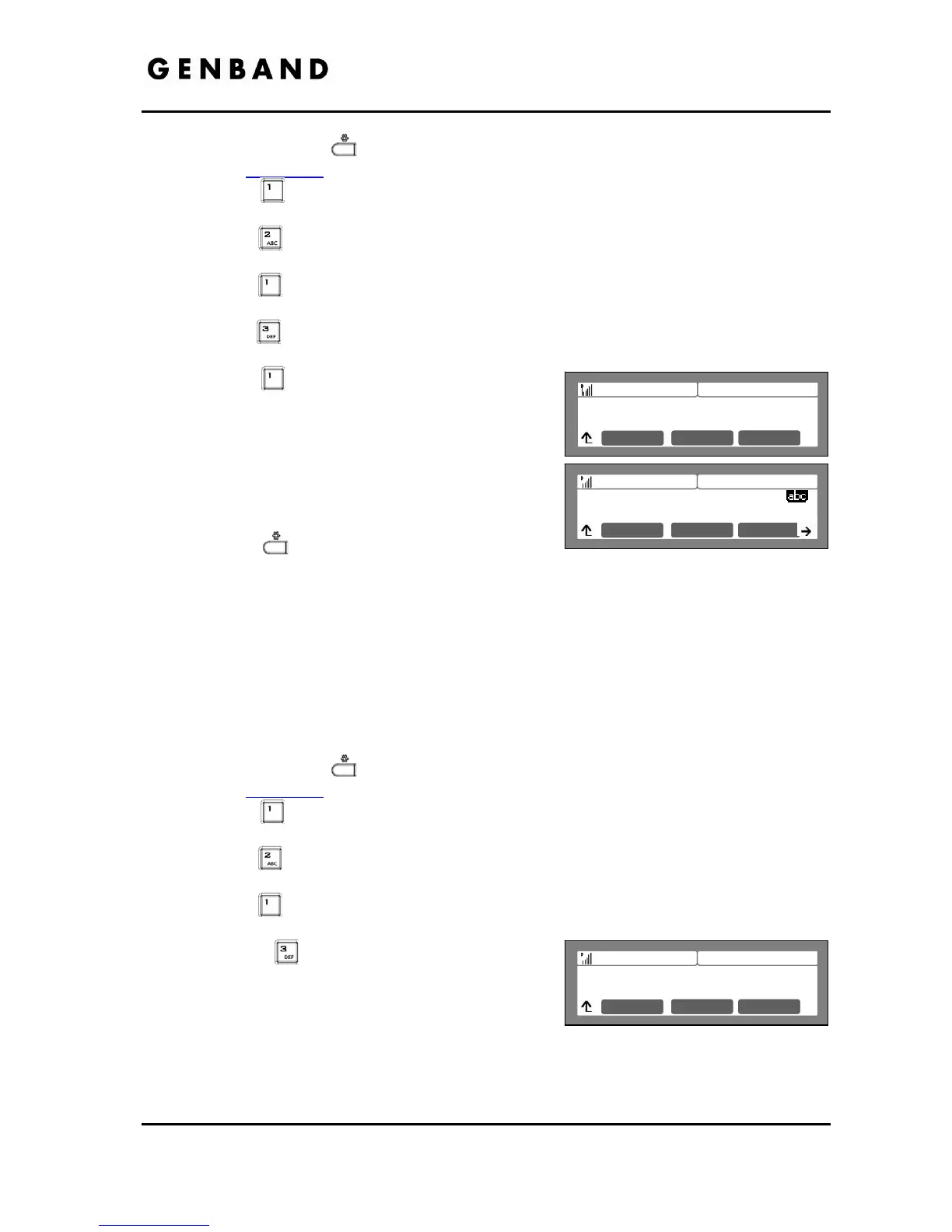
Press the Settings ( ) button. If the LCD Menu is locked, use the unlock procedure.
Refer to section 3.3
.
Press the
digit, or move the cursor to 1.Network Configuration using the [Next]-
[Previous] softkeys and press the [OK] softkey.
Press the
digit, or move the cursor to 2.WIFI Configuration using [Next]-[Previous]
softkeys and press the [OK] softkey.
Press the
digit, or move the cursor to 1.Profile using [Next]-[Previous] softkeys and
press the [OK] softkey.
Press the
digit, or move the cursor to 3.Security Key Setting using [Next]-[Previous]
softkeys and press the [OK] softkey.
Press the
digit, or move the cursor to 1.KEY
using [Next]-[Previous] softkeys and press the
[OK] softkey.
Input the WPA Key using the dial pad and press
the [OK] softkey to save your entry.
Move to another parameter with the navigation
buttons and continue the session or press the
Settings (
) button to exit the configuration
session
5.3.1.3.2 WEP Security Key
WEP is a
deprecated algorithm to enhance security of the WiFi wireless network. Four (4) WEP
keys can be defined and the active key selected using the WEP Security Key setting. The WEP
key can be WEP64 or WEP128 based on the Security Mode defined. For WEP64 a 10-digit
hexadecimal key is required. For WEP128 a 26-digit hexadecimal key is required.
To enter a WEP key and select the active key,
Press the Settings (
) button. If the LCD Menu is locked, use the unlock procedure.
Refer to section 3.3
.
Press the
digit, or move the cursor to 1.Network Configuration using the [Next]-
[Previous] softkeys and press the [OK] softkey.
Press the
digit, or move the cursor to 2.WIFI Configuration using [Next]-[Previous]
softkeys and press the [OK] softkey.
Press the
digit, or move the cursor to 1.Profile using [Next]-[Previous] softkeys and
press the [OK] softkey.
Press the
digit, or move the cursor to
3.Security Key Setting using [Next]-[Previous]
softkeys and press the [OK] softkey.
Press the digit for the desired key (1 to 4) or, to
define the active Key, press the 5 digit or move the cursor to select the appropriate entry
using [Next]-[Previous] softkeys and press the [OK] softkey.
Jan 17 4:32
WPA Key Setting
1.KEY
Mode OK
Jan 17 4:32
WEP Key Setting
1.KEY 1
Mode OK
Jan 17 4:32
Enter WPA Key Setting
1234567c
Mode OK



 To Next Page