IP8820/IP8830/IP8840
Installer Guide
87
4.10 Call Log
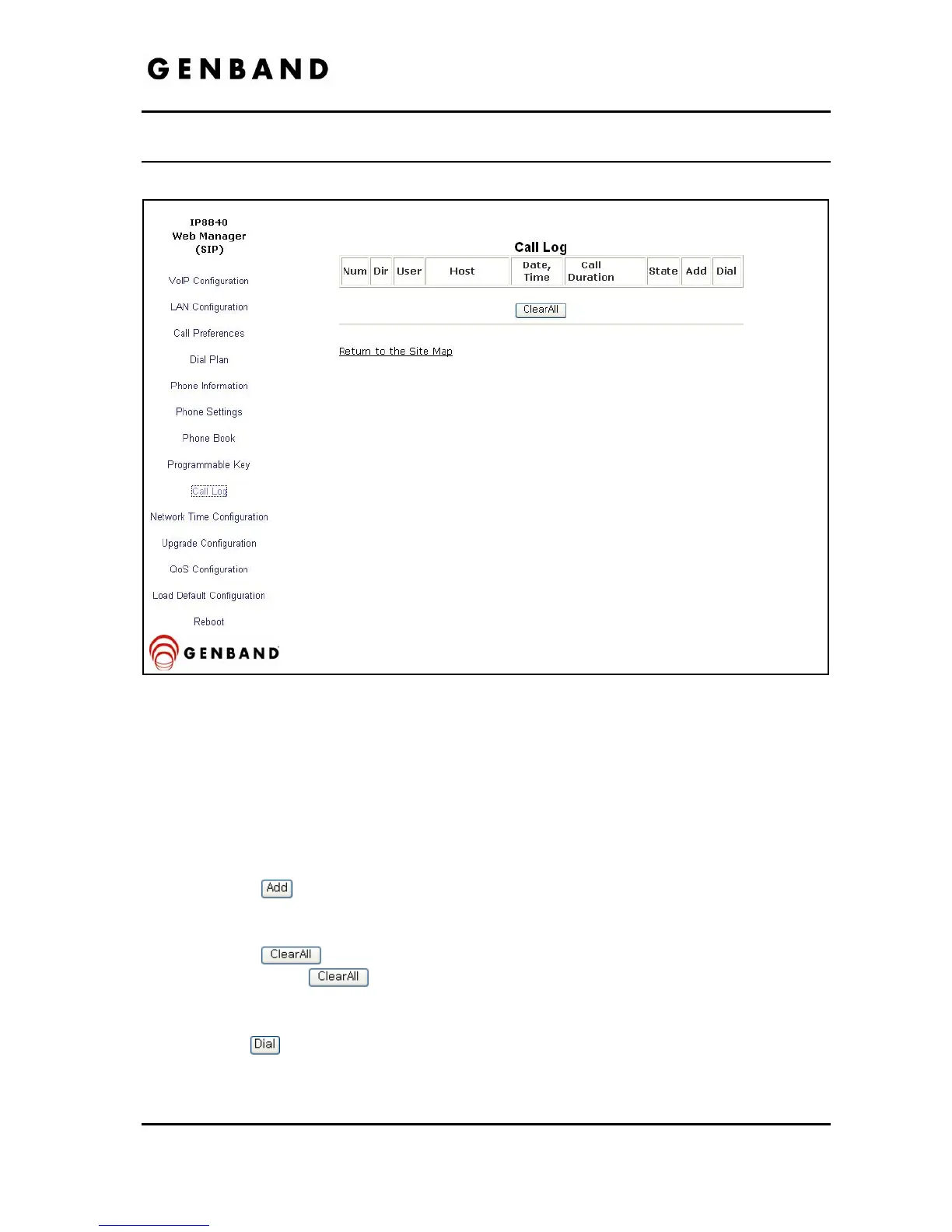
Figure 4.10-1 Call Log
The Call Log is a list of all calls (incoming, outgoing or missed) at the extension. The log
indicates the type of call (IC, OG and M), the contacts name and contact information, time and
duration of the call, and state of the call. From the Call log, the user can call a contact or store a
call log record directly to the Phone Book. The Call Log will be lost if the phone loses power or
reboots.
To add a number from the Call Log to the Phone Book list:
Select the
button.
To delete all Call logs:
Select the
button.
Caution, selecting the
button will delete all records in the Call Log.
To call a party from the Call Log:
Click the
button associated with the desired Call log record.



 To Next Page