IP8820/IP8830/IP8840
Installer Guide
53
Jan 17 4:32
Lock Outgoing Call
Current value is ‘No’
Next No
Yes
Jan 17 4:32
Speed Number
Current value is ‘Yes’
Next No
Yes
To activate this feature, the LCD password must be set, refer to section 3.3 and Lock Outgoing
Call must be enabled.
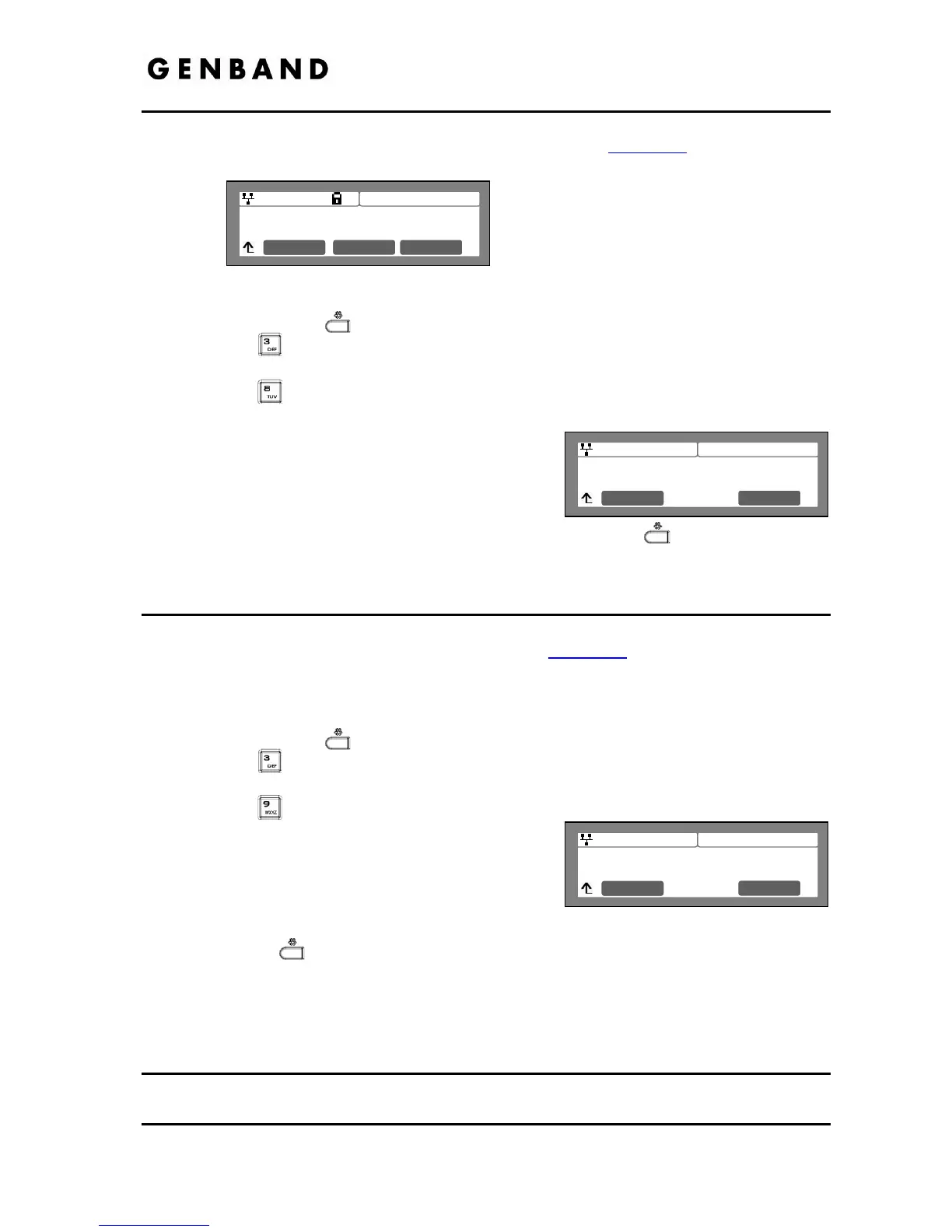
To enable/disable the Lock Outgoing Call feature:
Press the Settings (
) button.
Press the
digit, or move the cursor to 3.Phone Settings using the [Next]-[Previous]
softkeys and press the [OK] softkey.
Press the
digit, or move cursor to 8.Lock Outgoing Call using the [Next]-[Previous]
softkeys and press the [OK] softkey.
Press the [Yes] softkey to enable the Lock
Outgoing Call, or press the [No] softkey to disable
the Lock Outgoing Call.
Move to another parameter with the navigation
buttons and continue the session or press the Settings (
) button to exit the
configuration session.
3.6.9 Speed Number
Each IP8800 series phone includes a Phone Book that supports up to 100 entries. Each Phone
Book record includes a two (2) digit Speed number, see section 3.8
. When enabled, dialing the
Speed Number (00~99) sends the contact information from the associated Phone Book record.
To enable/disable Speed Number operation:
Press the Settings (
) button.
Press the
digit, or move the cursor to 3.Phone Settings using the [Next]-[Previous]
softkeys and press the [OK] softkey.
Press the
digit, or move the cursor to 9.Speed Number using the [Next]-[Previous]
softkeys and press the [OK] softkey.
Press the [Yes] softkey to enable the Speed
Number, or press the [No] softkey to disable the
Speed Number.
Move to another parameter with the navigation buttons and continue the session or press
the Settings (
) button to exit the configuration session.
When enabled, dialing an empty Speed Number terminates the call and the empty status of the
Speed Number displays for approximately 2 seconds.
3.6.10 Key Tone
Normally, when a button on the phone is pressed a tone is generated to confirm to the user that
the phone has recognized the depression. If desired, this tone can be disabled.
Jan 17 4:32
Enter Password
Clear OK



 To Next Page