IP8820/IP8830/IP8840
Installer Guide
63
Jan 17 4:32
Phone Book (Page 1)
>(01) Tom, 5555598
Del.All Delete
Find
Jan 17 4:32
Data will be lost
Are you sure?
Add No
Yes
Jan 17 4:32
Search for
Sammy
Mode OK
Jan 17 4:32
Phone Book (Page 1)
>(15) Sammy, 5555556
Next Dial
Previous
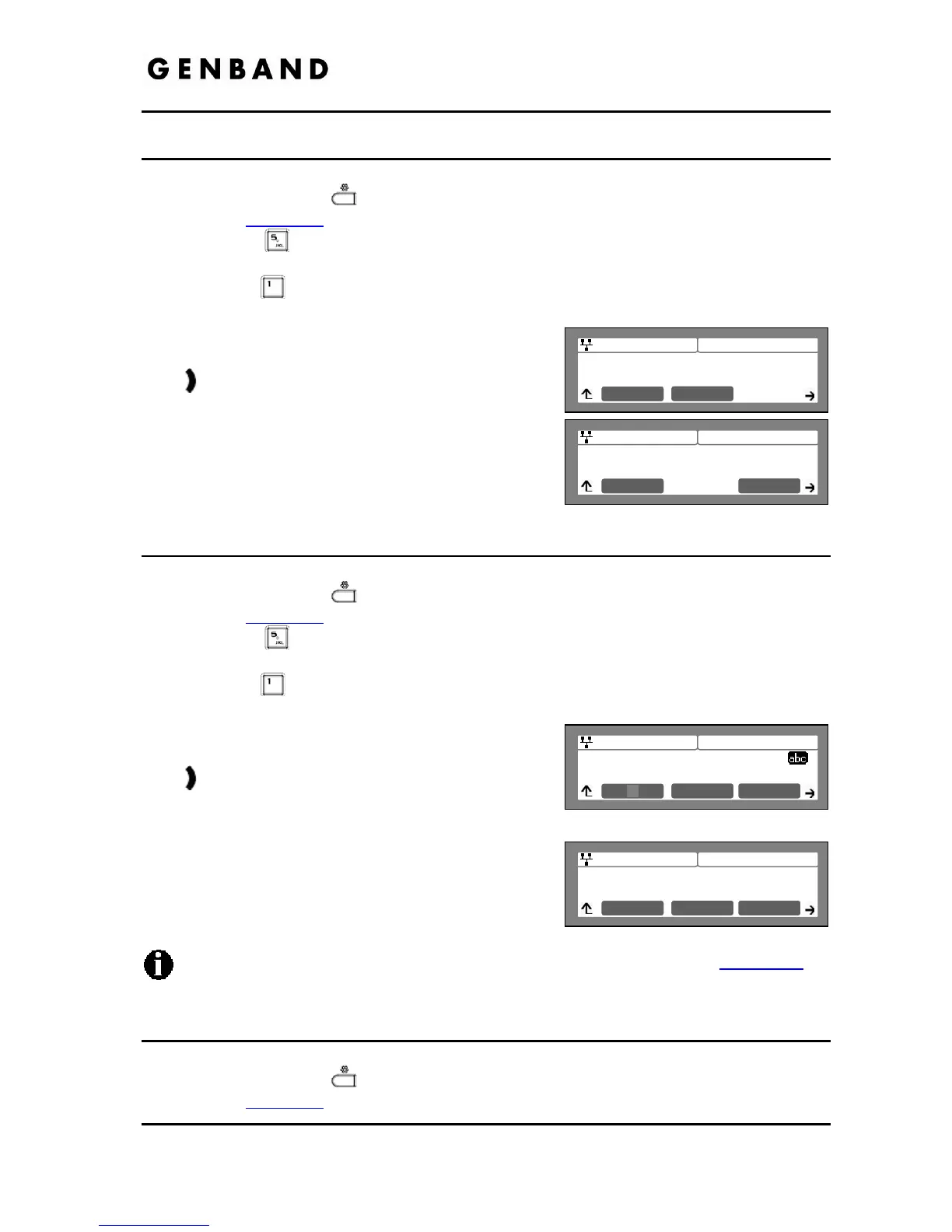
3.8.4 Deleting All Records
To delete all Phone Book records:
Press the Settings (
) button. If the LCD Menu is locked, use the unlock procedure.
Refer to section 3.3
.
Press the
digit, or move the cursor to 5.Directory using the [Next]-[Previous]
softkeys and press the [OK] softkey.
Press the
digit, or move the cursor to 1.Phone Book using the [Next]-[Previous]
softkeys and press the [OK] softkey.
Press the [Del.All] softkey after moving to the next
group of softkey using the right navigation button,
.
Press the [Yes] softkey to confirm deletion of all
contacts.
The IP Phone deletes all contacts from the Phone
Book and returns to the Phone Book list.
3.8.5 Searching the Phone Book
To search for the Phone Book using either Name or Number:
Press the Settings (
) button. If the LCD Menu is locked, use the unlock procedure.
Refer to section 3.3
.
Press the
digit, or move the cursor to 5.Directory using the [Next]-[Previous]
softkeys and press the [OK] softkey.
Press the
digit, or move the cursor to 1.Phone Book using the [Next]-[Previous]
softkeys and press the [OK] softkey.
Press the [Find] softkey after moving to the next
group of softkeys using the right navigation button,
. Input a search keyword, and press the [OK]
softkey.
The search result displays showing the Speed
number name and number.
To enter alphanumeric characters select the [Mode] softkey. Refer to Appendix E
for
the character mapping of dial pad digits.
3.8.6 Dialing from the Phone Book
To dial a number from the Phone Book:
Press the Settings (
) button. If the LCD Menu is locked, use the unlock procedure.
Refer to section 3.3
.



 To Next Page