IP8820/IP8830/IP8840
Installer Guide
38
Jan 17 4:32
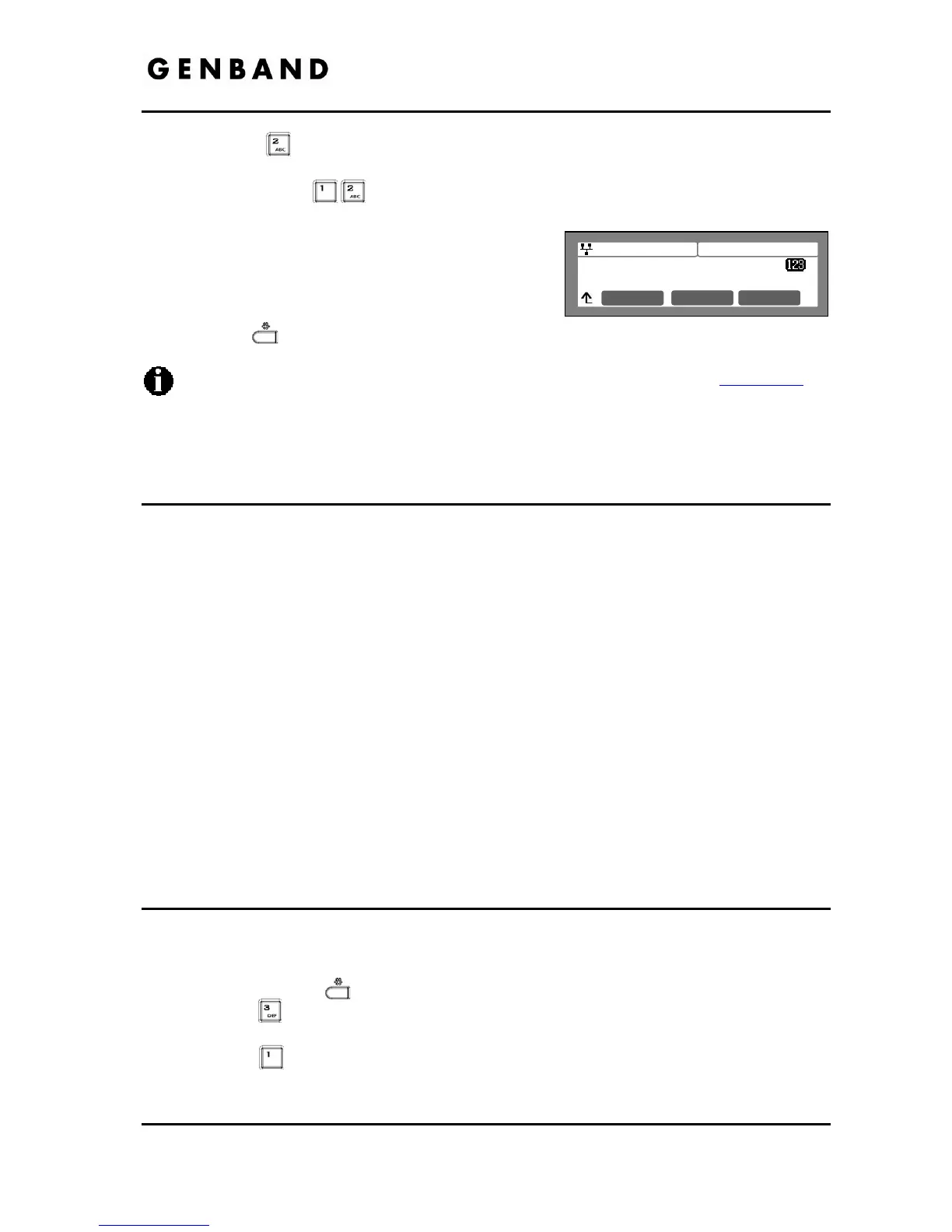
Stun Server
100.1.1.1
Mode OK
Press the digit, or move the cursor to 2.SIP Configuration using the [Next]-
[Previous] softkeys and press the [OK] softkey.
Press the digits
, or move the cursor to 12.Stun Server using the [Next]-
[Previous] softkeys and press the [OK] softkey.
Input the Stun Server using the dial pad and press
the [OK] softkey to save your entry.
Move to another parameter with the navigation
buttons and continue the session or press the
Settings (
) button to exit the configuration session.
To enter alphanumeric characters select the [Mode] softkey. Refer to Appendix E
for
the character mapping of dial pad digits.
3.6 Phone Settings
Under the Phone Settings menu item the user parameters listed below can be changed.
- LCD contrast
- Ring setting
- Ringer off
- Headset auto mode
- Flexible button settings
- Time Configuration
- S/W Update
- Outgoing Call Lock
- Speed Number Dialing
- Key Tone
- Bluetooth
- Language
With the exception of S/W Update, these settings are not password protected. The user may
access these parameters even if the LCD Configuration Menu is locked.
3.6.1 LCD Contrast
The contrast of the LCD is adjustable for best viewing angle.
To adjust the LCD contrast:
Press the Settings (
) button.
Press the
digit, or move the cursor to 3.Phone Settings using the [Next]-[Previous]
softkeys and press the [OK] softkey.
Press the
digit, or move the cursor to 1.LCD Contrast using the [Next]-[Previous]
softkeys and press the [OK] softkey.



 To Next Page