es
Move to another parameter with the navigation buttons and continue the session or press
the Settings (
) button to exit the configuration
session.
An asterisk, , displays in front of the current headset selection.
3.6.11.3 Deleting a Headset from the Paired List
A Bluetooth headset can be removed from the Paired list.
To remove a headset from the Paired list:
Press the Settings (
) button.
Press the
digit, or move the cursor to 3.Phone Settings using the [Next]-[Previous]
softkeys, and press the [OK] softkey.
Press the
digits, or move the cursor to 11.Bluetooth using the [Next]-[Previous]
softkeys, and press the [OK] softkey.
Press the
digit, or move the cursor to
1.Headset Management using the [Next]-
[Previous] softkeys, and press the [OK] softkey.
This will display a list of previously paired headsets.
Select a Bluetooth headset from the list of headsets found using the [Next]-[Previous]
softkeys.
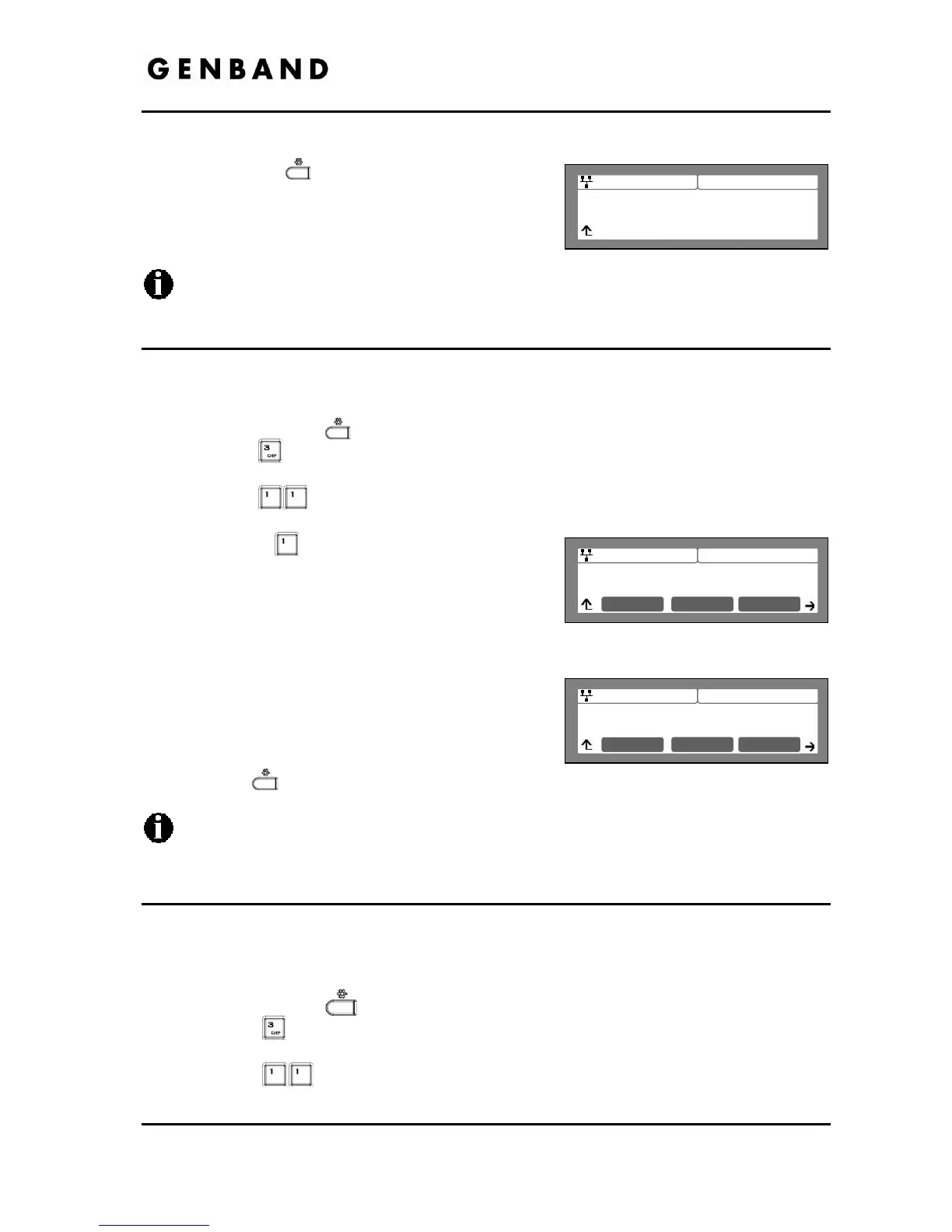
Press the [Delete] softkey to remove the headset
from the Paired list
Move to another parameter with the navigation
buttons and continue the session or press the
Settings (
) button to exit the configuration session.
A Bluetooth headset must be disconnected as described in section 3.6.11.2 before it
can be removed from the
Paired list.
3.6.11.4 Bluetooth Module Information
To assure the operation of the Bluetooth module, the address information for the module can be
viewed from the Bluetooth menu item.
To view the active headset information:
Press the Settings (
) button.
Press the
digit, or move cursor to 3.Phone Settings using the [Next]-[Previous]
softkeys, and press the [OK] softkey.
Press the
digits, or move cursor to 11.Bluetooth using the [Next]-[Previous]
softkeys, and press the [OK] softkey.



 To Next Page