IP8820/IP8830/IP8840
Installer Guide
47
Jan 17 4:32
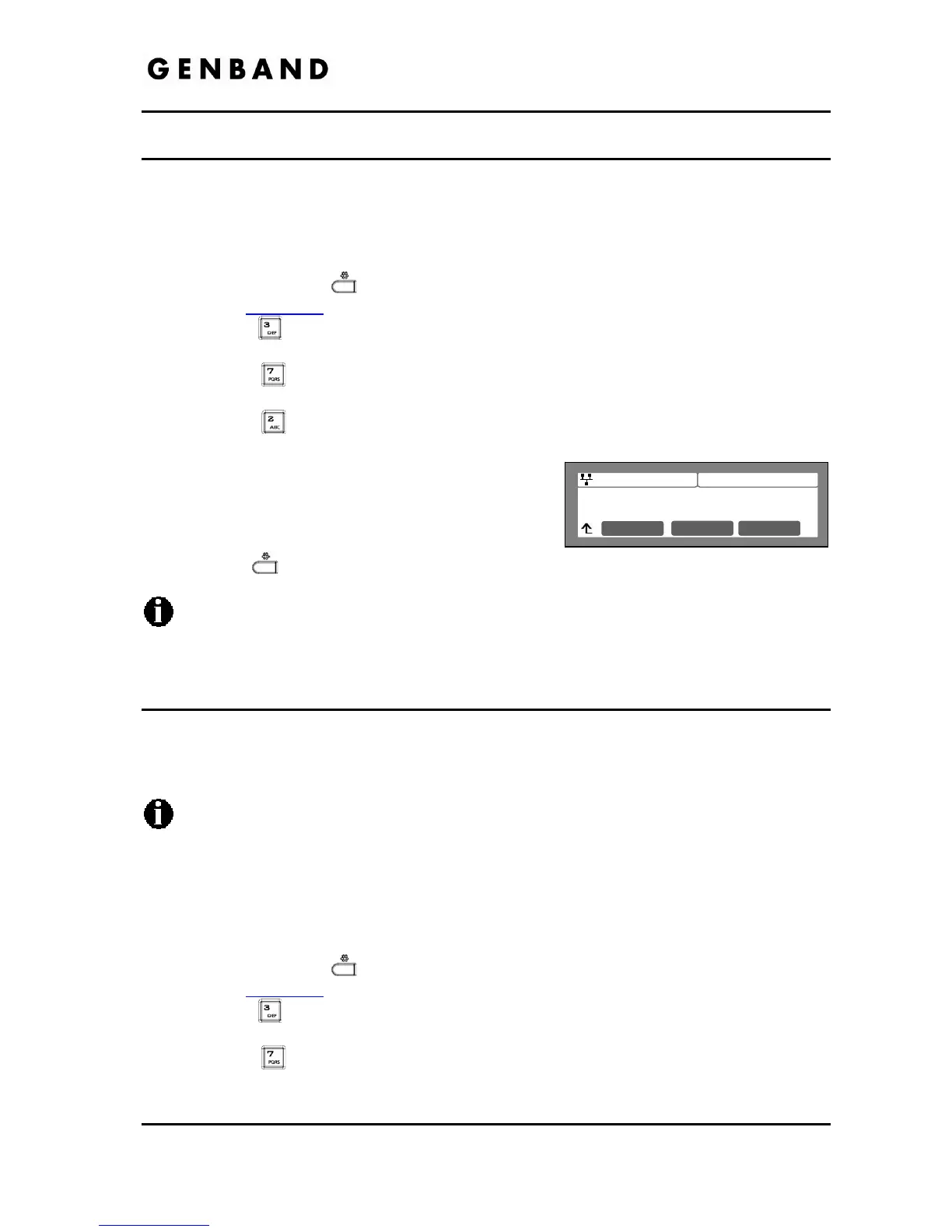
TFTP Server Address
192.168.0.2
Clear OK
3.6.7.2 TFTP Server Address
With TFTP provisioning selected, the IP address or FQDN of the TFTP server must be defined.
The TFTP Server Address may be retrieved automatically from the DHCP server or set
manually.
To enter a TFTP Server Address:
Press the Settings (
) button. If the LCD Menu is locked, use the unlock procedure.
Refer to section 3.3
.
Press the
digit, or move the cursor to 3.Phone Settings using the [Next]-[Previous]
softkeys and press the [OK] softkey.
Press the
digit, or move the cursor to 7.S/W Update using the [Next]-[Previous]
softkeys and press the [OK] softkey.
Press the
digit, or move the cursor to 2.TFTP Server Address using the [Next]-
[Previous] softkeys and press the [OK] softkey.
Input the TFTP Server Address using the dial pad,
and press the [OK] softkey to save your entry.
Move to another parameter with the navigation
buttons and continue the session or press the
Settings (
) button to exit the configuration session.
Changing the TFTP address requires a reboot of the IP Phone; when you leave the
menu, you will receive a reboot notice. The IP Phone must reboot to utilize the new
values entered.
3.6.7.3 HTTPS Provisioning
The HTTP/HTTPS server URL is a required parameter for HTTP/HTTPS provisioning. Normally,
HTTP employs TCP port 80, and HTTPS employ port 443. In addition, if required by the
HTTP/HTTPS server for authentication, a Username and Password are assigned.
When using HTTPS, the server must support SSL (Secure Sockets Layer) for proper
operation.
3.6.7.3.1 Provisioning URL
The Provisioning URL is
the URL of the HTTP/HTTPS server.
To assign the provisioning server URL:
Press the Settings (
) button. If the LCD Menu is locked, use the unlock procedure.
Refer to section 3.3
.
Press the
digit, or move the cursor to 3.Phone Settings using the [Next]-[Previous]
softkeys and press the [OK] softkey.
Press the
digit, or move the cursor to 7.S/W Update using the [Next]-[Previous]
softkeys and press the [OK] softkey.



 To Next Page