IP8820/IP8830/IP8840
Installer Guide
44
Jan 17 4:32
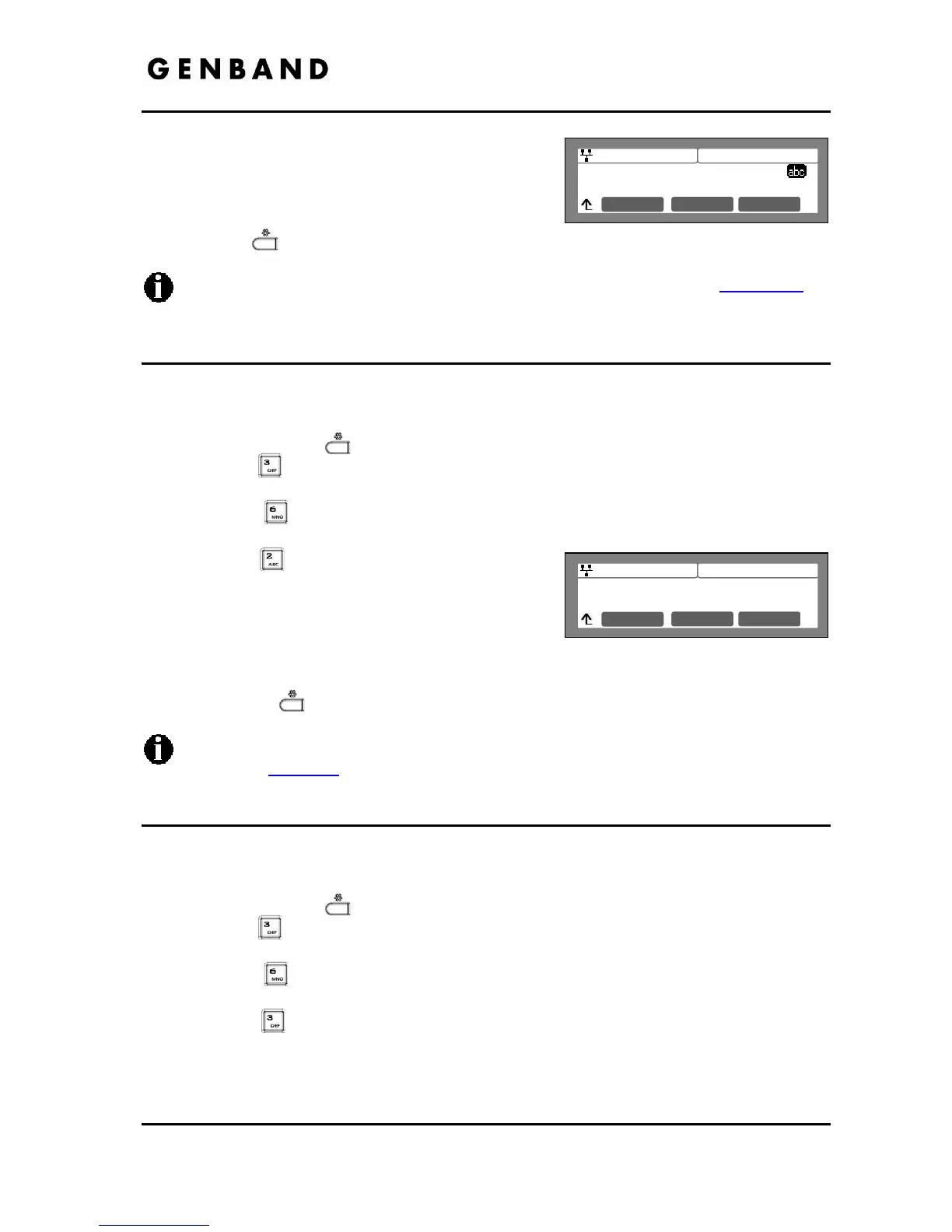
SNTP Server Address
clock.via.net
Mode OK
Jan 17 4:32
Time Zone
*(GMT-08:00)PACIFIC STANDARD
Next OK
Previous
Input the SNTP Server Address using the dial pad
and press the [OK] softkey to save the entry.
Move to another parameter with the navigation
buttons and continue the session or press the
Settings (
) button to exit the configuration session.
To enter alphanumeric characters select the [Mode] softkey. Refer to Appendix E
for
the character mapping of dial pad digits.
3.6.6.2 Time Zone
For proper operation of the clock, the IP Phone requires the local time zone.
To enter the Time Zone:
Press the Settings (
) button.
Press the
digit, or move the cursor to 3.Phone Settings using the [Next]-[Previous]
softkeys and press the [OK] softkey.
Press the
digit, or move the cursor to 6.Time Configuration using the [Next]-
[Previous] softkeys and press the [OK] softkey.
Press the
digit, or move the cursor to 2.Time
Zone using the [Next]-[Previous] softkeys and
press the [OK] softkey.
Select the Time Zone desired using the [Next]-
[Previous] softkeys and press the [OK] softkey to save the entry.
Move to another parameter with the navigation buttons and continue the session or press
the Settings (
) button to exit the configuration session.
An asterisk, , displays in front of the current selection. Select the nearest region as
shown in Table D-2
.
3.6.6.3 DST Auto Adjustment
The IP Phone automatically adjusts for DST when enabled.
To enable/disable automatic day light savings time:
Press the Settings (
) button.
Press the
digit, or move the cursor to 3.Phone Settings using the [Next]-[Previous]
softkeys and press the [OK] softkey.
Press the
digit, or move the cursor to 6.Time Configuration using the [Next]-
[Previous] softkeys and press the [OK] softkey.
Press the
digit, or move the cursor to 3.DST Auto Adjustment using the [Next]-
[Previous] softkeys and press the [OK] softkey.



 To Next Page