es
3.7.6 Auto Answer
When idle, the IP Phone can connect an incoming caller to the speakerphone or headset
automatically.
To enable/disable Auto Answer:
Press the Settings (
) button. If the LCD Menu is locked, use the unlock procedure.
Refer to section 3.3
.
Press the
digit, or move the cursor to 4.Call Preferences using the [Next]-[Previous]
softkeys and press the [OK] softkey.
Press the
digit, or move the cursor to 6.Auto Answer using the [Next]-[Previous]
softkeys and press the [OK] softkey.
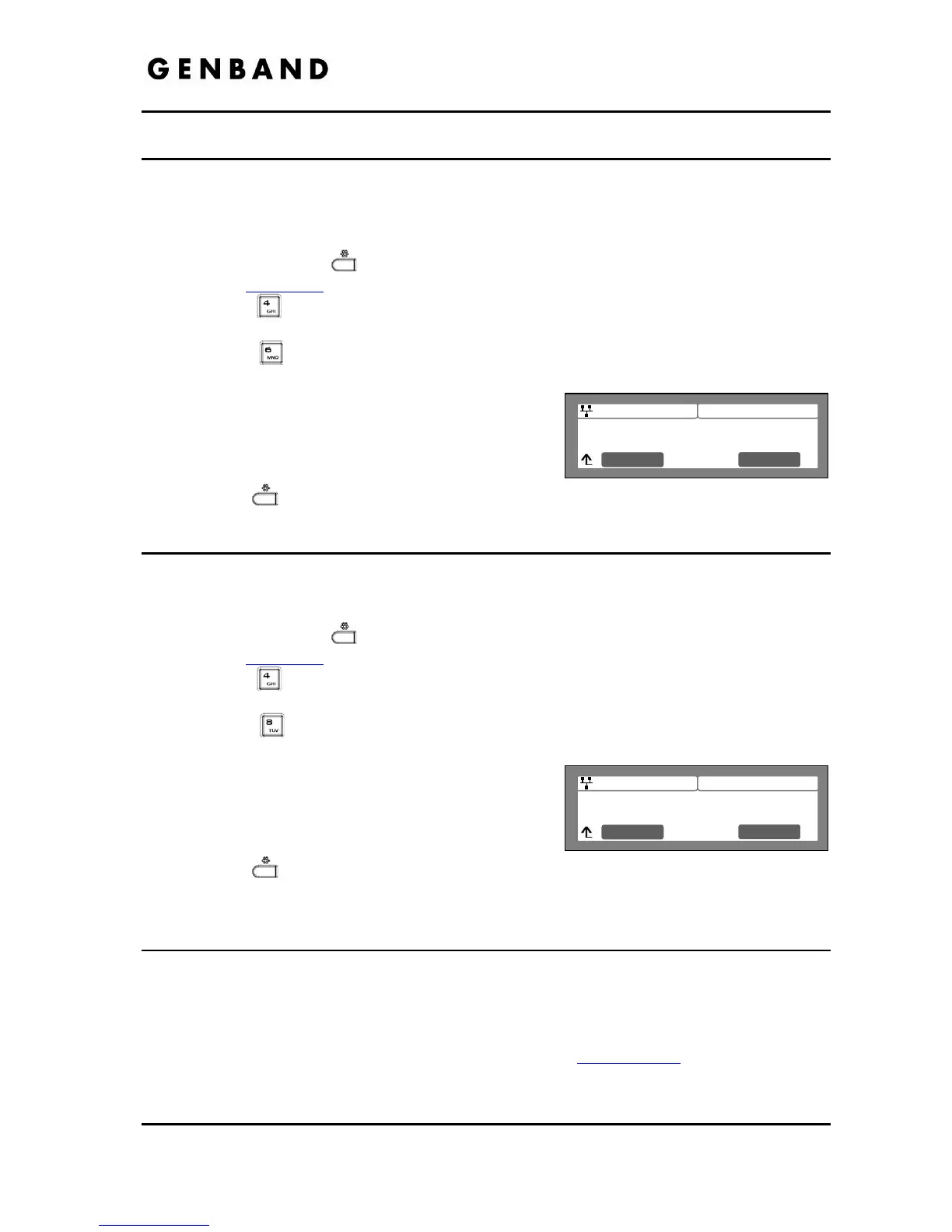
Press the [Yes] softkey to enable Auto Answer, or
press the [No] softkey to disable Auto Answer.
Move to another parameter with the navigation
buttons and continue the session or press the
Settings (
) button to exit the configuration session.
3.7.7 Anonymous Call Block
The IP8800 series phone can block incoming calls with an anonymous caller id.
To enable/disable Anonymous Call Blocking:
Press the Settings (
) button. If the LCD Menu is locked, use the unlock procedure.
Refer to section 3.3
.
Press the
digit, or move the cursor to 4.Call Preferences using the [Next]-[Previous]
softkeys and press the [OK] softkey.
Press the
digit, or move the cursor to 8.Anonymous Call Block using the [Next]-
[Previous] softkeys and press the [OK] softkey.
Press the [Yes] softkey to enable, or press the
[No] softkey to disable Anonymous Call Blocking.
Move to another parameter with the navigation
buttons and continue the session or press the
Settings (
) button to exit the configuration session.
3.8 Phone Book
IP Phones include a Phone Book of names and numbers or SIP user ids for up to 100 contacts.
The Phone Book menu is accessed through the LCD Menu with the Down navigation button or,
when assigned, a Phone Book flexible button. In the Phone Book menu, records may be added,
edited, deleted or searched. The phone number or SIP user id entries in the Phone Book is the
contact information used with Speed Number dialing, see section 3.6.10
. Each contact can
have a Ring type assigned. When a call is received from the contact, the specified ring signal is
employed.



 To Next Page