IP8820/IP8830/IP8840
Installer Guide
102
Jan 17 4:32
Network Mode
*Static
Next OK
Previous
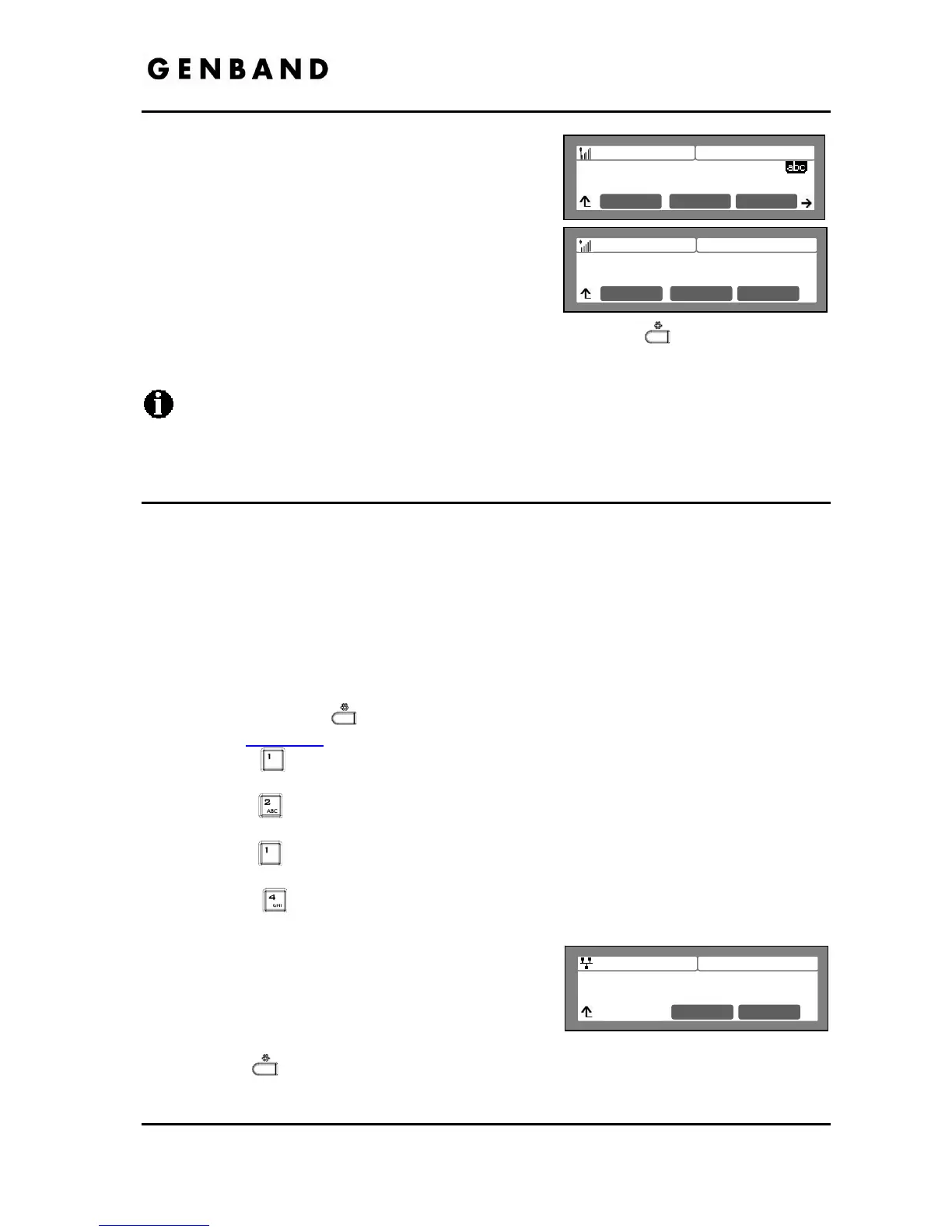
Input the WEP Key using the dial pad. For WEP64
bit mode use 10-hex digits and for WEP128 bit
mode use 26-hex digits.
To define the active Key, use the [Next]-
[Previous] softkeys to select the desired Key
number (1 ~ 4) and press the [OK] softkey to save
your entry.
Move to another parameter with the navigation
buttons and continue the session or press the Settings (
) button to exit the
configuration session.
Changing the Security Key Setting requires a reboot of the IP phone; when you exit the
LCD Configuration Menu, you will receive a reboot notice. The IP phone must reboot to
utilize the new values entered.
5.3.1.4 Network Mode
The IP phone is capable of obtaining all of its IP configuration data from a DHCP server. When
a DHCP server is not available, static addressing is used for the Network Mode. Selecting
Static addressing requires manual entry of other IP network parameters including:
- IP address of the phone
- Default gateway IP address
- Subnet mask
- DNS address
To set the Network Mode:
Press the Settings (
) button. If the LCD Menu is locked, use the unlock procedure.
Refer to section 3.3
.
Press the
digit, or move the cursor to 1.Network Configuration using the [Next]-
[Previous] softkeys and press the [OK] softkey.
Press the
digit, or move the cursor to 2.WIFI Configuration using [Next]-[Previous]
softkeys and press the [OK] softkey.
Press the
digit, or move the cursor to 1.Profile using [Next]-[Previous] softkeys and
press the [OK] softkey.
Press the
digit, or move the cursor to 4.Network Mode using [Next]-[Previous]
softkeys and press the [OK] softkey.
Select the Network Mode using [Next]-[Previous]
softkeys and press the [OK] softkey to save your
selection.
Move to another parameter with the navigation
buttons and continue the session or press the
Settings (
) button to exit the configuration session.
Jan 17 4:32
Key Index
KEY 1
Next OK
Previous
Jan 17 4:32
Enter WEP Key Setting1
12345abcde
Mode OK



 To Next Page