IP8820/IP8830/IP8840
Installer Guide
65
Jan 17 4:32
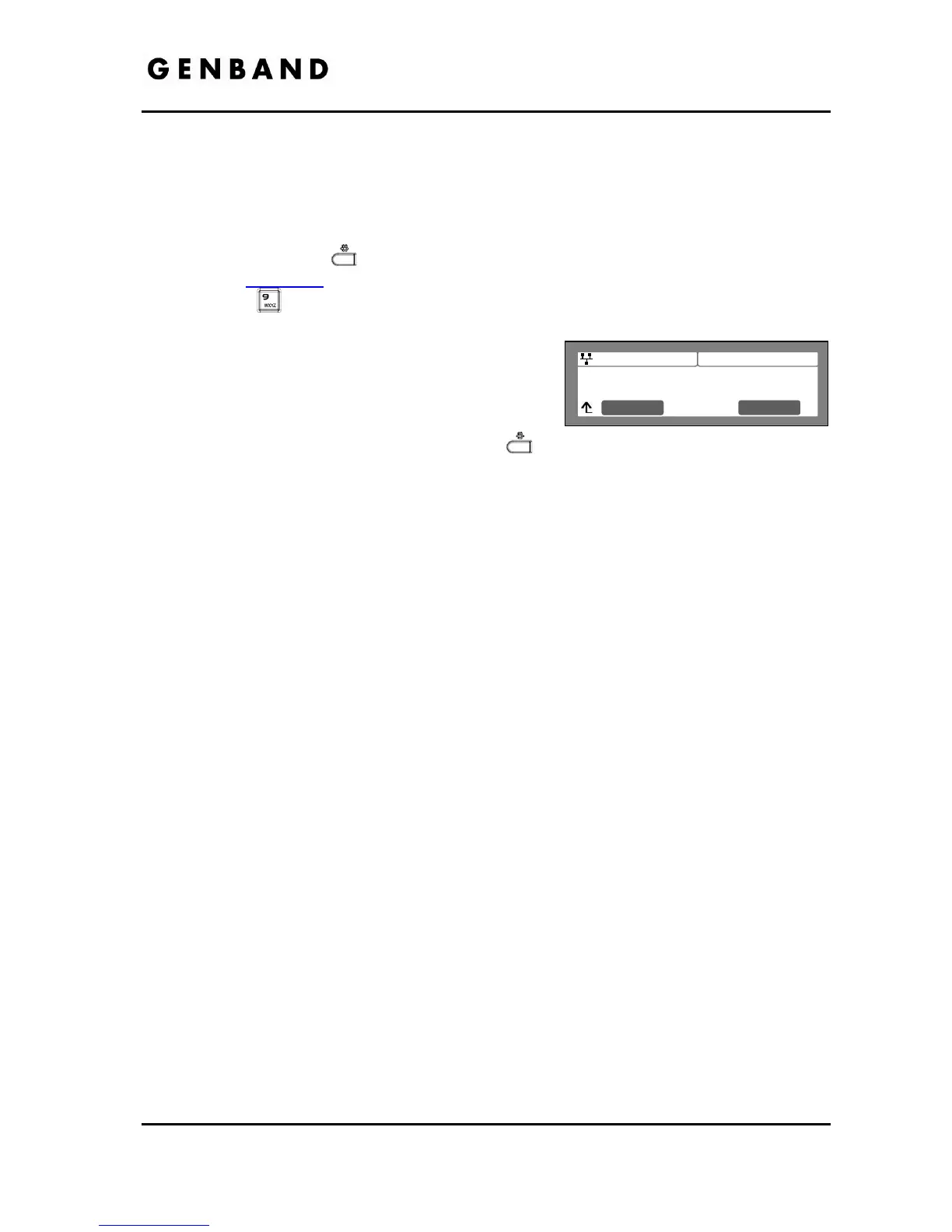
System will be rebooted
Are you sure?
Next No
Yes
- Call Server Address settings
- Software Update settings
- Default settings
To reboot the IP Phone:
Press the Settings (
) button. If the LCD Menu is locked, use the unlock procedure.
Refer to section 3.3
.
Press the
digit, or move the cursor to 9.Reboot using the [Next]-[Previous] softkeys,
and press the [OK] softkey.
Press the [Yes] softkey to reboot the IP Phone, or
press the [No] softkey to cancel this menu.
If you press [No] in the above step, move to
another parameter with the navigation buttons and
continue the session or press the Settings (
) button to exit the configuration session
without activating the changes. Any parameter changes will update during the next reboot.



 To Next Page