3-47
Chapter 3 Settings and Measurement
Contents General Description
Checks and Preparation
Settings and Measurement
Example of Use Specification
Relay Capture Function
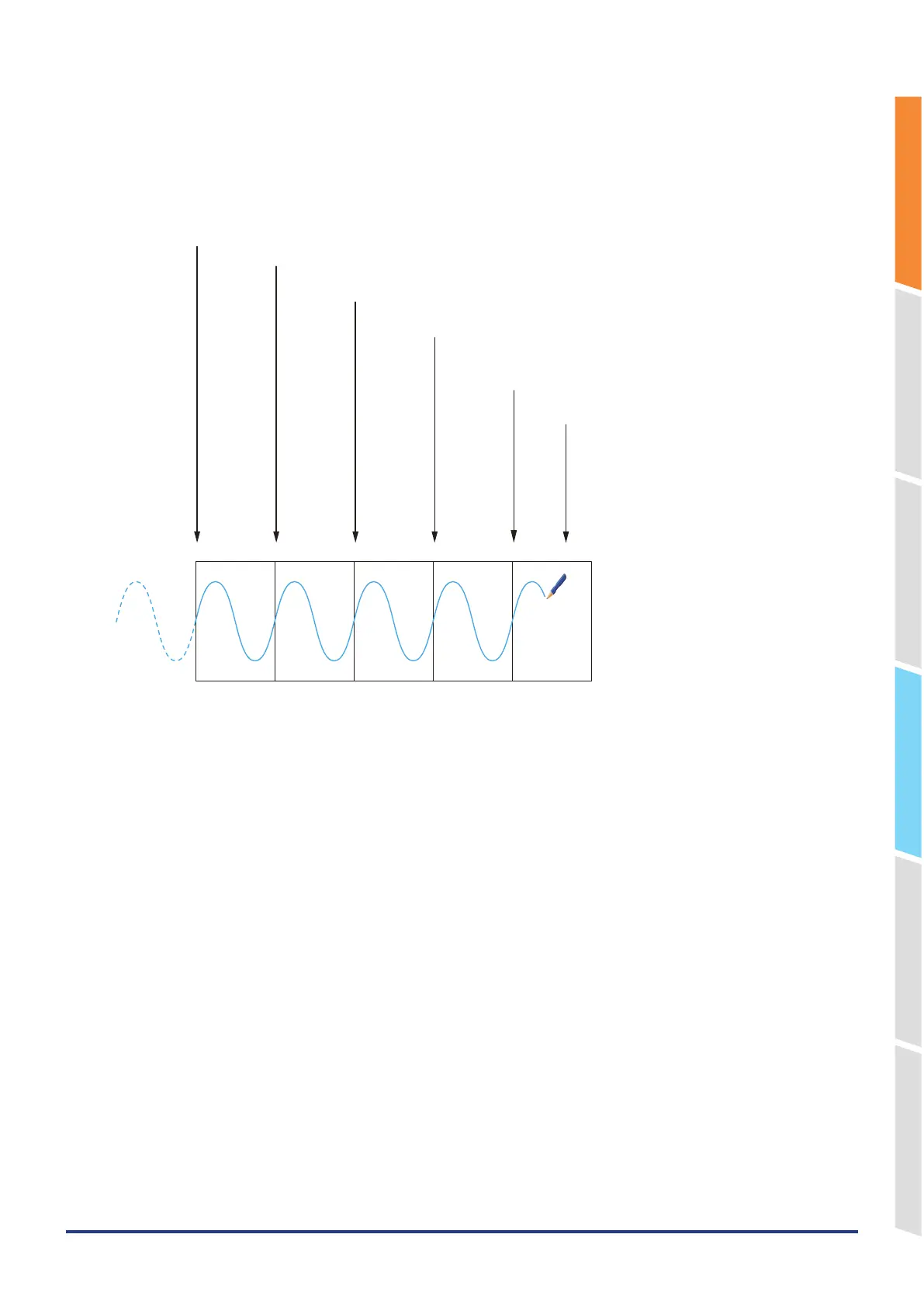
Files are separated by the set file size or capturing time unit and captured continuously without missing any data.
(The capacity for one file is 10MB to 2GB, and the capturing time is 1 hour to 24 hours.)
When the memory loop is set to Off
File1 File2 File3 File4 File5
Data is captured in File 3 when the capturing reaches the time set in "Relay mode time".
Data is captured in File 4 when the capturing reaches the time set in "Relay mode time".
Data is captured in File 5 when the capturing reaches the time set in
"Relay mode time".
Stop data capturing
(* Capturing also stops when the remaining capacity
of the capturing destination runs out.)
Start capturing data
Captured data is saved into the File 1.
Data is captured to File 2 when capturing up to the time or capacity set in "Relay mode time".
When the memory loop is set to On
When switching the relay file, if the remaining capacity of the capturing destination becomes less than the size of the 3
files set, the oldest files in the capturing folder are deleted.
In the example below, the capacity is set to capture 8 files. Therefore, when capturing to the 6th file, the 1st file is
deleted.















 To Next Page