3-92
Chapter 3 Settings and Measurement
Contents General Description
Checks and Preparation
Settings and Measurement
Example of Use Specification
* About auto span adjustment
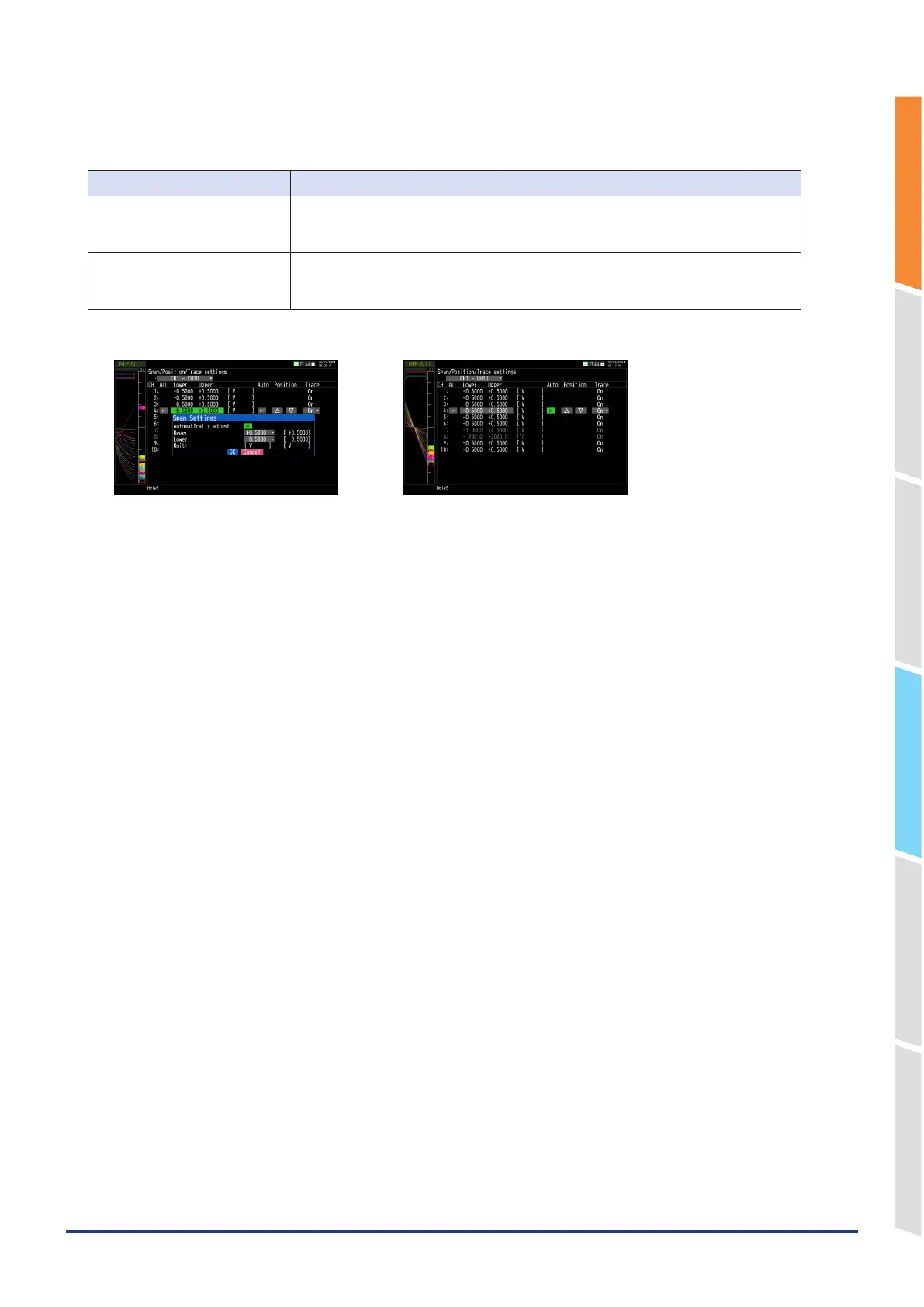
The method of reflecting the span settings other than the standard CH differs depending on whether the auto span
adjustment is executed in the span setting dialog or in the batch setting mode display.
Place to execute Settings reflected
In the span settings dialog Auto span adjustment of the standard CH is executed.
The result of auto adjustment on the standard CH becomes the span value of other CH.
The span values of the target channels will all be the same.
In batch setting mode display Auto span adjustment is executed on all CHs. (Dimmed CHs are not executed.)
The span values of the target channels will be the results of automatic adjustment for
each channel, and will not be the same span value.
<Span settings dialog> <Batch setting mode display>
3. Press the "ALL" button again to return to normal mode.















 To Next Page