3-102
Chapter 3 Settings and Measurement
Contents General Description
Checks and Preparation
Settings and Measurement
Example of Use Specification
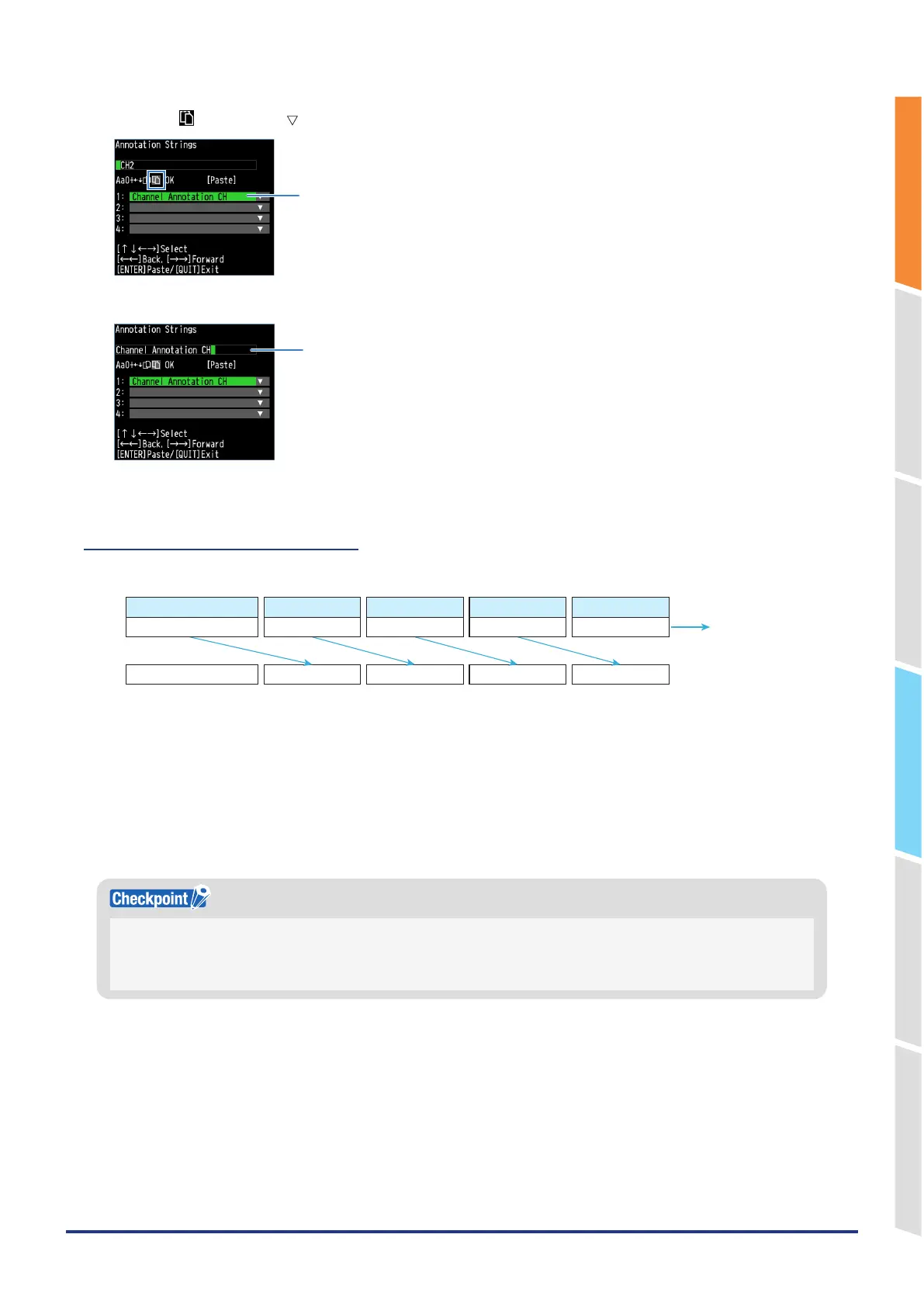
5. Select the " " and use the " " key to select the character string you want to paste from the clipboard.
Select the character string you want to paste.
6. Paste by pressing the "ENTER" key.
Paste the character string.
7. Enter the rest of the character string and select "OK" to complete the settings.
10.2 Clipboard copy operation
When copying to the clipboard, the four clipboard strings are as follows.
CLIP2 CLIP3CLIP1Copy String
Character string input field
Copy String
Clipboard 1
CLIP1
Clipboard 2
CLIP2
Clipboard 3
CLIP3
Clipboard 4
CLIP4
Copy String
1. The character string in clipboard 4 is discarded.
2. The character string in clipboard 3 is copied to clipboard 4.
3. The character string in clipboard 2 is copied to clipboard 3.
4. The character string in clipboard 1 is copied to clipboard 2.
5. The character string in the character string input field is copied to clipboard 1.
* If the number of characters in the character string input field exceeds 64 characters, the previous 64 characters
are copied.
Copying is subject to the following conditions.
•
If the character string input field is blank, it is not copied.
•
Blanks at the end of the character string input field are not copied.
•
If clipboards 1 to 4 contain the same character string as the character string input field, it is not copied.















 To Next Page