113
MIDI
TEMPORARY DUMP CONTENTS
The Patch parameters, Global parameters and
system parameters of the Temporary (= the
present setting values) are transmitted.
The contents of each Patch or that of the Leslie
Cabinet are not transmitted. Use ‘All Dump’ or a
USB Flash drive for saving them.
TO SAVE ALL
All the setting values of the SKX are transmit-
ted by ‘All Dump’, but the contents of the Extra
Voice section Voice Library are not transmitted,
because the data are enormous large.
Use the USB Flash drive to save all settings in-
cluding the Voice Library.
❿ RECEIVE DUMP
is switches reception of Memory Dump “ON” or “OFF”.
On the SKX the total onboard memory can be transmitted as
a Memory Dump, as System Exclusive messages. If you do not
want the contents of the SKX be changed by sequencer play,
set this to OFF.
When ON, transmitted. When OFF, not transmitted.
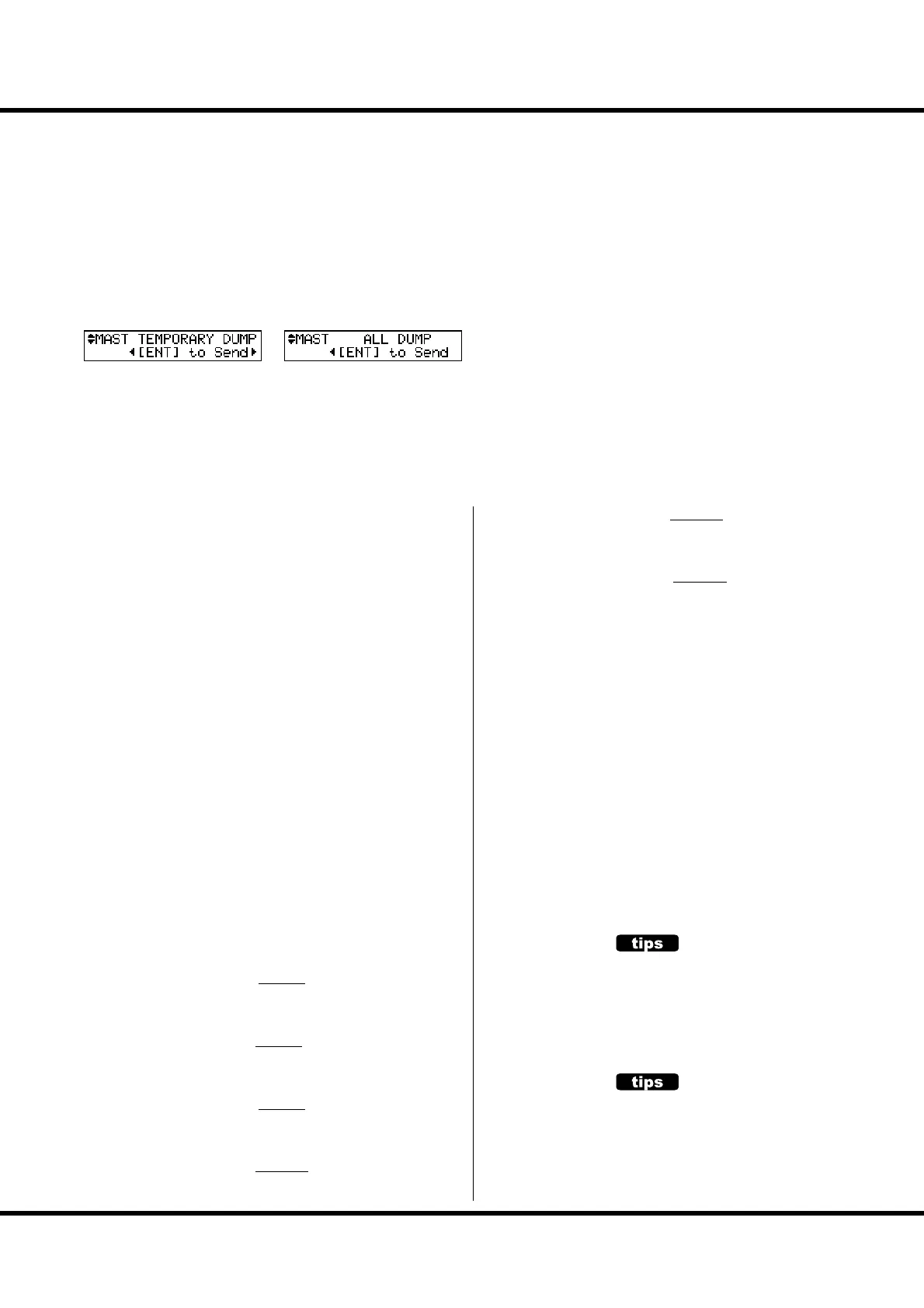
⓫ TEMPORARY DUMP
Sends the Memory Dump.
When you press the [ENTER] button in this mode, the Tem-
porary (the present settings) are sent as a whole from the MIDI
OUT jack.
If you record the Temporary by doing this before you record
your performance to an external sequencer, you can avoid the
setting mismatching when you play it back later.
⓬ ALL DUMP
Sends the Memory Dump.
If you press the [ENTER] button in this mode, all the settings
except the Voice Library contents are sent out of the MIDI
OUT jack.
KEYBOARD CHANNELS
Sets the MIDI channel to transmit at each part. e setting
range is 1 to 16 and OF. At OF there is no transmission.
⓭ TX UPPER
Sets the MIDI channel for sending the UPPER part playing
data, the control data of the SKX and that of the Leslie speaker.
⓮ TX LOWER
Sets the MIDI channel for sending the LOWER part playing
data.
⓯ TX PEDAL
Sets the MIDI channel for sending the PEDAL part playing
data.
⓰ RX UPPER
Sets the MIDI channel for receiving the UPPER part playing
data, the control data of the SKX and that of the Leslie speaker.
⓱ RX LOWER
Sets the MIDI channel for receiving the LOWER part playing
data.
⓲ RX PEDAL
Sets the MIDI channel for receiving the PEDAL part playing
data.
NOTE: To avoid confusion of MIDI signals, set each MIDI channel
including the external zones (P. 110) to di erent numbers.
NOTE: The settings in this mode are not recorded to the Patches.
They are recorded upon setting, and are common at all Patch-
es.
⓫
⓬



 To Next Page