Skx
Owner’s Manual
128
MUSIC PLAYER MODES
Locate Song List mode.
Make sure that the USB Flash drive is inserted correctly.
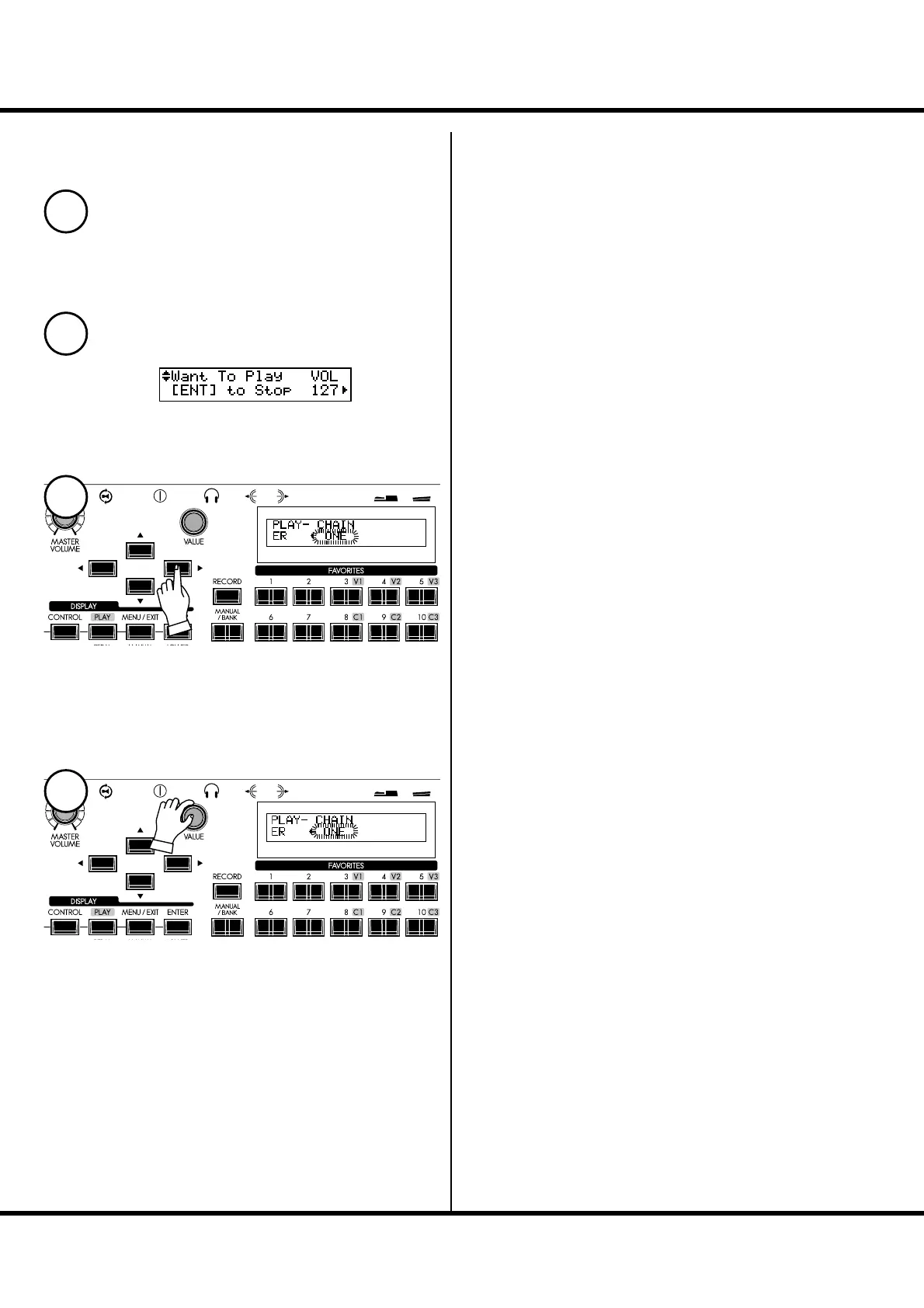
Use the [] button to select “CHAIN”.
Select the option you wish with the [VALUE] knob.
ALL: Repeats all Songs. When the currently playing Song ends, the
next Song automatically starts playing.
ONE: When the current Song ends, the playback will stop.
SHUF: When the current Song ends, a Song is selected at random from
the les on the USB Flash drive, and starts playing.
WORKING WITH THE MUSIC PLAYER - continued
1
2
3
4



 To Next Page