Skx
Owner’s Manual
50
OVERDRIVE
Overdrive simulates the e ect of pushing an ampli er beyond its normal limits to
achieve a more aggressive sound.
By changing the drive amount, various sounds are obtained from an unclipped
warmth to a hard distortion.
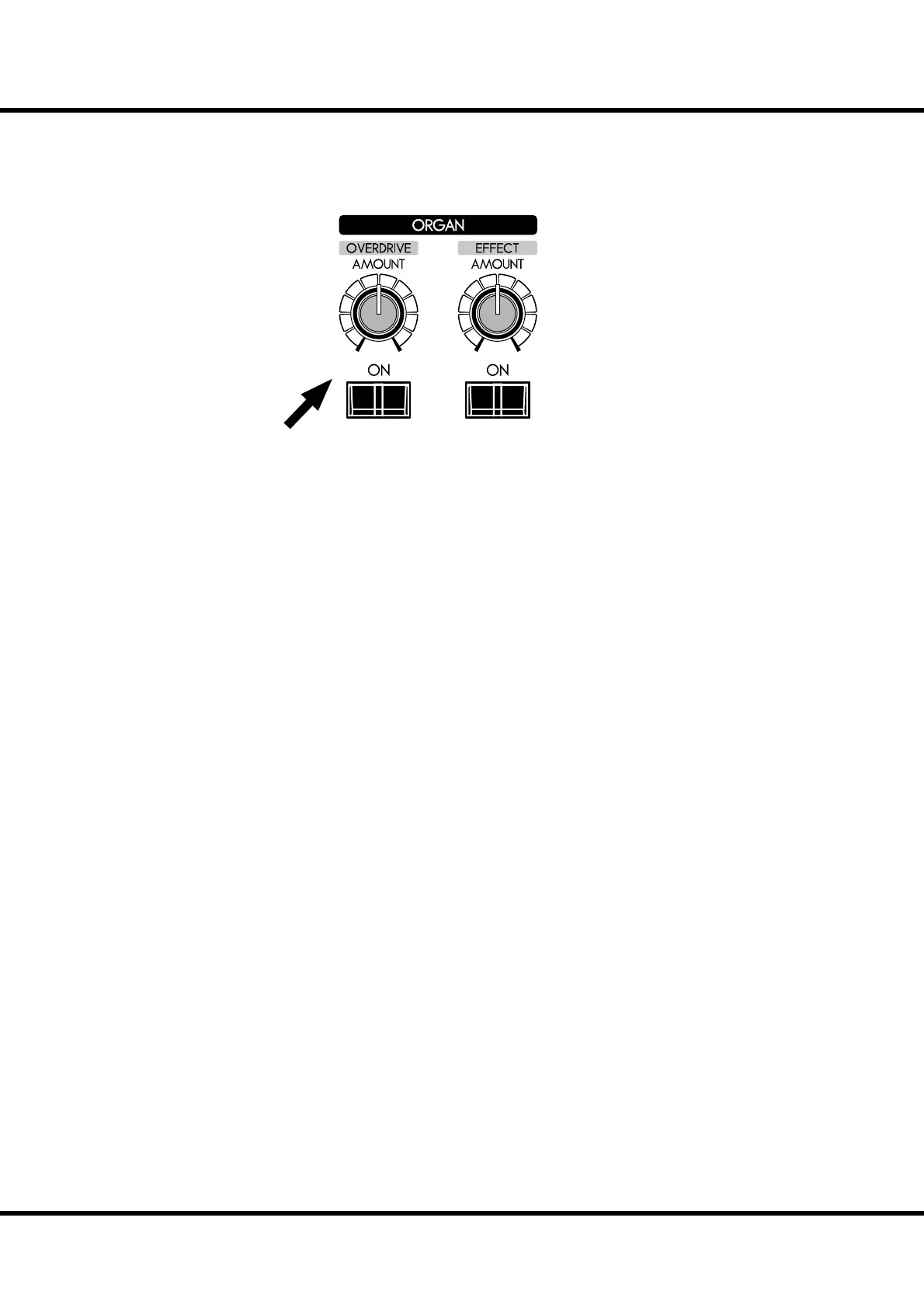
[OVERDRIVE ON] button
Turns the Overdrive e ect “ON” (LED lit) or “OFF” (LED not lit) for the Organ
section.
[OVERDRIVE AMOUNT] knob
Adjusts the amount of the Overdrive e ect.
Rotating the knob clockwise increases the depth of the e ect.
NOTE: Overdrive for Organ section is available on 5 Organ Types; BType1, BType2, Mellow,
Vx and Farf.
NOTE: You can ne-tune the Overdrive sound. (P. 90)
NOTE: The button and knob are for the Organ section. The Overdrive e ect for the Extra
Voice section is operated by the parameter in the control panel. (P. 97)



 To Next Page