57
Setting Up
MULTI-EFFECTS, REVERB
e SKX is equipped with Multi-E ects capable of adding various e ects to the Extra
Voices, and Reverb capable of adding the e ects of playing in a concert hall.
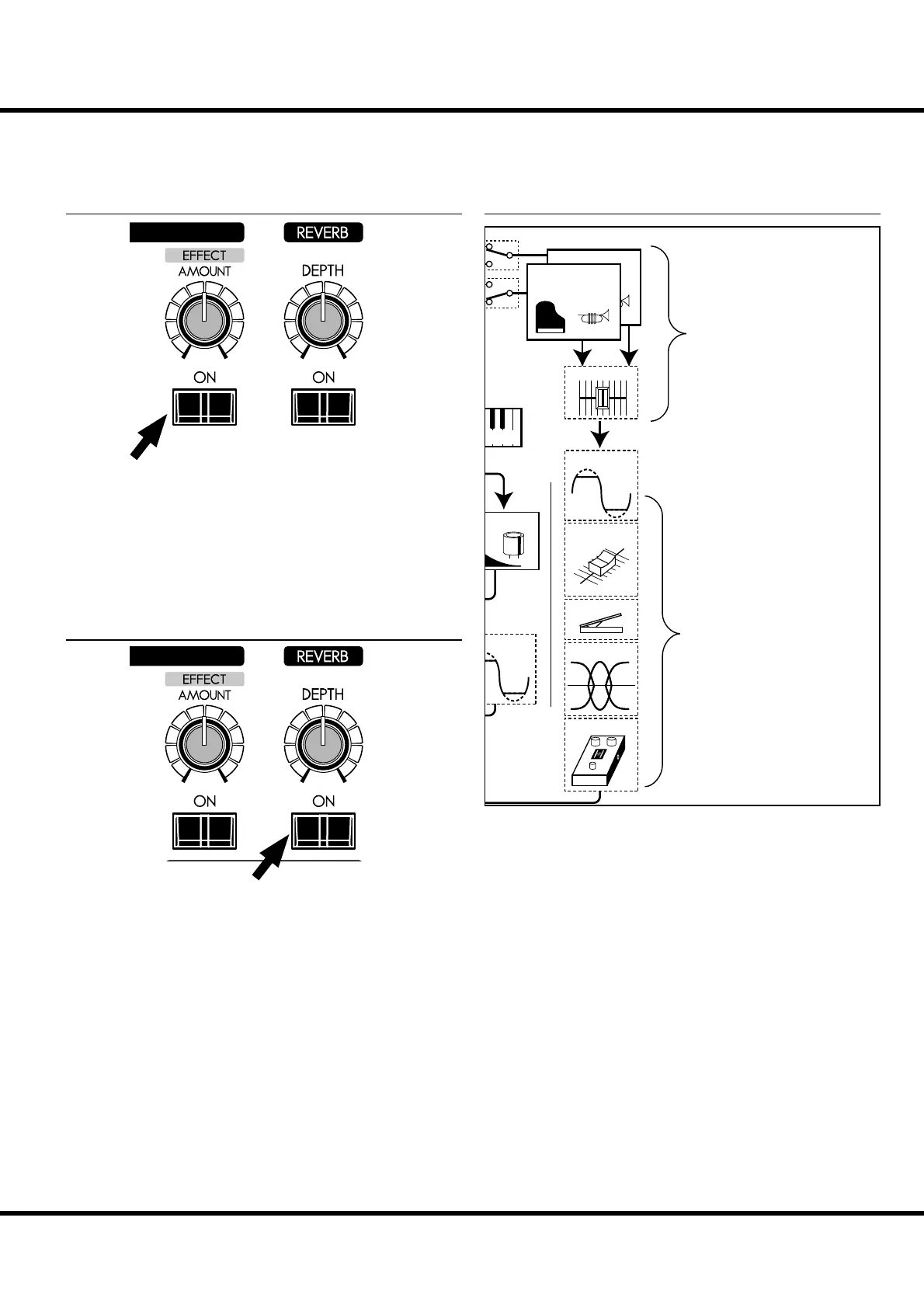
MULTI-EFFECTS
[EFFECT ON] button
To engage the Multi-E ects, press this button and the light
will go ON.
[EFFECT AMOUNT] knob
Adjusts the amount of the Multi-E ects.
NOTE: There are numerous parameters in the Multi-E ects. Detailed
settings are made with the parameters in the control panel.
(P. 97)
REVERB
Reverb is common for both the Organ and the Extra Voice
sections.
[REVERB ON] button
To engage the Reverb, press this button and the light will go
ON.
[REVERB DEPTH] knob
Adjusts the depth of the Reverb.
NOTE: You can ne-tune the time etc. of the Reverb e ect. (P. 99)
TWO EXTRA VOICES AND MULTI-EFFECTS
Equalizer
EXV Volume
EXV Balance
12
Extra Voice
Generator #2
Extra Voice
Generator #1
Overdrive
erdrive
ussion
oard
Multi Effect
Expression
llocate
ere are two Extra Voice sections as shown as above, but the
e ects following are only one section such as Overdrive, Equal-
izer, and Multi-E ects.
e e ects are automatically set when the instrument on the
Extra Voice. If the Extra Voice 1 and 2 are used simultaneously,
the e ects are set by instrument which selected at last.
These e ects are set automatically
when the instrument is selected.
They are common to both Extra
Voice sections.
There are two Extra Voice sections.
Each one can play a di erent in-
strument.



 To Next Page