Skx
Owner’s Manual
54
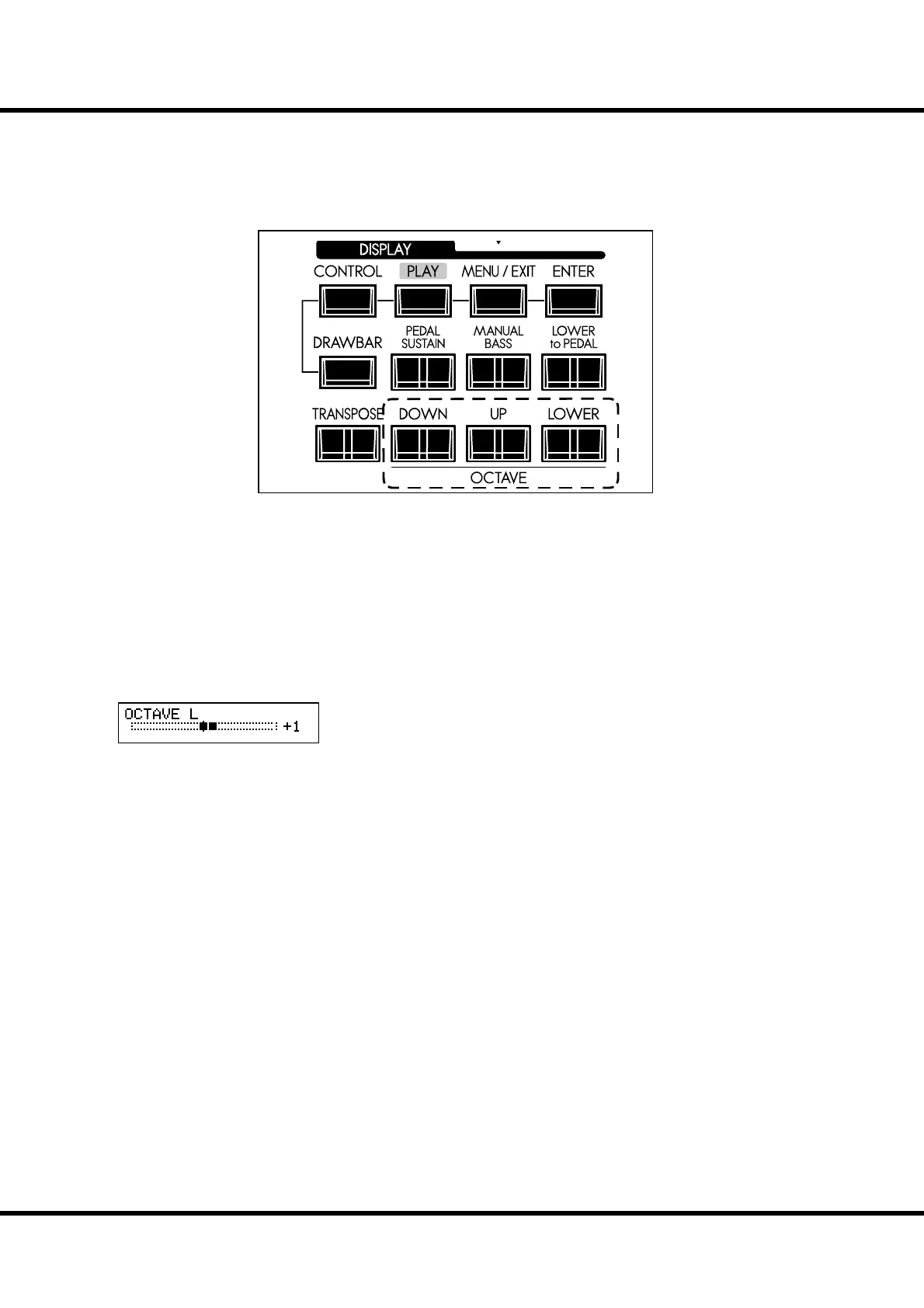
OCTAVE SHIFT
e keyboard can be shifted up or down in one-octave units to facilitate easier play.
[OCTAVE] buttons
Raises or Lowers each part by one-octave units within a range of ±2 octaves.
To raise the octave of the UPPER keyboard, press the [UP] button.
To lower the octave of the UPPER keyboard, press the [DOWN] button.
To raise the octave of the LOWER keyboard, press and hold the [LOWER] but-
ton and press the [UP] button.
To lower the octave of the LOWER keyboard, press and hold the [LOWER] but-
ton and press the [DOWN] button.
Octave of LOWER is at “+1”.
When changing octaves here, the status of the Octave is brie y shown on the display.
NOTE: OCTAVE buttons can be assigned various functions instead of the octave shift (P. 78).
NOTE: You can select whether the Octave setting changes while notes are being held or
when the next note is pressed after releasing the notes being held (P. 79).
R



 To Next Page