HT2800T_en_c.doc Page 115 of 275
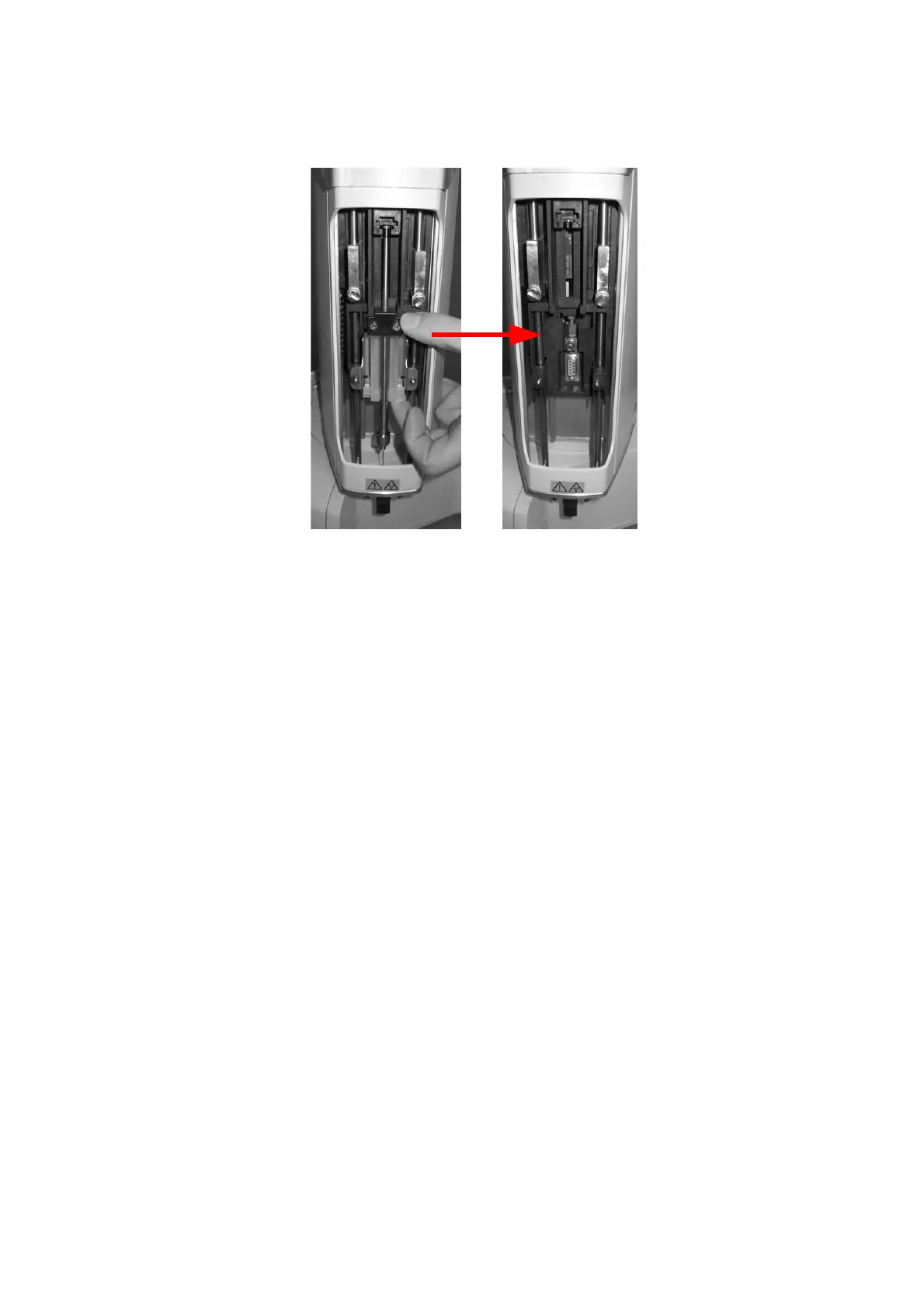
Figure 134: Fiber holder removal
Then proceed with the Fiber replacement as described in paragraph 9.1.6 “Fiber
replacement in the Fiber holder (SPME mode)” and proceed to point “f)“.
e) Fix the SPME syringe-holder (following figure - a) by placing the plunger inside its
location and aligning the holes of syringe holder to the fixing screws (as indicated
by the X symbol in following figure - b and c) and then fix with the retaining nuts.



 To Next Page