HT2800T_en_c.doc Page 224 of 275
8.18 “HTA Autosampler Manager” troubleshooting
8.18.1 Autosampler and PC do not communicate (connection
by LAN)
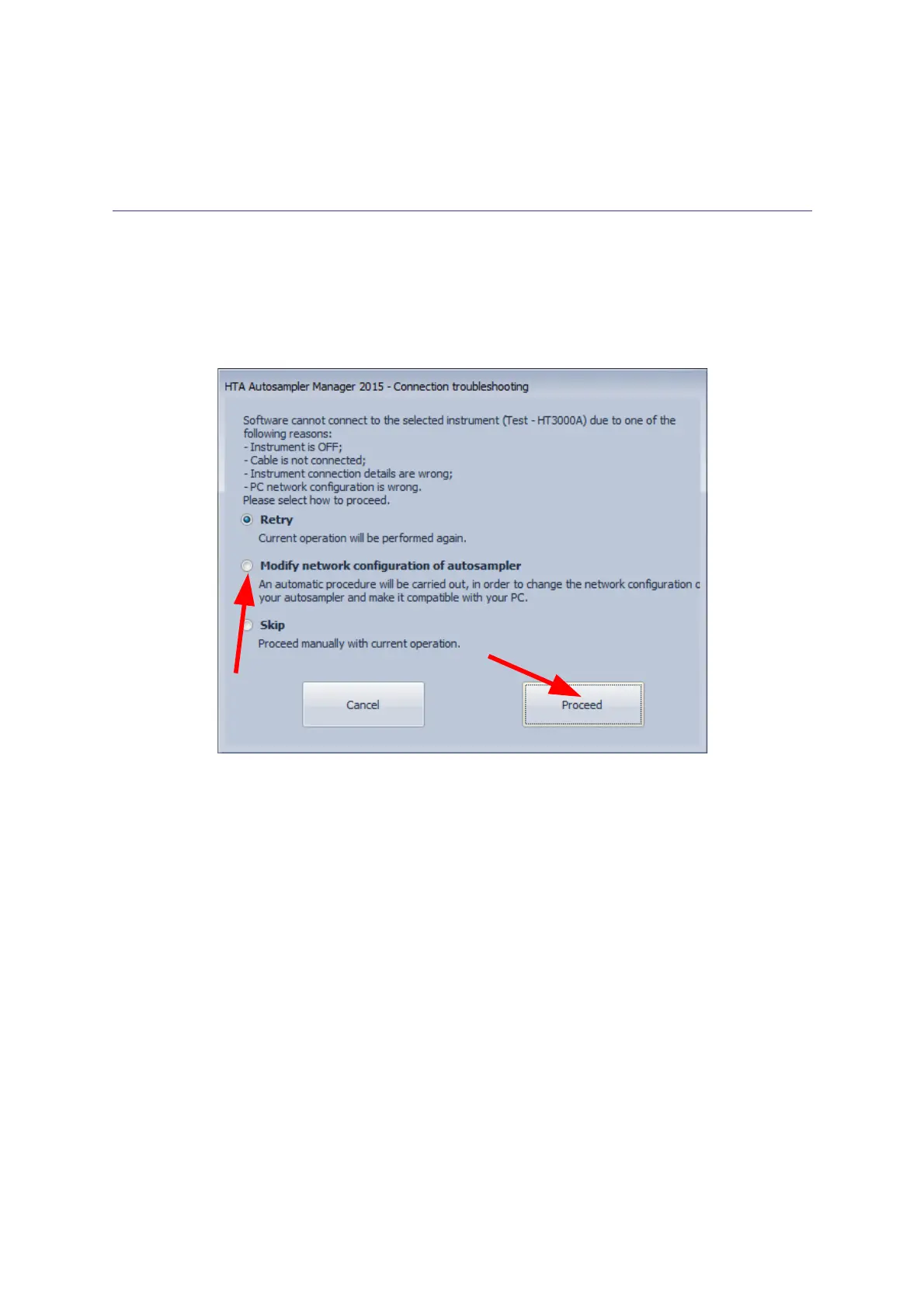
Error scrreen
Figure 186: Connection troubleshooting
Causes:
The autosampler can not communicate with the PC.
Solution:
Proceed as follow:
1) Preliminary checks:
•
Check that the autosampler is switched on, all the cables are correctly installed, and that
all instructions were carefully followed.
•
The IT/ network administrator must also verify that any software firewall installed on the
PC is: disabled or enabled but it is not blocking the “HTA Autosampler Manager”
application and the ports 20101 (TCP), 20102 (TCP) and 20201 (UDP).
•
If one of these conditions were missed, fix it and simply click on “Retry”, otherwise go
ahead with step 2).



 To Next Page