HT2800T_en_c.doc Page 111 of 275
4.2.3.2 Syringe removal
To remove the syringe follow the instructions given in paragraph 4 . 2 . 3 ” Syringe installation/
replacement (liquid mode)” excluding point e).
4.2.3.3 Priming of a new syringe
This operating procedure is always advisable before using a new syringe with low capacity (like
a 5 or 0.5ul) or a new syringe with PTFE tip plunger. To prime the syringe perform 15 syringe wash
cycle.
4.2.4 SPME Fiber holder installation/ replacement
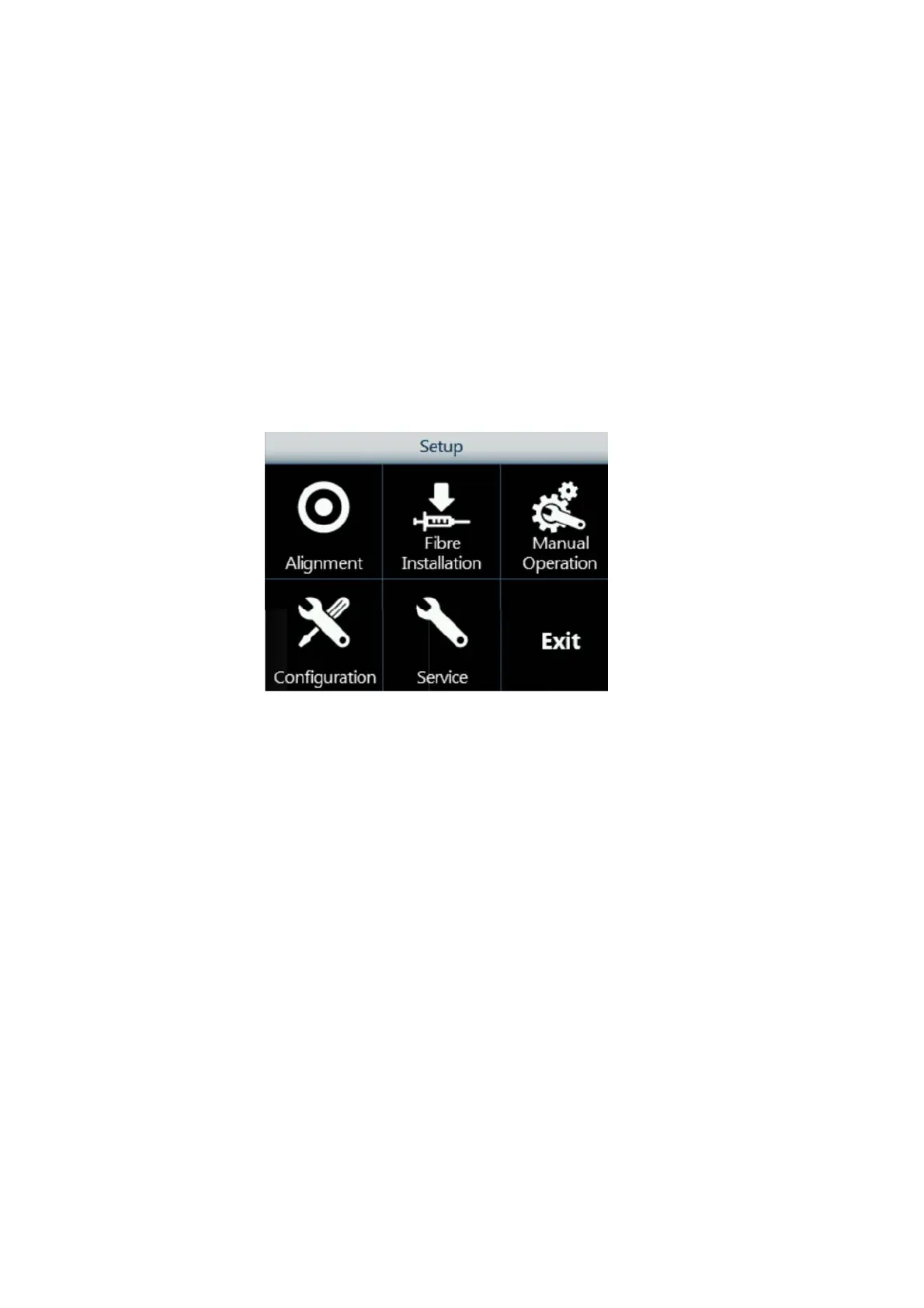
Access sequence: RUN>SETTINGS>SETUP>FiberINSTALLATION
Figure 128: Fiber Holder installation screen
1. Tap “Fiber installation” to start the procedure.
2. The following screen appears while the autosampler automatically moves the Fiber
holder to an accessible position.



 To Next Page