HT2800T_en_c.doc Page 92 of 275
4.2.2 Setup: Syringe warmer assembly installation/
replacement (Headspace mode)
The syringe is installed inside the syringe warmer assembly provided with unit.
Access sequence: RUN>SETTINGS>SETUP>SYRINGE INSTALLATION
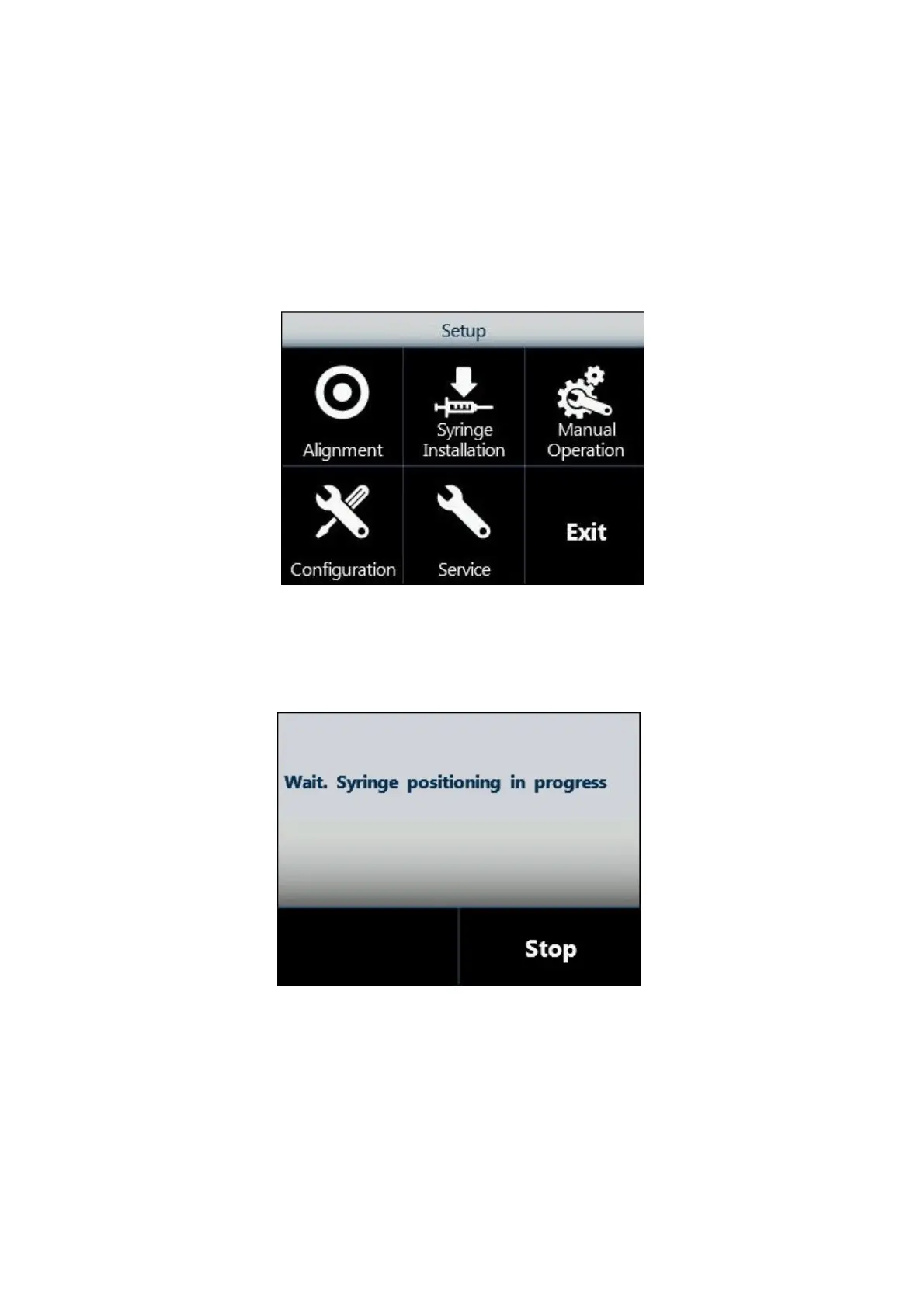
1. From the Setup menu, tap “Syringe installation” to start the procedure:
Figure 96: Syringe installation screen
2. The following screen appears, while the autosampler automatically moves the syringe
location to an accessible position.
Figure 97: Syringe positioning screen
3. When the autosampler is ready, the following screen appears:



 To Next Page