HT2800T_en_c.doc Page 201 of 275
rack and in position C of the oven and the wash vial into its the dedicated position on the
back of the autosampler (see paragraph 2.1.1 “HT2800T/HT2850T Overview”), then
press “CONTINUE”.
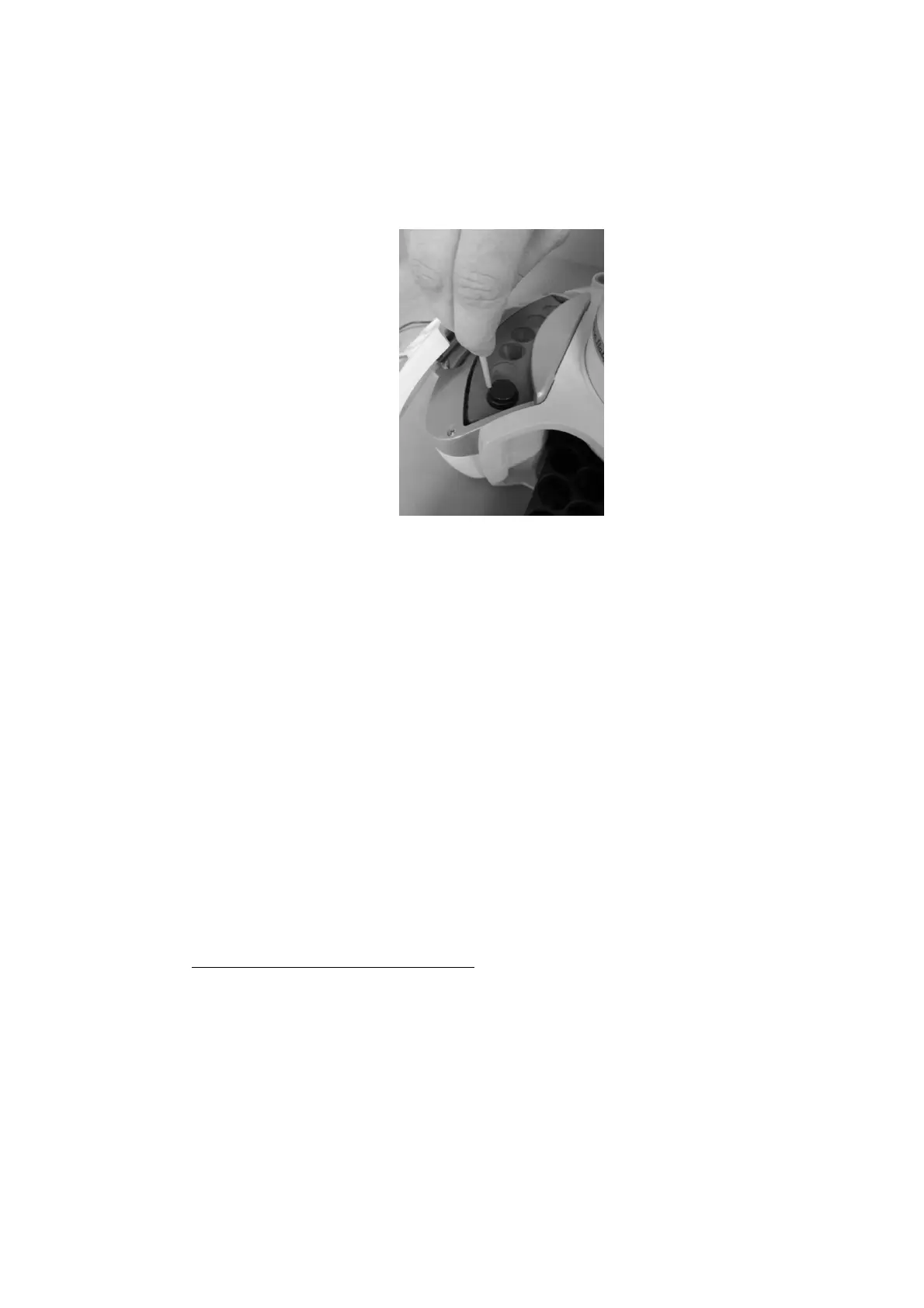
Figure 178: Spacer removal
15) If during the final Zero procedure the alignment on injector is not correct please modify it
(see paragraphs 4.2.1.2 “Alignment: Front Injector” and 4.2.1.3 “Alignment: Rear
Injector “).
16) “Remove vial from oven” screen: remove the 20ml vial from C position of the oven.
7.10.5 Change from Headspace to SPME mode
Follow this procedure to move from Headspace to SPME mode Access
sequence: RUN>CHANGE MODE>SPME
The screen “You are moving to SPME mode” confirms the start of the changing procedure. Tap
“CONTINUE” to start the switching operation or “ABORT” to return to the “CHANGE MODE”
screen.
Open the syringe location by pushing up the sliding lid and follow the wizard:
1) “Remove and install new Fiber holder” screen:
a) Remove the syringe warmer assembly: remove the plunger locker by pulling it out
using the syringe pointer (figure below - a and b); remove the retaining nuts as shown
in the figure below (figure below - c and finally remove the syringe warmer assembly
with care, as shown in the figure below (figure below - d and e).



 To Next Page